
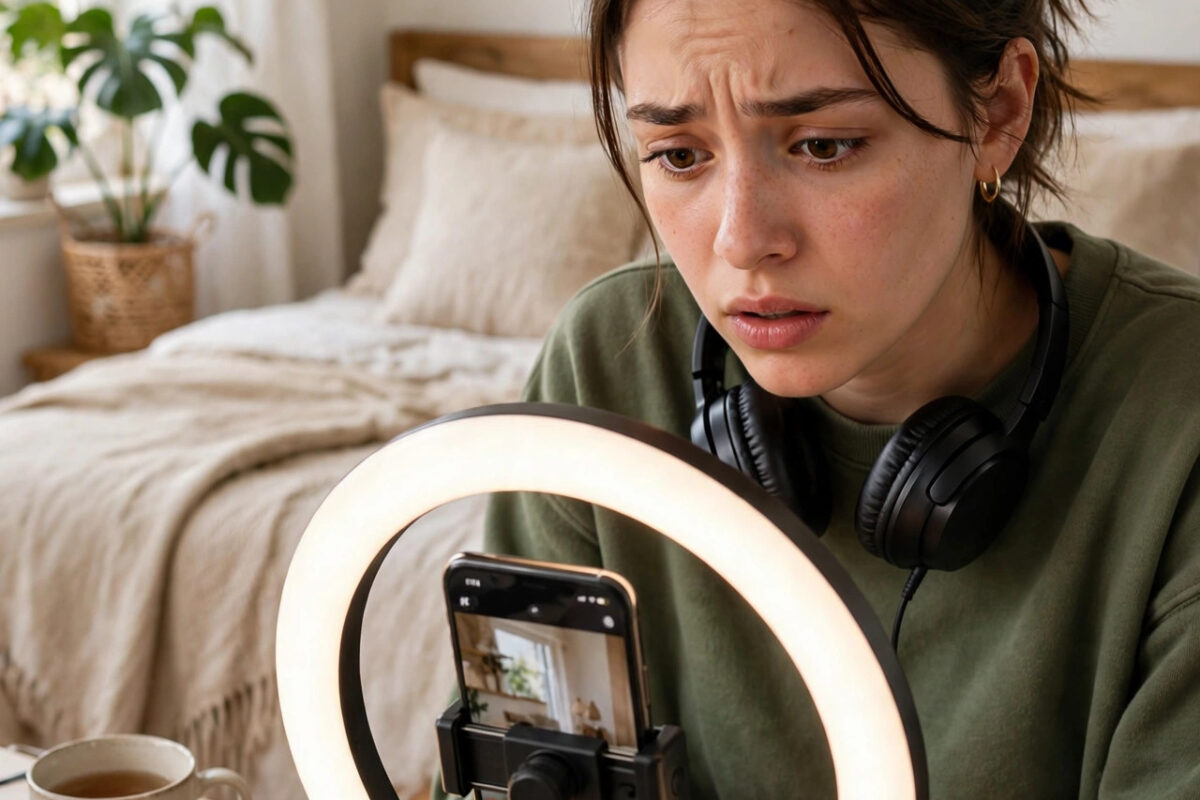
You spend an hour filming and editing a reel. The trending song fits perfectly. You post it, share it with friends, and an hour later the video is silent. Instagram or YouTube has removed the audio and left a notice about copyright.
This happens to millions of creators, including people who picked the song from inside the app itself. The rules feel unfair, but they follow a logic. Once you understand why audio gets removed and which sounds are safe, you can protect your future posts and sometimes restore sound on the current one.
Quick Answer
Audio is usually removed because the music owner did not license that song for your account type, region, or use in a short video. Replace the sound with a track from the app’s built-in library, an original sound, or properly licensed music, and repost the video. For business accounts, use the commercial music library provided inside the app.
Why Reels and Shorts Lose Their Audio
Music in short videos is not free just because the clip is fifteen seconds long. Every song has owners: the songwriter, the performer, and often a record label. Platforms sign licensing deals with many of these owners, but the deals have limits.
The Main Reasons for Removal
- The song is licensed for personal accounts but not for business or creator monetization use.
- The license does not cover your country, so viewers elsewhere can hear it but you cannot.
- The rights owner changed their mind and withdrew the track from the platform library.
- You uploaded the song from your own files instead of choosing it from the app library.
- The video was later used as an ad, which needs a different, commercial license.
- An automated system matched your background music, such as a radio playing behind your voice.
YouTube explains this system in the YouTube Help Center guides on copyright and Content ID claims, and Instagram applies similar rules through its music licensing partners. The key point is that a claim is about permission for that specific use, not about whether you gave credit.
First Check: Read the Notice Carefully
Before deleting anything, open the notification. It tells you who claimed the audio, which part of the video matched, and what options you have. Options differ by platform but usually include replacing the audio, muting only the claimed part, sharing revenue on YouTube in some cases, or disputing if you truly own the rights.
- Open the app notifications and find the copyright notice for the video.
- Note the song name, claimant, and the exact timestamps mentioned.
- Check whether the whole video is muted or only one section.
- Look for buttons like Replace audio, Restore, or See options.
- Save or export the original video to your phone before making changes, so you always keep a full copy with sound.
How to Fix a Reel With Removed Audio on Instagram
Option 1: Use the Replace Audio Feature When Offered
Instagram sometimes lets you swap the claimed song for an approved track without reposting. If the notice offers an audio replacement option, choose a similar track from the library, adjust the timing, and save. Your views, likes, and comments stay with the video, which makes this the best outcome when it is available.
Option 2: Delete, Edit, and Repost With Safe Music
- Download your reel from your account settings or use your saved original file.
- Remove the claimed song completely in your editing app.
- Open Instagram, start a new reel, and add music using the in-app music sticker or audio browser.
- Prefer tracks shown in the library for your account, especially if you have a business account.
- Write your caption again, post the reel, and check it after ten minutes to confirm the audio plays.
If your reach also drops after a removal, our guide on fixing Instagram Reels that stop getting views explains how account status problems can affect distribution.
How to Fix a Short With Removed Audio on YouTube
On YouTube, a copyright claim on a Short usually mutes the video or blocks it in some regions, rather than giving your channel a strike. Claims and strikes are different. A claim is the owner controlling how their music is used. A strike is a formal penalty for a serious rule break.
- Open YouTube Studio and go to the Content section.
- Find the Short and look in the Restrictions column for a copyright claim.
- Hover or tap to see details and choose See details.
- Use the available action, such as replacing the song with a track from the YouTube Audio Library, or trimming out the claimed segment.
- Save the change and wait for YouTube to process the new version.
The Audio Library inside YouTube Studio contains music that is cleared for use in videos, including many tracks that require no credit and some that require attribution in the description. Always read the license line shown for the specific track.
Safe Music Sources for Future Videos
- In-app libraries: Music you add from inside Instagram or TikTok at posting time is covered for that normal, non-ad use in most cases.
- YouTube Audio Library: Free tracks and sound effects cleared for YouTube videos, with license terms shown per track.
- Commercial libraries for business accounts: Meta offers a sound collection for business use, because popular chart songs are rarely licensed for brands.
- Licensed stock music sites: Paid services sell you a license for social video use. Keep the receipt and license file.
- Original audio: Your own voice, your own instrument recording of your own composition, or sounds you record yourself carry the least risk.
- Public domain and Creative Commons music: Works when you follow the exact terms, including giving credit when the license requires it.
Tips to Stop Audio Being Removed Again
- Add music at the final step inside the app, not in an outside editor, whenever the video depends on a popular song.
- If you run a business account, assume chart music is off limits for promotional posts and ads, even if it plays in your personal feed.
- Keep background televisions and radios off while filming talking videos.
- Save proof of any license you buy, with the track name and date, in a folder for your channel.
- Check a new track on a small test post first if a campaign depends on one song.
- Remember that giving credit, saying no copyright intended, or using only a few seconds does not create a legal right to use a song.
Common Mistakes to Avoid
- Reposting the same video unchanged: The automated system will match the same song again within minutes.
- Using a sped-up or slowed-down version to hide the song: Matching systems detect pitch and speed changes easily, and trying to evade detection can harm your account.
- Deleting the video in panic before reading options: You may lose the chance to replace audio while keeping your views and comments.
- Assuming a claim is a channel strike: Most music claims on Shorts do not endanger your channel. Read the notice to see which one you received.
- Paying random websites that promise to remove claims: Only the rights owner or the platform can lift a claim. Third parties cannot do it for a fee.
Conclusion
Removed audio on reels and Shorts is a licensing problem, not a sign that your account is broken. Read the notice, save your original file, and either replace the track through the platform’s own tools or repost with music from a safe library. Build your future videos around in-app music, the YouTube Audio Library, licensed stock tracks, or your own original sound, and this problem will almost stop happening.
Frequently Asked Questions
Why was my audio removed if I picked the song inside the app?
Licenses change and vary by account type and country. A song available last month may be withdrawn, or it may be licensed for personal accounts only. When the underlying deal changes, the platform mutes older videos that used that track.
Does giving credit to the artist stop a copyright claim?
No. Credit is polite, but it is not permission. Automated systems match the recording itself, and only a license from the rights owner or music taken from an approved library protects your video.
Will a copyright claim on a Short hurt my channel?
A normal Content ID claim usually only mutes, blocks, or monetizes that one video. It is not a copyright strike. Strikes come from formal takedown requests and are more serious, so check the notice wording in YouTube Studio.
Can I use thirty seconds of a song safely?
There is no safe number of seconds. Claims have been issued for clips of only a few seconds when the recording is recognizable. Use library or licensed music instead of relying on a time limit that does not exist in the rules.
What should a business account use for music?
Use the commercial or sound collection library provided for business accounts, licensed stock music, or original audio. Popular songs in ads and branded posts need a separate commercial license that the standard in-app library usually does not include.



Leave a Reply