
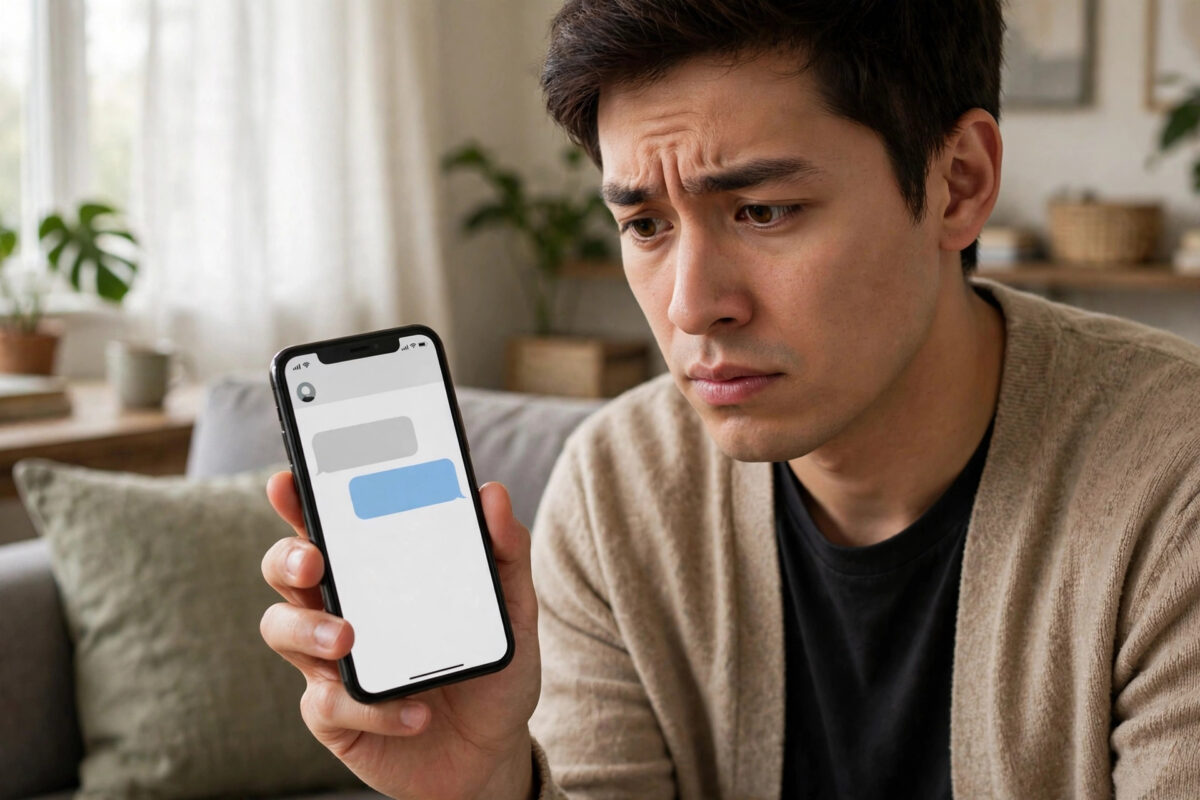
Few WhatsApp errors are more annoying than opening a chat and seeing a grey box that says “Waiting for this message. This may take a while.” The text of the message never appears, and you are left wondering what the other person sent. The good news is that this error is almost never permanent, and you do not need to uninstall or reinstall WhatsApp to fix it. In most cases the message decrypts and loads on its own once your phone and the sender’s phone complete the secure key exchange that happens behind the scenes.
In this guide you will learn why the error appears, the safest fixes to try first, and the one method that forces the message to arrive without deleting your chats.
Quick Answer
The “Waiting for this message” error means WhatsApp could not decrypt a message because the encryption key from the sender has not reached your phone yet. Wait a few minutes with WhatsApp open and connected to the internet, make sure both phones are online, and ask the sender to open WhatsApp on their phone. If the message still does not load after a few hours, update WhatsApp, check your date and time settings, and clear the app cache. The message almost always resolves without reinstalling.
Why WhatsApp Shows “Waiting for This Message”
WhatsApp uses end-to-end encryption. Every message is locked with a unique key before it leaves the sender’s phone, and only your phone holds the matching key to unlock it. When you see the waiting message notice, it means the encrypted message arrived on WhatsApp’s server or on your phone, but the key exchange needed to unlock it has not finished.
This usually happens in a few common situations:
- The sender’s phone went offline right after sending the message.
- You recently changed phones, reinstalled WhatsApp, or restored a backup.
- The sender recently changed their phone number or device.
- Your phone was offline for a long time and many messages arrived at once.
- There is a temporary mismatch in the security keys between the two devices.
Understanding this helps you avoid panic fixes. The message content is not lost in most cases. It is simply locked until the keys line up again.
Fix 1: Wait With WhatsApp Open and Connected
The simplest fix works surprisingly often. The key exchange completes automatically when both devices are online at the same time.
- Connect your phone to a stable Wi-Fi or mobile data connection.
- Open WhatsApp and leave it open for two to five minutes.
- Ask the sender to open WhatsApp on their phone at the same time.
- Check the chat again. The grey box usually turns into the real message.
If the sender is not available, simply wait. WhatsApp retries the key delivery on its own, and many users find the message appears within a few hours without any action.
Fix 2: Check Your Date and Time Settings
Encryption relies on accurate time. If your phone’s clock is wrong, key verification can fail and messages stay locked.
- Open your phone Settings and go to General management or System.
- Tap Date and time.
- Turn on Automatic date and time and Automatic time zone.
- Restart your phone, then open WhatsApp again.
Fix 3: Update WhatsApp to the Latest Version
An outdated app can struggle with newer encryption handshakes. Open the Google Play Store or Apple App Store, search for WhatsApp, and install any available update. After updating, open the affected chat and give it a minute to sync.
Fix 4: Clear the WhatsApp Cache (Android)
A corrupted cache can block the sync process. Clearing it does not delete your chats.
- Go to Settings, then Apps, then WhatsApp.
- Tap Storage.
- Tap Clear cache only. Do not tap Clear data.
- Open WhatsApp and check the message again.
On iPhone there is no cache button, so skip to the next fix instead.
Fix 5: Ask the Sender to Resend or Open the Chat
Sometimes the sender’s phone never finished the encryption handshake. Ask the sender to open your chat on their phone while connected to the internet. If the message is not important to keep in its original form, the sender can simply type or forward the content again. New messages almost always deliver normally because a fresh key exchange happens.
Fix 6: Re-Verify Your Number Without Reinstalling
If you recently switched devices, your keys may be out of sync across your account. You can refresh the connection by using WhatsApp’s linked devices screen: open WhatsApp, go to Settings, then Linked devices, and remove any old sessions you no longer use. Stale sessions sometimes hold outdated keys. After cleaning them up, restart the app and check the chat again.
If you use WhatsApp on a second phone or tablet, make sure that copy of the app is updated as well, since an old companion device can also cause sync delays. Our guide on fixing WhatsApp linked devices that keep logging out explains how to clean up old sessions safely.
Common Mistakes to Avoid
- Reinstalling immediately: Reinstalling is the last resort. If your backup is old or missing, you can lose recent chats, and the waiting message may still not decrypt because the issue sits with the key exchange.
- Clearing app data instead of cache: Clear data wipes your local chats and logs you out. Only clear the cache.
- Using modded WhatsApp versions: Unofficial apps break encryption compatibility and can make this error permanent. WhatsApp explains its encryption behaviour in the official WhatsApp Help Center notes on end-to-end encryption.
- Changing your number to fix it: Changing numbers creates new keys and makes old waiting messages even harder to recover.
When the Message Will Never Load
In rare cases the message cannot be decrypted at all. This happens when the sender deleted their account, changed devices without completing the handshake, or the original key was destroyed before delivery. In that situation no setting on your phone can unlock it. The practical solution is to ask the sender what they sent and move on. Your other chats are not affected.
Conclusion
The “Waiting for this message” error looks serious, but it is usually just a delayed encryption handshake between two phones. Waiting with both devices online, correcting your date and time, updating the app, and clearing the cache solves it in the great majority of cases, all without reinstalling WhatsApp or risking your chat history. Only treat reinstalling as a final step, and only after confirming you have a recent backup.
Frequently Asked Questions
How long should I wait for the message to load?
Most waiting messages resolve within a few minutes to a few hours once both phones are online. If a message is still locked after 24 hours with both devices active and updated, it will probably never decrypt, and you should ask the sender to resend the content.
Will reinstalling WhatsApp fix the waiting message error?
Sometimes, but it is risky and often unnecessary. Reinstalling can help if your local keys are damaged, yet the message may remain locked if the problem is on the sender’s side. Try waiting, updating, and clearing the cache first, and only reinstall after making a fresh backup.
Does the error mean I have been blocked?
No. Blocking has different signs, such as the profile photo disappearing and messages showing only one tick. The waiting message error is purely an encryption sync issue and can happen in perfectly normal chats.
Can I read the waiting message on WhatsApp Web?
Usually not. WhatsApp Web and Desktop mirror your phone’s keys, so a message that cannot decrypt on your phone normally cannot decrypt on the computer either. Fix the sync on the phone first.
Does this error affect group chats too?
Yes, it can. In groups, the same key exchange happens between your phone and each sender. The fixes are identical: keep WhatsApp open, stay online, update the app, and let the sender come online so the keys can sync.



Leave a Reply