
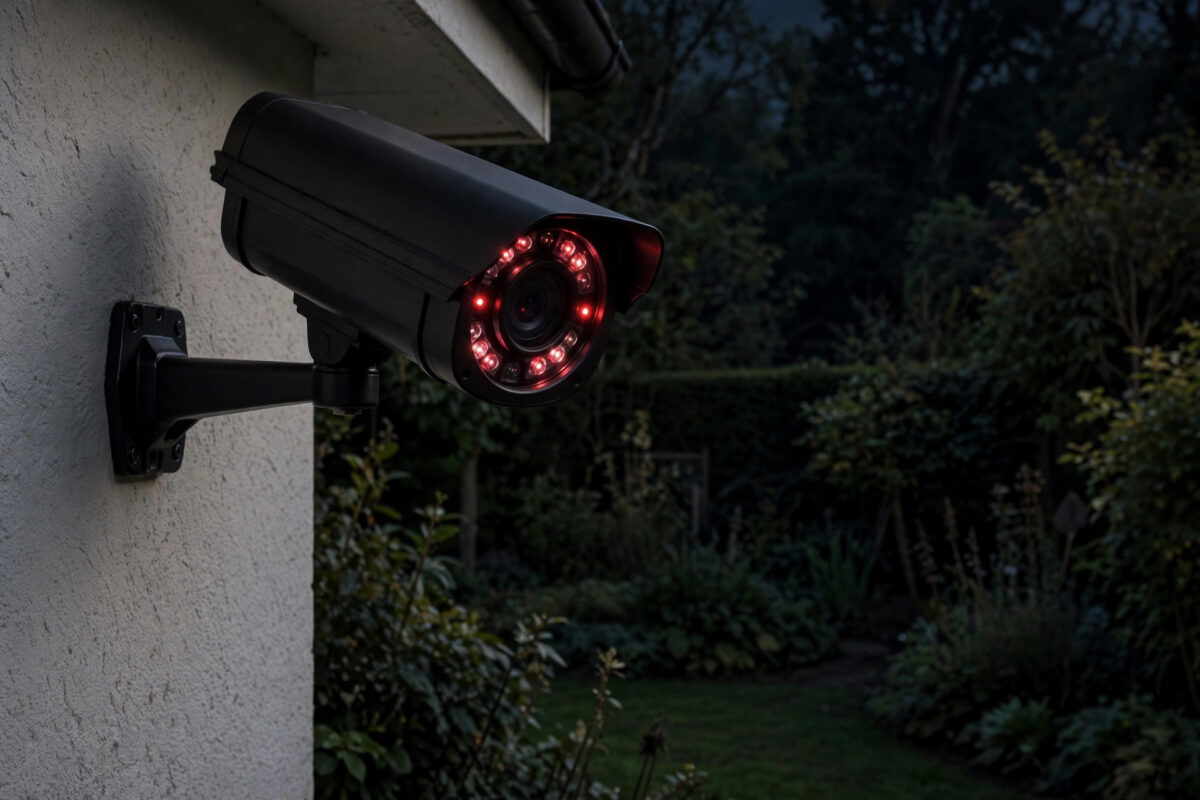
It is a very specific and irritating pattern: your CCTV camera works flawlessly all day, then drops offline in the evening, misses chunks of the night, and mysteriously returns by morning. Because it always happens after dark, the cause is tied to what changes at night — the camera’s infrared lights switch on and draw far more power, temperatures fall, and home networks get busy. This guide walks through the real causes in order of likelihood and how to fix each one for good.
Quick Answer
The most common cause is power: at night the camera’s infrared LEDs switch on and nearly double its power draw, so a marginal power supply, a long thin cable run, or a tired battery that coped all day finally gives up. After power, check Wi-Fi signal at the camera’s position (streaming households compete for it in the evening) and, for battery cameras, cold-night battery fade. Swap in a correctly rated power supply and shorten or upgrade the cable run first — that fixes most cases.
Cause 1: Infrared Night Vision Overloading the Power Supply
A typical camera draws around 3–5 watts in daylight but 8–12 watts with its IR illuminator on. Everything marginal gets exposed:
- Underrated power adapter: The camera was installed with a generic 5V 1A or 12V 1A supply because “it worked”. At night it browns out, reboots, and drops off the network — sometimes cycling every few minutes all night. Fix: fit the adapter the manufacturer specifies (check the camera’s label; many need 12V 2A), ideally the genuine one.
- Long or thin power cable runs: Voltage drops along the cable. A run that delivers 12V at noon can sag below the camera’s minimum under night-time load. Fix: shorten the run, use thicker cable, or move the supply closer to the camera (weatherproof box) — or switch to PoE, where a proper injector and a single Ethernet cable handle power and data more robustly.
- Shared supplies: One adapter feeding two cameras through a splitter copes until both switch their IR on. Give each camera its own correctly rated supply.
- PoE budget exceeded: On PoE systems, check the switch or NVR’s total PoE budget: a switch rated for 60W across 8 ports cannot give four hungry IR cameras 12W each plus everything else. The camera on the longest run fails first, at night.
A diagnostic shortcut: disable night vision/IR in the camera’s settings for one night (accepting a dark picture). If the camera stays online all night, power was your problem — confirmed without spending a penny.
Cause 2: Battery Cameras and Cold Nights
Lithium batteries lose effective capacity in the cold and deliver lower voltage. A battery camera at 30% charge on a frosty night can dip below its cutoff voltage when the IR and the radio work together, shut down, and “recover” as the morning warms it. Fixes: keep battery cameras above roughly 40% heading into winter nights, add the brand’s solar panel (it tops up daily even in weak winter sun), or switch a problem position to a wired or PoE camera. Our guide on connecting a security camera to your phone covers which camera types suit which positions, so repeat offenders can be re-planned rather than repeatedly rescued.
Cause 3: Wi-Fi That Only Struggles in the Evening
- Household peak load: Evenings are when TVs stream 4K, consoles download updates, and everyone is home. A camera on the fringe of coverage — already at a weak −75 dBm — is the first device to fall off when the airwaves get busy, and its reconnection attempts can fail until traffic dies down.
- Neighbour interference: Their networks wake up in the evening too. On 2.4GHz, overlapping channels from next door genuinely degrade a marginal link.
- Fixes: Check the camera’s signal reading in its app at night, not at noon. Aim for better than −65 dBm: move the router, add a mesh node or a wired access point nearer the camera, or run Ethernet/PoE to that position and end the fight permanently. In the router, a fixed, less-crowded 2.4GHz channel (1, 6, or 11) can also steady things.
Cause 4: Condensation and the Camera Itself
Night cooling can fog the inside of a lens or dome — that gives a blurry picture rather than a dropout — but moisture ingress in a cable joint or junction box can cause genuine night-time disconnections as temperatures change and connections contract. Inspect outdoor cable joins for corrosion and re-seal them in proper gel-filled or taped junction boxes. Also confirm the camera’s firmware is current; several brands have patched “IR switching reboot” bugs in updates, and the update process is the same one described in our guide to keeping device software updated in spirit — check the camera app’s device settings for firmware.
For PoE and voltage-drop background, the Power over Ethernet article on Wikipedia lists the standard power budgets per port, which helps you calculate whether your switch can really feed your hungriest camera at the end of its longest cable.
A One-Night Diagnostic Plan
- Night one: note the camera’s battery level (if battery) and signal strength in the app after dark; disable IR/night vision in settings.
- If it survives the night → power problem. Upgrade the supply, shorten the run, or fix the PoE budget.
- If it still drops with IR off → network problem. Check the signal value, try the camera temporarily closer to the router/AP for a night (even indoors pointing through a window, accepting the IR reflection) to prove the link theory.
- If it drops even close to the router with IR off → suspect the camera itself: factory reset, firmware update, and warranty conversation.
Common Mistakes to Avoid
- Replacing the camera first: The new camera inherits the same weak supply or fringe signal and “fails” identically — you have bought the same problem twice.
- Testing only in daylight: Every relevant variable (IR load, temperature, network load) is different after dark. Diagnose at night.
- Adding a Wi-Fi extender blindly: A cheap extender can halve throughput and add a second weak link; a mesh node or a cable run is the durable answer.
- Ignoring the power supply because “it has always worked”: Adapters age and their output sags. Daylight loads forgive; night loads do not.
Conclusion
A camera that vanishes at night is telling you something precise: the system has a marginal resource — power headroom, battery charge, or Wi-Fi signal — that daytime conditions forgive and night-time loads expose. The one-night IR-off test separates power from network in a single step. Fix that resource properly — right-sized supply, shorter or PoE cabling, or a stronger access point — and the camera will watch through the night as reliably as it does through the day.
Frequently Asked Questions
Why does the camera reconnect by itself in the morning?
As the sun rises, the IR switches off (halving power draw), temperatures warm the battery, and household network traffic drops. Any one of those lifts the marginal resource back above the camera’s minimum, so it rejoins — until the next night.
Can a firmware update really fix night dropouts?
Sometimes, yes — manufacturers have patched power management and reconnection bugs this way. It is free and quick, so do it early in your diagnosis, but if the supply is undersized no software will save it.
My camera is PoE and still drops at night. What then?
Check the switch’s total PoE budget and the per-port limit, and measure the cable run: beyond about 90–100 metres, or with poor-quality cable, voltage at the camera under IR load can sag below spec. A mid-span injector closer to the camera or a higher-budget switch usually cures it.
Would a solar panel fix a battery camera’s night dropouts?
If the cause is charge level entering the night, yes — daily top-ups keep the battery in its strong zone. If the cause is extreme cold alone, solar helps less; a wired camera is the honest fix for very cold, high-traffic positions.
The picture is fine but recordings have gaps at night. Is that the same problem?
Usually yes — the camera is rebooting or dropping its connection briefly, leaving gaps. Check the camera’s uptime or event log in the app; repeated short uptimes overnight confirm reboots, which points back to power.



Leave a Reply