
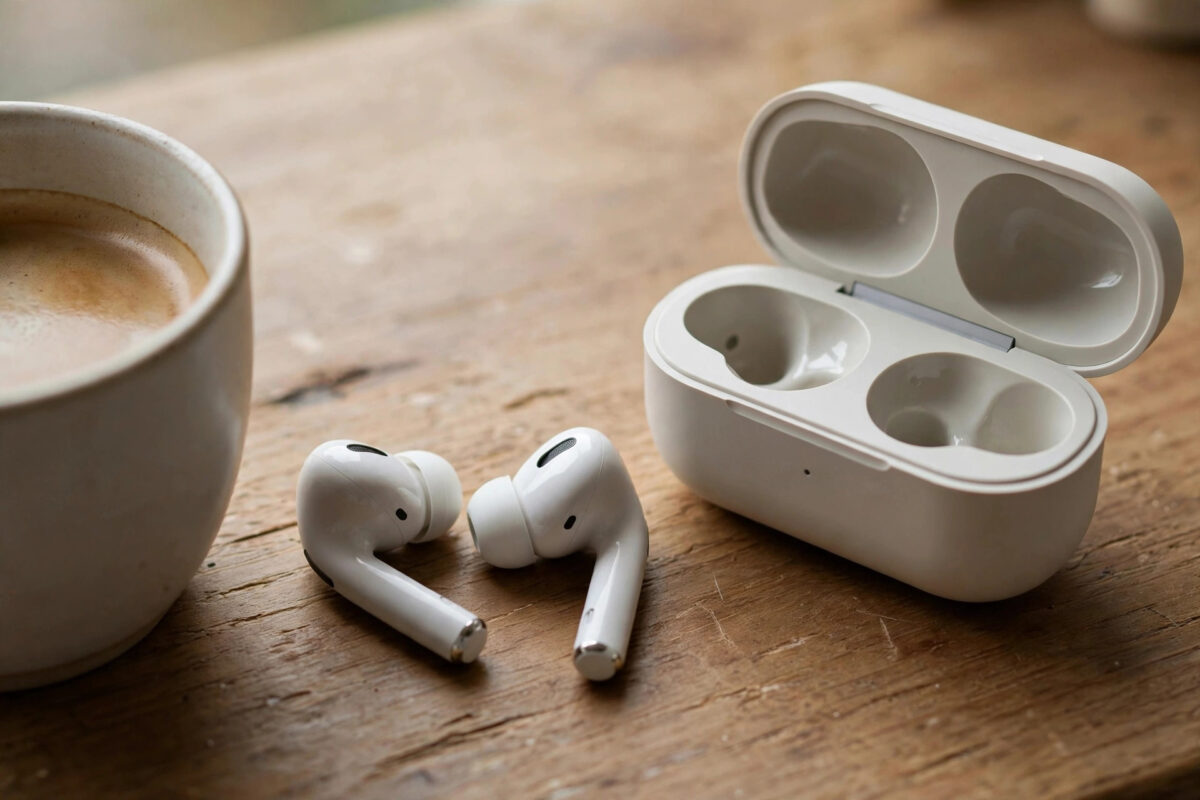
Wireless earbuds rarely die because the battery is “bad” — they die because small batteries, hungry features, and careless charging habits stack up. A pair rated for six hours that barely manages three is usually running noise cancelling at full tilt, a microphone that never sleeps, and a case that spends its life at 0% or cooked on a sunny dashboard. The good news: a handful of habits and settings changes can claw back hours of listening and years of battery health.
Quick Answer
Turn off or reduce active noise cancelling when you do not need it, disable always-on voice-assistant listening and in-ear auto-play extras, lower the volume a little (loud listening drains buds noticeably faster), keep the earbuds in their case when not in use, and keep the case itself charged between 20% and 90%. These steps together typically recover one to three hours per charge.
What Actually Drains Earbuds
Active Noise Cancelling (ANC)
ANC microphones and processors work constantly to sample and cancel sound, and it is the single biggest optional drain — often costing 20–30% of rated playtime. Every brand buries the control in its app (Sony Sound Connect, Samsung Galaxy Wearable, Apple Settings for AirPods, Bose Music, Jabra Sound+). Use full ANC on planes and trains; switch to a lighter mode, transparency-off “normal” mode, or ANC off in quiet rooms. Adaptive ANC, where offered, is a good middle ground.
Volume
Drivers work exponentially harder as volume climbs. Listening at 60–70% instead of 90–100% is kinder to your ears and can add an hour or more to a charge. If you need maximum volume just to hear, the fit is wrong — try different ear-tip sizes until the seal is good, and the same loudness will need far less power.
Codecs and Features
- High-resolution codecs (LDAC, aptX Lossless at their highest rates) use more power than standard AAC/SBC. If your buds and app let you choose, pick the balanced/standard quality option for everyday listening.
- Spatial audio with head tracking runs gyroscopes constantly. Fun for films; wasteful for podcasts.
- Always-on voice assistant listening keeps a microphone hot for “Hey” commands. Trigger the assistant with a tap instead.
- In-ear detection and wear sensors are convenient and cheap to run, but faulty sensors that keep the buds “awake” in the case are a real drain — keep the case contacts clean (see below).
- Multipoint connections to two devices keep two radios busy. Disconnect the device you are not using.
The same radio economics apply across gadgets — our explainer on Bluetooth 5.0 vs 5.3 covers why newer Bluetooth versions sip power more efficiently, which is worth knowing before your next upgrade.
Charging Habits That Protect the Battery
- Use the case as home base: Earbuds left loose in pockets and bags stay powered, searching, and getting damaged. In the case, they charge and sleep properly.
- Keep the case between roughly 20% and 90%: Lithium cells age fastest when stored empty or held at 100% in heat. A weekly partial top-up beats rare full drains.
- Do not fast-charge from high-power bricks constantly: Most cases are designed for a standard 5W–10W USB supply. Occasional fast charging is fine; living on a 65W laptop brick in a warm room ages cells faster.
- Clean the charging contacts monthly: A dry cotton bud on the buds’ metal pins and the case’s pogo pins fixes most “one bud did not charge” incidents and prevents buds sitting awake uncharged.
- Store them cool: A case left on a car dashboard in summer can lose noticeable capacity in a single season. Room temperature, out of direct sun, is the rule — the same advice given for all lithium devices, as Wikipedia’s lithium-ion battery article details in its ageing section.
When One Bud Dies Faster Than the Other
This is common and usually not a fault: one bud is the “primary” that relays the connection (often the right), and the bud you use for calls carries the microphone load. Habits that even things out:
- Alternate which bud you take out first, and if you listen with a single bud for calls and podcasts, alternate ears across the day.
- Update the firmware in the brand app — several manufacturers have specifically patched uneven drain.
- Reset the buds (the app or case button sequence from the manual) and re-pair if the imbalance suddenly worsens; a stuck Bluetooth link can keep one bud working overtime. If the pair also connects to your TV for evening viewing, our guide on connecting earbuds to a smart TV shows how to disconnect cleanly afterwards so they do not stay linked overnight.
Squeezing Hours on a Long Day
- Charge in bursts: Ten minutes in the case typically returns an hour or more of playback. Top up during a coffee break rather than running to zero.
- Use one bud at a time for calls and podcasts, swapping when it runs low — effectively doubling your day.
- Download, do not stream, on flights: Streaming over a struggling connection makes the phone and buds work harder; downloaded music plus full ANC is the long-haul combination.
- Turn off the equaliser presets with heavy bass boosts, which push the drivers harder on every track.
If Battery Life Has Already Faded
Settings and habits protect a healthy battery, but a pair that is two or three years old may already have lost real capacity. Before replacing them, run this rescue sequence once: update the firmware in the brand app, fully charge buds and case, factory-reset the earbuds and re-pair them, and clean every charging contact. Resets fix more “dead” earbuds than people expect, because a corrupted Bluetooth state can keep a bud awake for days. If a full charge still delivers under half the rated time after all that, the cells have genuinely aged — and at that point a power bank for the case will stretch a travel day, but the honest fix is a new pair, chosen this time with the habits above in mind. A small pocket power bank in your bag is worth carrying in the meantime: five minutes of case charging from it buys back the end of most journeys.
Common Mistakes to Avoid
- Storing the case dead for months: A lithium cell left at 0% can drop below the voltage where the case will revive it. Charge to about half before storing.
- Charging with a damaged or dirty cable/connector: Intermittent charging looks exactly like a dying battery.
- Assuming both buds should show identical percentages: A 5–10% difference is normal behaviour, not a defect.
- Buying replacement buds before cleaning contacts and updating firmware: Half of “dead bud” cases are neither dead nor faulty.
Conclusion
Earbud battery life is mostly a settings and habits story: tame the ANC, mind the volume, keep buds homed in a sensibly charged case, and clean the contacts now and then. Do that and the pair you own will get close to its rated hours again — and stay that way for years rather than fading after one.
Frequently Asked Questions
How long should wireless earbuds last per charge?
Most current models deliver 5–8 hours of playback with ANC on, and 8–12 hours with it off, plus two to four full recharges from the case. Budget models sit at the lower end; these figures drop gradually as the cells age over two to three years.
Is it bad to leave earbuds in the case all the time?
No — the case is designed as their home and stops charging when they are full. The only caution is storing the whole thing completely flat or in high heat for long periods.
Why does my left earbud run out before the right?
One bud usually handles the main Bluetooth relay and, if you favour it for calls, the microphone too. Alternate which bud you use solo, update firmware, and reset the pair if the gap suddenly grows beyond about 15%.
Can I replace the battery in my earbuds?
Practically, no — earbuds are sealed units and manufacturers treat battery wear as end-of-life for the product. That is exactly why the charging habits above matter: they decide whether the buds last two years or four.
Does turning off noise cancelling really help that much?
Yes. ANC is typically the largest optional power draw, and switching it off or to a lighter adaptive mode commonly adds one to two hours per charge on mainstream models.


Leave a Reply