
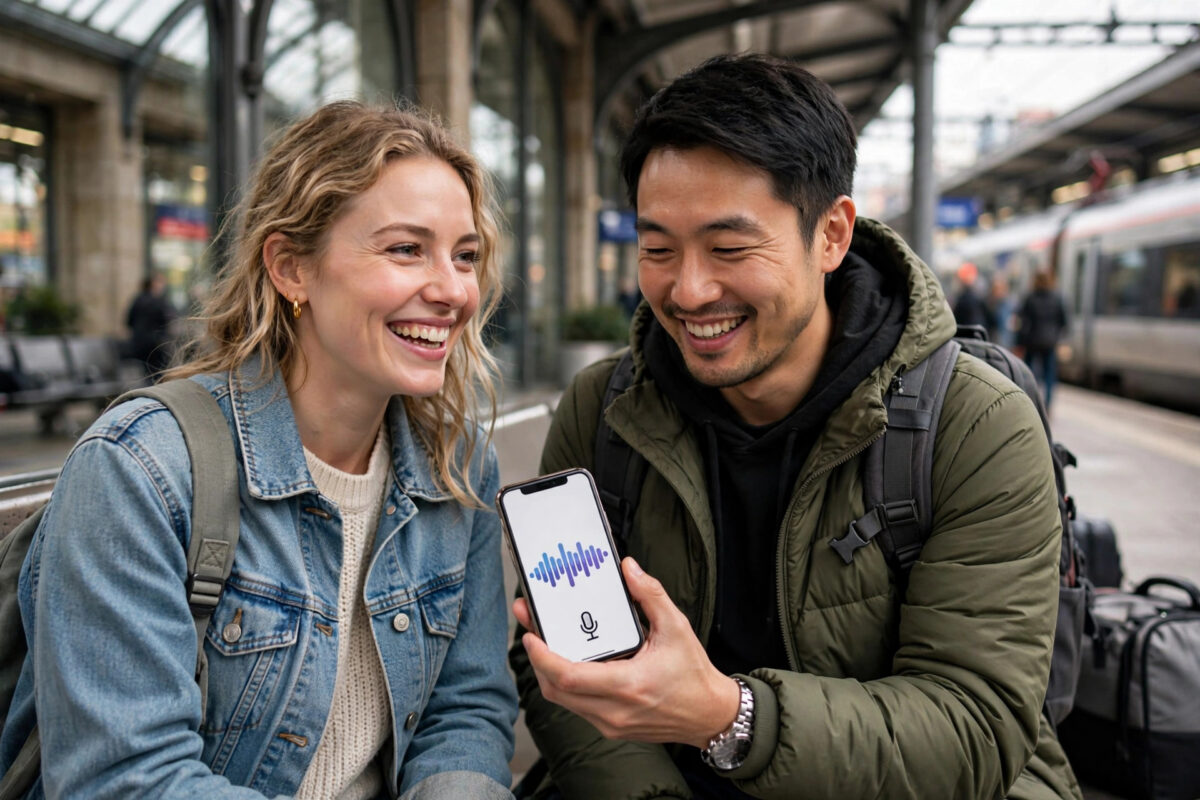
Standing in a train station abroad, trying to read a sign, order food, or ask for directions used to mean flipping through a phrasebook and hoping for the best. Today, your phone can listen to a conversation in one language and speak it back in another, almost instantly. Real-time AI translation has moved from a novelty to a daily tool for travellers, students, remote workers, and businesses.
The technology is not perfect, and it works better for some languages and situations than others. But when you know which app to use, how to set it up before you need it, and how to speak so the AI understands you, the results are surprisingly good. It can handle a hotel check-in, a business call, a doctor’s appointment, or a friendly chat with someone who shares no language with you.
This guide explains how real-time AI translation works, the main types of apps available, and a clear step-by-step process for having a live translated conversation. You will also learn how to translate text, signs, and menus with your camera, and the common mistakes that cause most translation errors.
Quick Answer
You can translate languages in real time by using an AI translation app with conversation mode. Open the app, select both languages, tap the microphone, and speak clearly — the app transcribes, translates, and speaks the translation aloud. Download language packs for offline use before you travel.
How Real-Time AI Translation Actually Works
When you speak into a translation app, three things happen in quick succession. First, speech recognition turns your voice into text. Second, a neural translation model converts that text into the target language, using context rather than translating word by word. Third, text-to-speech reads the translation aloud in a natural-sounding voice.
Modern AI models are much better than older tools because they consider the whole sentence. They handle common idioms, adjust for formal or informal tone in some languages, and improve as they process more examples. The trade-off is speed versus accuracy: live conversation mode prioritises speed, so it may simplify complex sentences. For legal, medical, or official documents, always use a qualified human translator for the final version.
You will find helpful background in the official Google Translate service and its features, which remains one of the most widely used starting points, and many phone makers now build similar AI translation directly into their devices.
Types of AI Translation Apps and When to Use Each
Conversation Apps for Live Talking
These are designed for two people facing each other or on a call. The screen splits, each person taps their language button, and the app alternates. This is the best choice for travel, customer service, and in-person meetings. Look for apps that support your language pair in voice mode — text support alone is not enough for live conversation.
Camera Translation for Signs and Menus
Camera mode uses image recognition to read text in a photo and overlay the translation. It is ideal for menus, signs, product labels, and printed instructions. It works best with clear, printed text in good light. Handwriting and stylised fonts are less reliable.
Call and Meeting Translation
Some apps and earbuds translate during phone calls, video meetings, and presentations, sometimes showing live captions. These are useful for remote work and international teams. If you regularly join multilingual calls, explore the live caption and translation features built into your meeting platform before paying for a separate tool.
For more tools that help with everyday language and productivity tasks, browse Network Ustad’s AI and technology tutorials for step-by-step guides written for non-technical users.
Step-by-Step: Translate a Live Conversation
- Choose and install your app in advance. Install a well-reviewed translation app that supports voice conversation in your languages. Do this on Wi-Fi at home, not at the airport when you are stressed and short on data.
- Download offline language packs. Open the app settings and download both languages for offline use. Offline packs are slightly less accurate than online mode but work without a signal — on planes, in rural areas, and in buildings with poor coverage.
- Select the correct language pair and dialect. Choose variants carefully where they matter, such as European versus Latin American Spanish, or simplified versus traditional characters for written Chinese. A wrong dialect choice can change vocabulary and pronunciation.
- Test the microphone and speakers. In a quiet place, say a few test sentences. Check that the transcription matches what you said. If it does not, move closer to the phone, reduce background noise, or plug in earphones with a microphone.
- Start conversation mode and agree on turns. Show the other person how it works: one person speaks, pauses, and lets the app play the translation. Taking turns clearly is the single biggest factor in accurate live translation.
- Speak in short, clear sentences. Say one idea at a time, in plain language. Instead of a long sentence with three requests, split it into three short sentences. Avoid slang, sarcasm, and idioms that translate literally and confuse.
- Check the written transcript as you go. Glance at the text before the app speaks it. If your words were misheard, tap to correct or simply repeat the sentence more slowly. Catching a wrong name, number, or date early prevents bigger misunderstandings.
- Confirm important details separately. For times, prices, addresses, and bookings, show the numbers on screen or write them down. Ask the other person to repeat key details back through the app to confirm you both agree.
- Save useful phrases. Star or save translations you will reuse — your hotel address, dietary needs, or medical information. Saved phrases are faster and more reliable than retranslating them under pressure.
Translating Text, Documents, and Images
Real-time translation is not only about speech. For text messages and emails, paste the text into the app and review the result — but re-read carefully before sending anything important, especially negatives. A missing “not” reverses meaning, and machine translation can occasionally drop it in complex sentences, so short sentences reduce that risk.
For documents, use an app or service that preserves formatting and lets you review side by side. Translate a draft with AI for speed, then have a fluent speaker check the final version if it will be signed, published, or submitted officially. For images, hold the camera steady, fill the frame with the text, and avoid glare. If the overlay looks garbled, take a photo first and translate from the still image rather than the live view.
Common Mistakes and Practical Tips
Speaking too fast or too long. Long, rushed sentences are the top cause of errors. Slow down slightly, pause between ideas, and let the app finish before you continue.
Ignoring background noise. Street traffic, music, and crowds confuse speech recognition. Step aside to a quieter spot, face the phone’s microphone, and use earphones where possible.
Trusting the first result for critical information. Medical instructions, legal terms, and money amounts deserve a second check. Use a second app to cross-check or ask a human to verify.
Forgetting privacy. Some apps send voice to the cloud for processing. Avoid speaking passwords, payment details, or confidential business information into a consumer translation app.
Not preparing for no internet. Download packs, save your address in the local language as text and as a screenshot, and keep a small list of emergency phrases on paper. Technology fails at the worst moments; a backup matters.
A final tip: learn five words yourself — hello, please, thank you, excuse me, and help. Using even a little of the local language alongside the app builds goodwill that no technology can replace.
Conclusion
Real-time AI translation will not make you fluent, and it should not replace human translators for official or high-stakes work. What it does brilliantly is remove the everyday barrier: asking questions, understanding answers, reading signs, and holding a real conversation with someone you could not otherwise talk to. Prepare in advance, download your languages, speak in short clear turns, and verify important details. With that simple routine, your phone becomes a reliable interpreter in your pocket — ready for travel, work, study, and the unexpected conversations in between.
Frequently Asked Questions
Which AI translation app is best for real-time conversation?
The best choice depends on your languages and phone. Pick an app that supports voice conversation for your specific language pair, offers offline packs, and has clear privacy settings. Test it with a fluent speaker before an important trip.
Can AI translation apps work without internet?
Yes, if you download the language packs beforehand. Offline translation is slightly less accurate and supports fewer languages, but it works on flights and in areas without mobile coverage.
How accurate is real-time AI translation?
It is very good for everyday conversation in widely spoken languages and short, clear sentences. Accuracy drops with slang, heavy accents, background noise, and technical or legal language, so verify anything critical.
Can I use AI translation for business meetings?
Yes, for general discussion and understanding. Share an agenda beforehand, speak in turns, and follow up with a written summary that both sides confirm. Use a professional interpreter for negotiations and contracts.
Is it safe to translate private conversations with these apps?
Be cautious. Many apps process audio in the cloud. Check the privacy policy, avoid sensitive personal or financial details, and prefer on-device translation modes when privacy is a priority.



Leave a Reply