
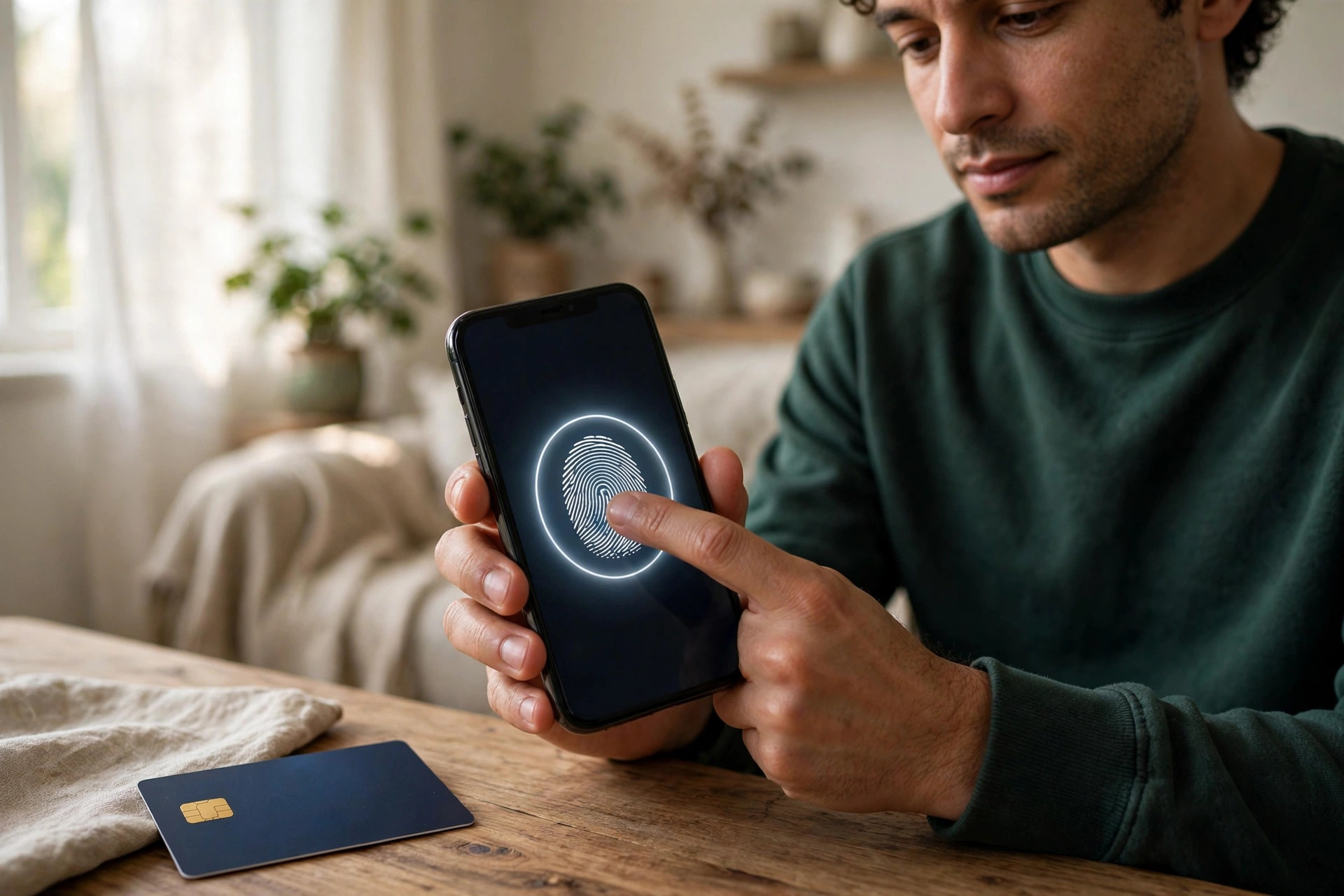
Banking on your phone is wonderfully convenient. You can check a balance in a queue, pay a bill from the sofa, and transfer money to family in seconds. That same convenience is exactly why criminals target mobile banking so heavily. Your phone holds your banking app, your email, your text messages, and often the codes used to confirm your identity — all in one small device that travels everywhere with you and connects to networks you do not control.
The good news is that mobile banking, done properly, is genuinely secure. Banks build strong protection into their apps, and most fraud succeeds not by breaking that protection but by tricking the account holder into handing over access. The twelve tips below focus on the things within your control: your device, your habits, and how you respond when something feels off.
Quick Answer
You can bank safely on your phone by using only your bank’s official app, protecting the phone with a strong lock and biometrics, turning on transaction alerts and app-based authentication, keeping everything updated, and never banking over public Wi-Fi or through links sent by text or email. If a request feels urgent or unusual, stop and contact your bank through the number on your card.
Before You Start: Set Up Your Phone Properly
Safe banking starts before you ever open the banking app. A well-secured phone makes every account on it safer.
- Set a strong screen lock. Use a PIN of at least six digits, a password, or fingerprint or face unlock — ideally biometrics backed by a strong PIN. A four-digit PIN shared with family members is not much of a barrier.
- Turn on automatic updates. Enable updates for the phone’s operating system and all apps. Many updates exist specifically to close security holes that banking malware exploits.
- Enable Find My Device. Both Android and iPhone offer tools to locate, lock, or erase a lost phone remotely. Set this up now, while the phone is in your hand, not after it disappears.
- Review app permissions. A torch or game app does not need access to your messages or accessibility features. Remove permissions that make no sense.
12 Essential Tips for Safe Mobile Banking
Tips 1–4: Protect Access to the App
- Download only the official app. Get it from the Apple App Store or Google Play, and check the developer name matches your bank exactly. Fake banking apps exist and are designed to steal logins. Google’s guidance on keeping your Google Account and device secure explains how to spot and avoid harmful apps.
- Use a unique banking password. Your banking password should not be used anywhere else. If a shopping site leaks its database, criminals will try those passwords against banks automatically.
- Turn on two-factor authentication. Prefer confirmation inside the banking app or an authenticator app over text message codes where your bank offers the choice. App-based approval is harder for criminals to intercept.
- Use biometrics for convenience, not as the only barrier. Fingerprint or face unlock is excellent for everyday use, but keep that strong PIN behind it, because the PIN is what protects you if biometrics fail or are bypassed.
Tips 5–8: Bank Safely Day to Day
- Avoid public Wi-Fi for banking. Cafe, hotel, and airport networks can be spoofed or poorly secured. Use your mobile data connection instead — for banking, it is the safer default. If you must use public Wi-Fi, wait until you are on a trusted network for anything sensitive.
- Turn on transaction alerts. Enable push notifications, texts, or emails for every transaction, or at least for payments above a small amount. Alerts are often how people spot fraud within minutes instead of weeks.
- Never bank through links in messages. Texts and emails claiming there is a problem with your account are the most common banking scam. Close the message, open your banking app directly, or call the number printed on your card.
- Log out and close the app when finished. Most apps log you out automatically, but closing the session yourself is a good habit, especially on a shared or borrowed device — and never bank on someone else’s phone at all if you can avoid it.
Tips 9–12: Stay Ahead of Scams
- Learn the golden rule: your bank will never ask for your full password or PIN. Not by phone, text, email, or in the app chat. Anyone who asks is a criminal, however convincing they sound. The Federal Trade Commission’s advice on recognising and avoiding phishing scams is a clear, practical read on this.
- Verify payment requests out of band. If a friend, family member, or supplier asks you to pay a new account, confirm by calling them on a number you already trust. Messages can be faked and accounts can be hijacked.
- Check your statements weekly. A quick two-minute review catches small test transactions that criminals make before attempting a large one.
- Keep a written record of your bank’s real fraud number. Save it from the back of your card. In a panic, people search the web and sometimes find scam support numbers instead. Having it saved removes that risk.
For broader help tightening up the accounts that surround your banking — email, cloud storage, and password managers — browse NetworkUstad’s step-by-step online safety guides, since a compromised email account is often the first step towards compromised banking.
What to Do If Something Goes Wrong
Act quickly and in this order. Speed matters far more than perfection.
- Contact your bank immediately using the saved fraud number or the number on your card. Ask them to freeze the account or card.
- Change your banking password from a device you trust, then change the password for the email account linked to your banking.
- Review recent transactions together with the bank and dispute anything you do not recognise. Ask what their fraud process and timelines are.
- If your phone is lost or stolen, use Find My Device to lock or erase it, then tell your bank and your mobile provider straight away.
- Run a security scan and check installed apps for anything you do not recognise, especially apps installed around the time the problem began.
Common Mistakes to Avoid
- Using the same PIN for your phone, your card, and your banking app. One observed PIN then unlocks everything.
- Jailbreaking or rooting your phone. This removes built-in protections, and many banking apps will refuse to run — for good reason.
- Screenshotting passwords or storing them in notes. Anyone with brief access to your unlocked phone can find them in seconds.
- Approving authentication prompts you did not trigger. If a confirmation appears and you are not logging in, deny it and contact your bank. Approving it can hand a criminal live access.
- Ignoring small unknown transactions. A tiny charge you do not recognise is a warning sign, not a rounding error.
Conclusion
Mobile banking is safe when the basics are in place: an official app on an updated, locked phone, a unique password with strong authentication, alerts switched on, and a firm habit of ignoring links and urgent requests in messages. None of this requires technical skill — just a short setup session and a little healthy suspicion. Set it up today and banking from your phone stays what it should be: convenient, quick, and boringly uneventful.
Frequently Asked Questions
Is banking on an app safer than banking in a browser?
Generally, yes. Official banking apps are built for one bank, are harder to spoof than websites, and often include stronger built-in authentication. Browser banking on a phone is easier to misdirect to a fake site, especially through links in messages.
Is it safe to bank on public Wi-Fi if I use the app?
The app encrypts your connection, which helps, but public networks still carry risks from spoofed hotspots and compromised routers. Mobile data is the safer choice, so it makes sense to simply wait or switch connections for banking tasks.
What should I do if I lose my phone?
Lock or erase it remotely with Find My Device, then call your bank and mobile provider immediately. Change your banking and email passwords from another trusted device. Fast action usually prevents any financial loss.
Are text message verification codes safe enough?
They are far better than no second factor at all, but they can be intercepted through SIM-swap fraud. Where your bank offers app-based approvals or an authenticator app, choose those instead.
Can my bank refund money taken by fraud?
Often, yes, especially if you report it quickly and did not share your security codes. Rules vary by country and bank, which is why immediate reporting and keeping alerts on are so important.



Leave a Reply