
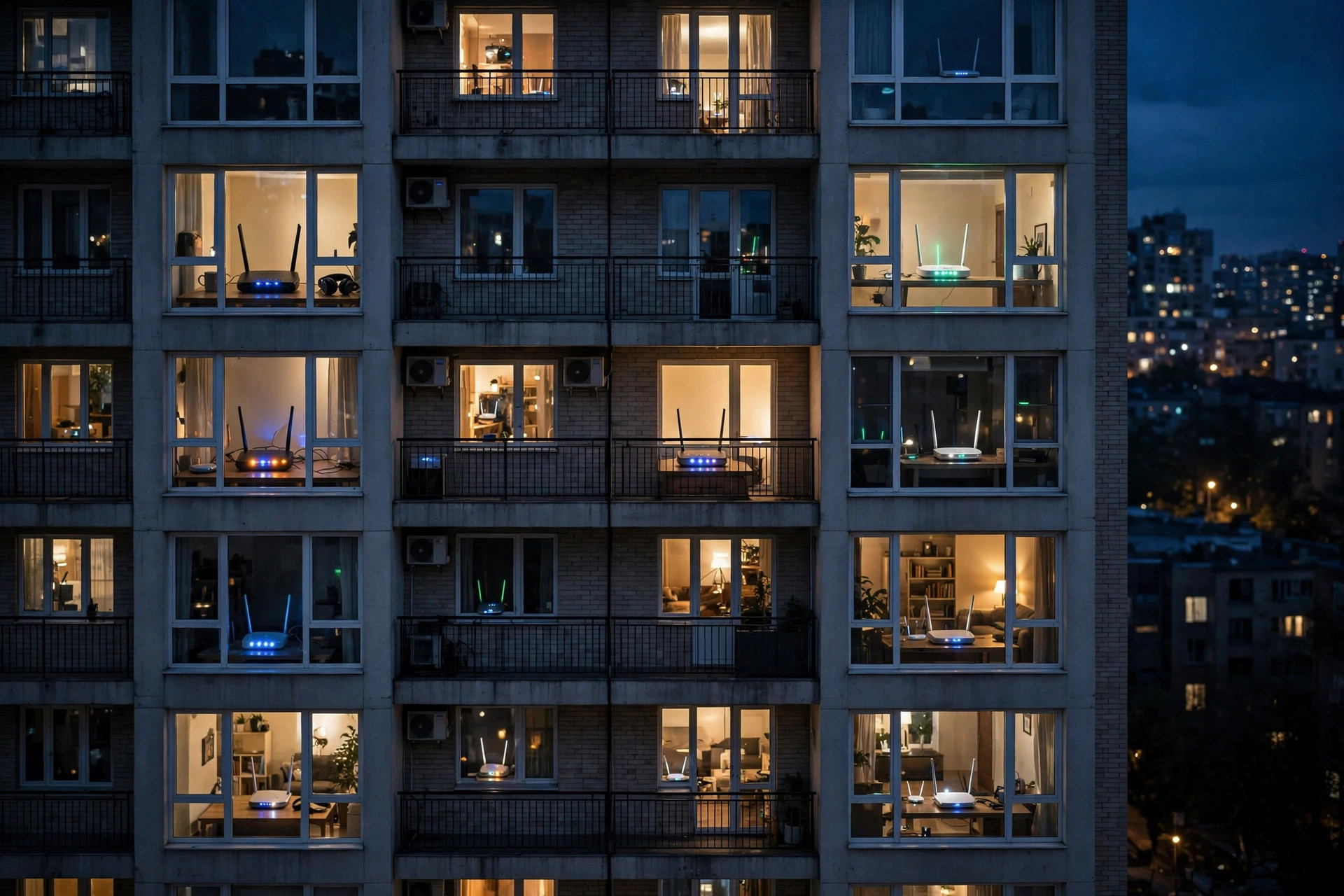
It is a suspicion almost everyone has had while staring at a buffering wheel: someone next door is stealing my Wi-Fi, or at the very least, their network is hogging the airwaves and slowing mine down. The truth contains a genuine “yes” — but probably not in the way you think. Neighbours can slow your connection in two completely different ways: by actually using your network, or simply by existing near it with networks of their own. Only one of those is theft.
This guide separates the myth from the mechanisms, shows you how to check whether anyone unauthorised is on your network right now, and gives you the fixes for both kinds of neighbour-related slowdown.
Way One: A Neighbour Is Actually on Your Wi-Fi
This happens more than people admit. The password was shared with a visiting friend who lives two doors down; it was never changed after the router was installed and matches a default printed in a manual; or it was cracked because it is short and guessable. A freeloader streaming in 4K all evening on a modest connection will absolutely slow you down — their traffic is indistinguishable from your family’s.
How to Check, Right Now
Log in to your router (192.168.0.1 or 192.168.1.1) and open the connected devices or client list. Count and identify every entry: phones, laptops, TVs, consoles, smart gadgets. Router apps from most brands make this easy, and many let you name devices as you identify them. If the count is higher than your household’s gadget total, or a device is active at 3 a.m. when your house is asleep and idle, you may have a guest. A neater test: change the Wi-Fi password (and enable WPA2/WPA3) — every legitimate device can be reconnected by you, and the freeloader simply disappears. If speed magically recovers, you have your answer. Our walkthrough of the full audit lives in Network Ustad’s guide to checking who is using your Wi-Fi.
Way Two: Their Networks Crowd the Airwaves (No Theft Required)
Wi-Fi is radio, and radio is a shared room. Your router and your neighbours’ routers all transmit on the same handful of channels, and polite devices take turns — when the flat next door starts a huge download, your devices wait a little longer for their turn on that channel. This effect is worst on the 2.4GHz band, where only channels 1, 6, and 11 are truly separate. In a block of flats, your router might be sharing channel 6 with six other networks. Nobody is stealing anything; the spectrum is simply congested, like a street full of legally parked cars narrowing the road.
How to Fix Airwave Congestion
Move your important devices to 5GHz, whose many channels and shorter range mean you contend with far fewer neighbours. Use a Wi-Fi analyser app to see which channels around you are busiest, then set your router manually to the quietest one instead of trusting “auto.” Ensure your router is placed away from the wall you share with the noisiest neighbour. These steps routinely double evening speeds in dense housing without spending a penny. The channel landscape is mapped in detail in the reference table of WLAN channels used by Wi-Fi networks.
Way Three: The Shared Infrastructure Effect
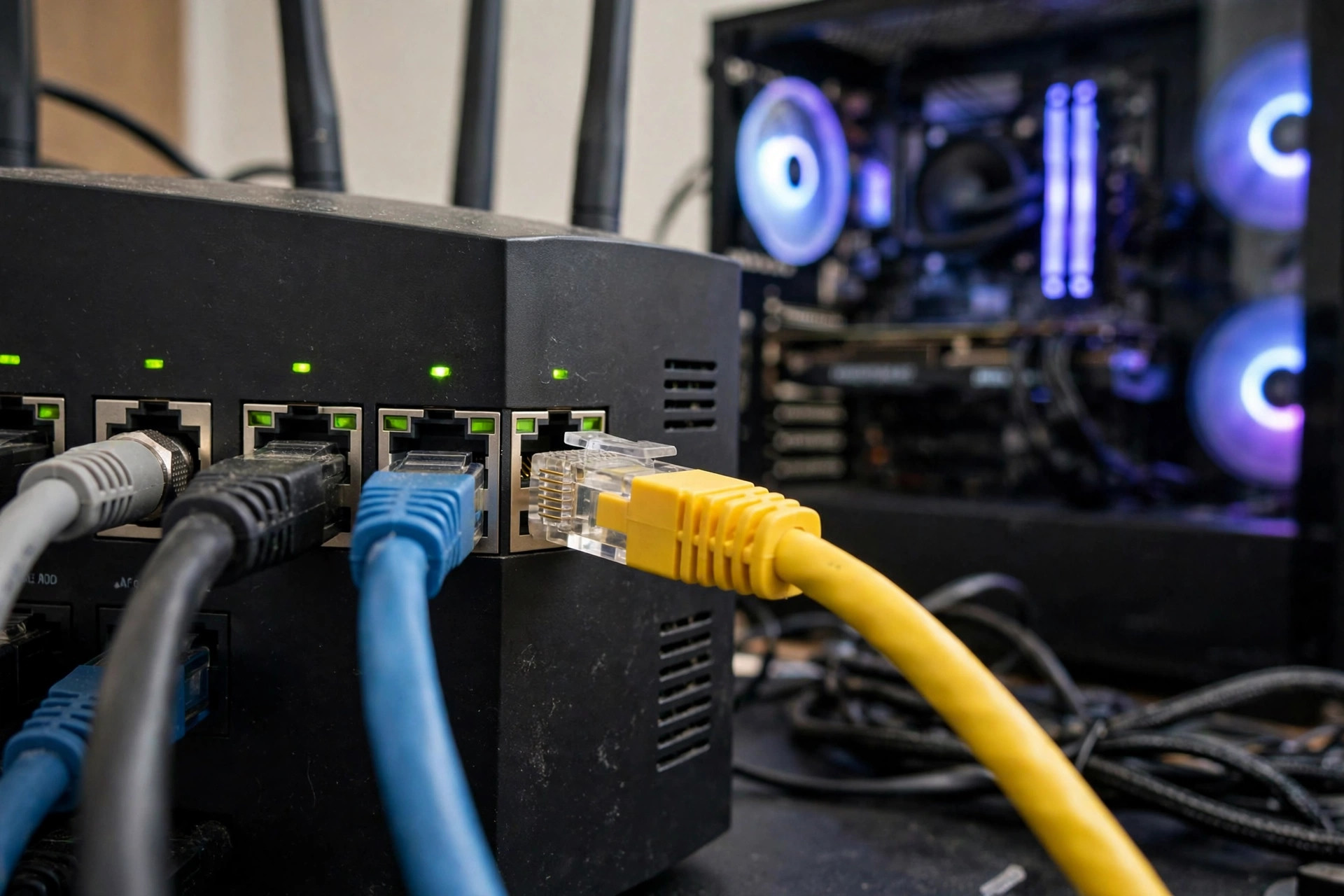
There is a third, subtler sense in which neighbours slow you down: your internet connection itself. Cable broadband segments and some fibre cabinets are shared resources across a street or building. When the whole neighbourhood streams at peak time, everyone’s speeds can sag below their plan’s headline number — the cause sits in the provider’s network, not your home. The tell-tale sign: even a computer wired directly to the router tests slow at 9 p.m. but flies at 9 a.m. Only your ISP can fix that, and a week of timestamped wired speed tests is the evidence that makes them listen.
Locking Your Network Down Properly
Whether or not you found a freeloader, these steps end the question permanently. Use WPA3, or WPA2-AES at minimum — never WEP or an open network. Set a long, unique Wi-Fi password that is not your address, phone number, or a dictionary word, and change it if it has been shared widely. Turn off WPS, whose PIN method can be brute-forced. Set up a guest network for visitors, so the main password stays in the family and the guest password can be changed freely. Change the router’s admin password from its default, and keep firmware updated. With that done, the only neighbours affecting you are the radio kind — and band and channel management handles them.
A Quick Self-Test to Run Tonight
If you want evidence rather than suspicion, run this simple experiment over two evenings. First, at your usual slow hour, run a speed test on a device wired to the router and write down the result, then run the same test over Wi-Fi standing next to the router, and finally from the room where things feel slowest. Second, open the router’s device list and count what is connected. Repeat the following night after changing nothing. If the wired result is strong but the far-room Wi-Fi result collapses, your issue is in-home coverage or congestion — not theft and not your ISP. If the wired result itself tanks at the same hour both nights, your street’s shared infrastructure is saturated and your provider needs the data. And if the device list shows hardware you cannot identify after two checks, change the password and watch the list shrink. Three numbers and one list turn a vague feeling about neighbours into a diagnosis you can act on, and they take less than ten minutes to collect.
Common Mistakes and Tips
Mistake one: accusing theft when the router’s device list includes your own forgotten gadgets — smart TVs, printers, and that old tablet all count, and phones may appear twice thanks to randomised MAC addresses. Audit calmly before concluding anything. Mistake two: responding to congestion by buying a “more powerful” router, which shouts louder into the same crowded room; channel and band changes fix more than wattage. Mistake three: hiding your SSID as an anti-neighbour measure — it does not stop anyone and creates hassles for your own devices. Tip: rename your devices in the router app as you identify them; the next audit takes thirty seconds.
Conclusion
So, can neighbours slow down your Wi-Fi? Yes — either by genuinely using it (fixable with an audit and a strong new password) or, far more commonly, by sharing the same airwaves and the same street infrastructure (fixable with 5GHz, smart channel choices, and, if needed, evidence for your ISP). Check the device list, lock the door with WPA3 and a proper password, pick a quiet channel, and the buffering wheel becomes a much rarer guest.
Frequently Asked Questions
How can I tell if someone is stealing my Wi-Fi?
Log in to your router and review the connected devices list, identifying every entry. Unknown devices active at odd hours are the red flag. Changing the Wi-Fi password and reconnecting only your own devices is the decisive test — and the cure.
Can neighbours slow my Wi-Fi without knowing my password?
Yes. Their routers compete for the same radio channels, especially on 2.4GHz, forcing everyone’s devices to wait their turn. Switching your devices to 5GHz and choosing the least busy channel reduces this dramatically.
Will a stronger router overpower my neighbours’ networks?
Not really — legal power limits cap all routers similarly, and a louder router mostly creates more interference for everyone. Smart placement, band selection, and channel choice beat raw power every time.
Is it illegal for a neighbour to use my Wi-Fi without permission?
In most jurisdictions, accessing someone else’s network without authorisation is unlawful, even if the password was weak. Practically, your best move is technical: change the password, use WPA2/WPA3, and the problem ends without confrontation.
Does using a guest network help?
Yes. Visitors get internet through the guest network, your main password stays private, and you can change or disable guest access at any time — it is the cleanest way to share without losing control.
Leave a Reply