

All day your internet behaves. Then the evening arrives — dinner done, everyone home, screens lighting up across the house — and your Wi-Fi speed falls off a cliff. Streaming turns to mush, games lag, and the speed test that proudly showed 300 Mbps at noon now wheezes in at 40. If this pattern sounds familiar, you are not imagining it, and your router is probably not dying. Night-time slowdowns have specific, explainable causes, and most of them are fixable.
In this guide we will work through the seven real reasons Wi-Fi slows down at night — from your whole street logging on at once to a sneaky scheduled backup — and the concrete fix for each, so you can reclaim your evenings.
Cause 1: The Whole Neighbourhood Gets Home
Your internet connection is shared long before it reaches your house. Cable networks in particular serve a whole street segment from shared infrastructure, and when every household streams Netflix at 8 p.m., the total demand can exceed what the segment comfortably delivers. Providers also shape traffic at peak times on some plans. You cannot rebuild your ISP’s network, but you can prove whether this is your problem: run a wired speed test at midday and again at 9 p.m. If the wired speed collapses at night too, the bottleneck is outside your home — document the numbers and raise it with your provider, especially if speeds fall below what your plan guarantees. Consistency data gathered over a week makes a far stronger complaint than a feeling.
Cause 2: Your Own Household Peaks at Night
The more common culprit lives indoors. Evenings concentrate everything: two TVs streaming in 4K (15–25 Mbps each), phones uploading the day’s photos to the cloud, a console downloading a 60 GB update, someone on a video call, and smart TVs quietly fetching their own updates. On a 100 Mbps plan, that is the whole pipe, several times over. Fixes: enable QoS on your router and prioritise calls and streaming over downloads; set consoles and cloud backups to download overnight or during work hours; and check the router’s traffic monitor to identify the true heavyweight — it is usually one device, not ten. The traffic-prioritisation walkthroughs at Network Ustad’s QoS and home network guides show exactly how to set this up per brand.
Cause 3: Neighbouring Networks Crowd the Airwaves
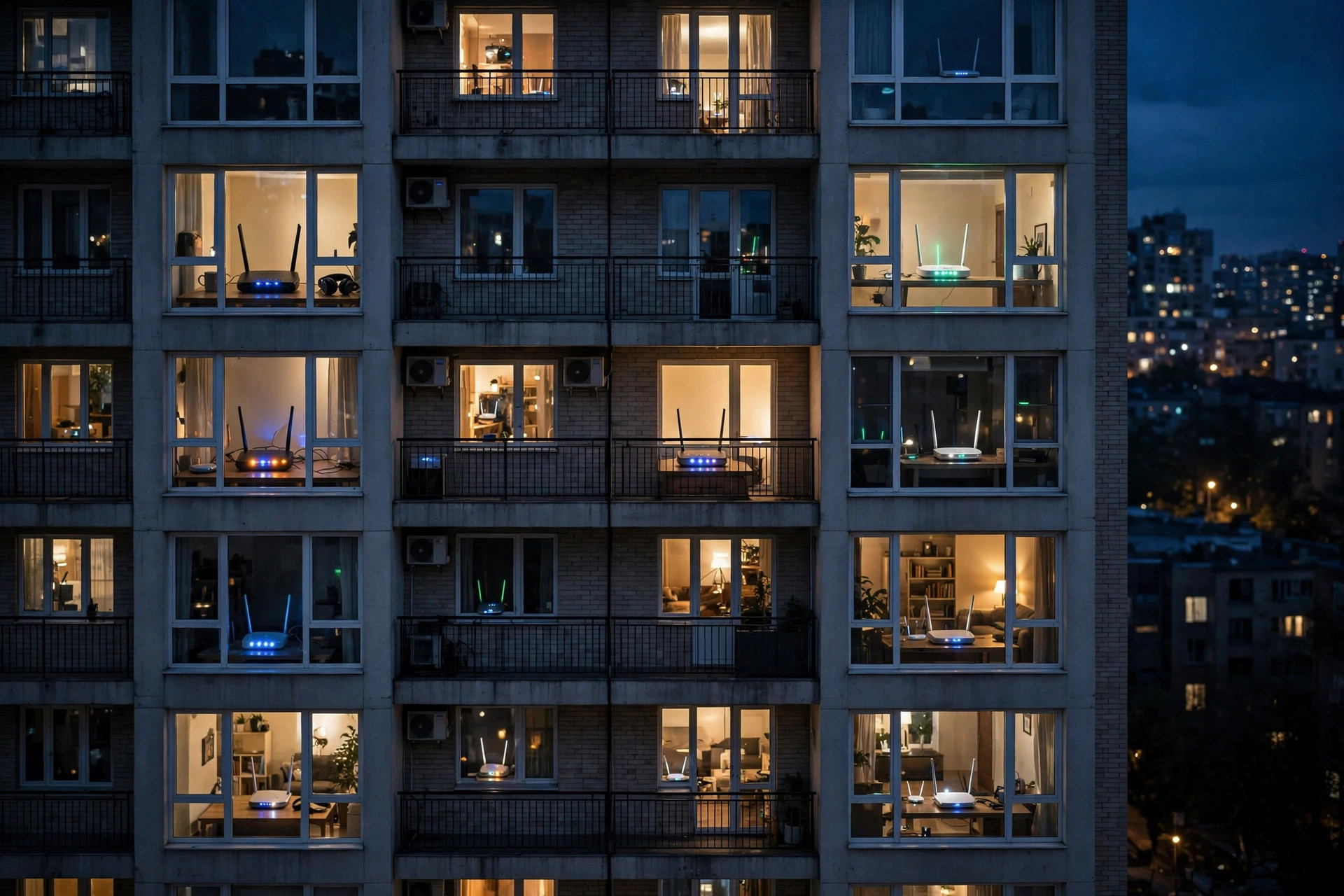
During the day, the flats and houses around you are quiet. At night, dozens of networks wake up and shout over each other — especially on the 2.4GHz band, where only three channels (1, 6, 11) do not overlap. Your router may be sharing a channel with five neighbours’ routers, all politely taking turns while everyone’s speed suffers. Fixes: move your busy devices to the 5GHz band, which has many more channels and shorter range (so you hear fewer neighbours); use a Wi-Fi analyser app to find the least crowded channel and set it manually; and if your router is old, its “auto channel” may be making poor choices — manual selection often wins in dense areas. The physics behind why the bands behave differently is summarised in the reference list of WLAN channels and their overlap.
Cause 4: Scheduled Jobs Wake Up at Night
Software loves the night. Windows updates, phone photo backups, cloud drive syncs, NAS backups, game library updates, and smart TV firmware checks are all commonly scheduled for the small hours or “when idle in the evening” — which translates to during your film. That mysterious nightly lag spike that lasts about twenty minutes is frequently one device quietly uploading at full speed, saturating your much narrower upload bandwidth and making everything feel broken. Fix: audit the big devices’ update and backup schedules and move them to after midnight or early morning.
Cause 5: Your Router Is Old, Hot, or Tired
Evening is also when a marginal router finally buckles. A budget router that copes with three daytime devices may overheat or run out of processing headroom when twelve devices demand encrypted traffic at once, and performance sags until it is restarted. If a reboot restores full speed every time, the router is telling you something: ensure it has ventilation (not stuffed in a TV cabinet), update its firmware, and consider whether a router several generations old still matches a house that has tripled its connected devices. A nightly scheduled reboot (many routers offer this) is a decent bandage while you decide.
Cause 6: Someone Else Is Using Your Wi-Fi
Evening is when a piggybacking neighbour — or a relative’s forgotten device, or a teenager’s friend’s phone that was given the password months ago — does its streaming on your dime. Check your router’s client list at the slow hour and account for every device. If you find strangers, change the Wi-Fi password, enable WPA2/WPA3 security, and share the new password carefully (or via a guest network you can reset anytime).
Cause 7: The Microwave, the Baby Monitor, and Friends
Dinner time means the microwave runs — and a microwave oven leaks interference right in the 2.4GHz band, degrading Wi-Fi in the kitchen and nearby rooms for exactly as long as it cooks. Baby monitors, wireless cameras, and Bluetooth gadgets add their own noise to the same band in the evening hours. If slowdowns are location-specific and meal-timed, you have found your ghost: move affected devices to 5GHz and keep the router away from the kitchen.
Common Mistakes and Tips
Mistake one: testing only over Wi-Fi and blaming the ISP — always run the midnight-vs-midday wired comparison to learn which side of your front door the problem lives on. Mistake two: buying a faster plan when the real bottleneck is in-home contention or channel crowding — a bigger pipe into the same evening chaos helps less than QoS and band management. Mistake three: rebooting the router every night as a ritual without checking firmware or heat. Tip: your router’s traffic statistics page is the most underused diagnostic in the house — five minutes there at 9 p.m. will usually name the culprit device outright.
Conclusion
Night-time Wi-Fi slowdowns are rarely a mystery once you look: shared neighbourhood capacity, your own household’s peak demand, crowded airwaves, scheduled uploads, an ageing router, freeloaders, or plain old interference. Diagnose with a wired speed comparison and your router’s traffic page, then apply the matching fix — QoS, band and channel management, rescheduling, or a provider complaint backed by numbers. Your evenings are recoverable.
Frequently Asked Questions
How can I tell if the slowdown is my ISP or my home network?
Run a speed test with a computer plugged directly into the router by Ethernet, once at midday and once during the slow evening period. If the wired speed also collapses at night, the problem is your provider’s network. If wired stays fast, the issue is your Wi-Fi or your devices.
Why does my Wi-Fi get slow exactly when everyone comes home?
Because demand peaks: multiple 4K streams, game downloads, photo backups, and calls can easily exceed a typical plan’s capacity when combined. QoS prioritisation and rescheduling big downloads are the standard cures.
Can my neighbours’ Wi-Fi really slow mine down?
Yes, through channel congestion — especially on 2.4GHz, where networks share just three clean channels. Moving your devices to 5GHz and choosing the least crowded channel manually reduces the effect significantly.
Should I just upgrade to a faster internet plan?
Only if wired tests show your plan is genuinely saturated. If the bottleneck is Wi-Fi congestion or one hogging device, a faster plan changes little — fix the home side first and save the money.
Does restarting the router every night help?
It can mask an overheating or overloaded router, and scheduled nightly reboots are a reasonable stopgap. But if you need it daily, the real fix is ventilation, a firmware update, or a modern router matched to your household’s device count.

Leave a Reply