
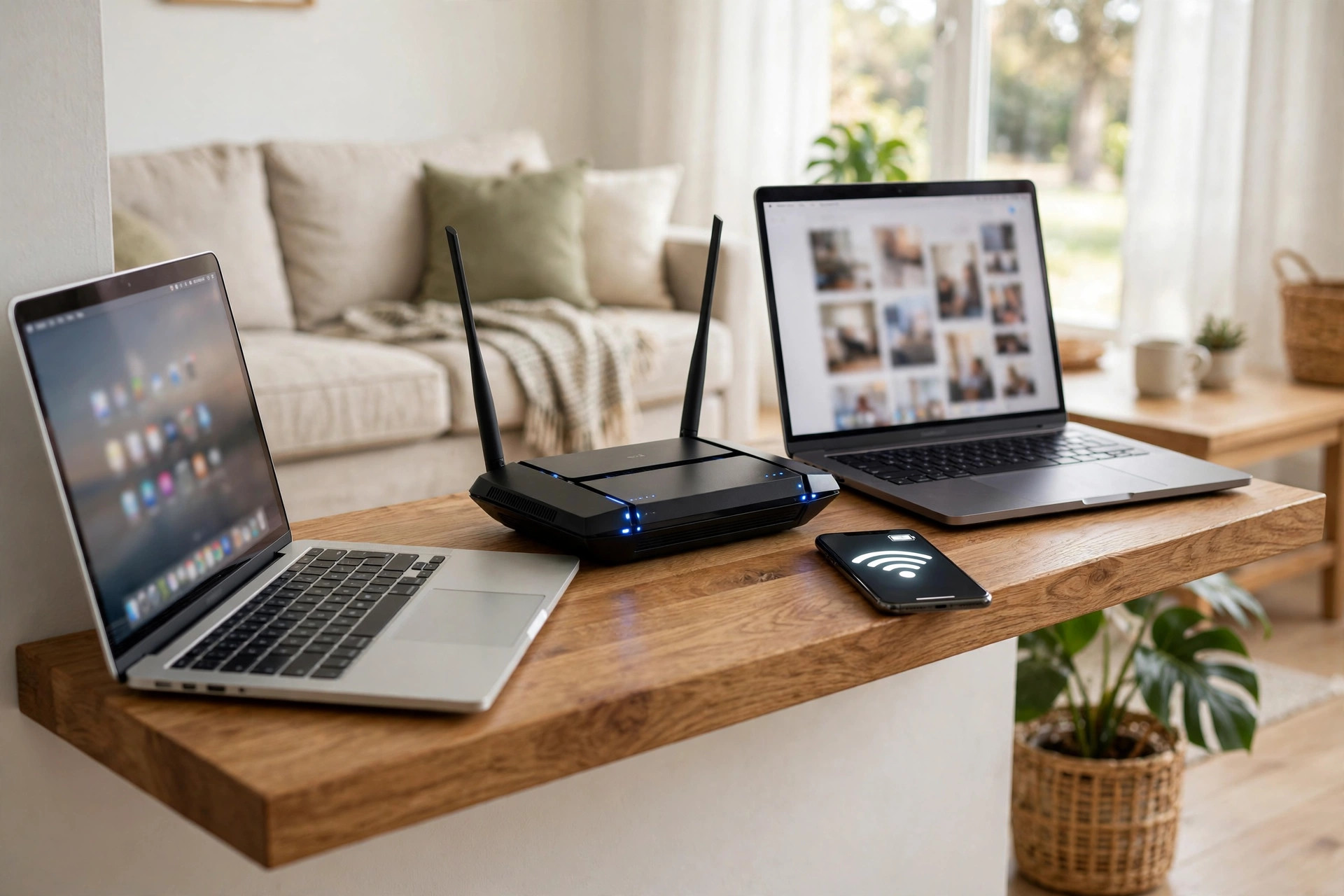
Open the Wi-Fi list on any modern phone or laptop and you will often see the same network name twice, once plain and once with 5G at the end. That is not two separate internet connections. It is one router broadcasting on two different radio bands: 2.4GHz and 5GHz. Knowing the difference between them explains a lot of everyday frustrations, from a video call that freezes when you walk to the kitchen, to a game download that feels fast in one room and painfully slow in another.
The short version is simple. The 2.4GHz band travels further and passes through walls more easily, but it is slower and more crowded. The 5GHz band is much faster and usually less congested, but its signal fades sooner, especially through brick, concrete, and floors. The right choice depends on where you are in the house, what device you are using, and what you are doing online.
This guide breaks down how both bands work, compares their speed, range, and interference, and helps you decide which devices should use which band.
What Do 2.4GHz and 5GHz Actually Mean?
GHz stands for gigahertz, a measure of frequency. Your router sends and receives data using radio waves, and those waves operate inside specific frequency ranges set aside for Wi-Fi. The 2.4GHz band sits roughly between 2.400GHz and 2.4835GHz. The 5GHz band covers several chunks of spectrum roughly between 5.150GHz and 5.895GHz, depending on your country and router model.
Think of each band as a road. The 2.4GHz band is an older, narrower road that almost every device knows how to use. The 5GHz band is a wider, newer motorway with more lanes, so more data can move at once and at higher speed. The physics, however, works against the newer road: higher frequency waves lose energy faster in open air and are absorbed more easily by solid objects.
Inside each band, your router also picks a channel. On 2.4GHz there are 11 to 13 channels depending on region, but only three of them, usually channels 1, 6, and 11, do not overlap with each other. On 5GHz there are far more channels, and most of them do not overlap, which is one reason 5GHz networks tend to feel cleaner in flats and busy streets.
Speed: How Fast Is Each Band in Real Life?
On paper, the gap looks huge. An older 2.4GHz Wi-Fi 4 network tops out at around 150 to 300 Mbps under ideal conditions, and a single-stream device often sees far less. A modern 5GHz Wi-Fi 5 or Wi-Fi 6 connection can reach 433 Mbps, 867 Mbps, or well over 1 Gbps with the right router and laptop.
Real homes are not laboratories. Walls, distance, neighbours, and older hardware all cut those numbers down. In a typical house you might see something like this:
- 2.4GHz in the same room as the router: often 40 to 90 Mbps on a speed test.
- 2.4GHz two rooms away: often 20 to 50 Mbps, but still usable for browsing and video.
- 5GHz in the same room: often 200 to 600 Mbps on a modern broadband plan, sometimes more.
- 5GHz two rooms and a brick wall away: the signal may drop sharply, fall back to a lower rate, or disappear entirely.
Remember that your broadband plan is also a ceiling. If you pay for 50 Mbps, 5GHz will not magically give you 300 Mbps from the internet. Where it helps most is local transfers and busy homes where several people stream, game, and work at once.
Range and Walls: Where 2.4GHz Still Wins
Range is the strongest argument for keeping 2.4GHz switched on. A 2.4GHz signal can often cover a whole medium-sized house from one router, reaching a back bedroom or a garden office where 5GHz simply gives up. Its longer waves bend and pass through obstacles better, so a couple of plasterboard walls or one brick wall rarely kill it completely.
5GHz behaves differently. One solid wall will weaken it, two brick walls can cut it to a fraction of its speed, and a reinforced concrete floor between storeys can be enough to make it unreliable. Metal makes things worse on both bands: large fridges, radiators, mirrors with metal backing, and foil-backed insulation all reflect or block the signal.
This is why smart home gear almost always uses 2.4GHz. A video doorbell on an outside wall, a smart plug behind a sofa, or a camera at the end of the garden does not need 500 Mbps. It needs a stable, far-reaching connection that sends small amounts of data reliably, and 2.4GHz provides exactly that.
Interference and Crowding
The 2.4GHz band is crowded in two ways. First, your neighbours are using it too, and in a block of flats you might be competing with twenty other networks on overlapping channels. Second, Wi-Fi is not the only thing using these frequencies. Microwave ovens leak energy around 2.45GHz, many Bluetooth devices hop across the same range, and baby monitors, wireless doorbells, and older cordless phones can all add noise.
That crowding shows up as random evening slowdowns. Your speed test may be fine at 10 in the morning and disappointing at 8 in the evening, even though nothing in your house has changed.
The 5GHz band avoids most of that. It has more channels, fewer household gadgets fighting for space, and its shorter range actually helps, because your neighbours’ 5GHz signals fade before they reach you in force. If you live in a dense area and your connection feels unstable rather than simply slow, moving your main devices to 5GHz is often the single biggest improvement you can make. You can read more background in this overview of how Wi-Fi standards and frequencies work.
Which Band Should Each Device Use?
A sensible home setup uses both bands deliberately instead of leaving everything to chance:
- Use 5GHz for speed-hungry devices near the router. Laptops, phones, tablets, games consoles, and the main TV benefit most, especially for 4K streaming, large downloads, cloud backups, and online gaming where low delay matters.
- Use 2.4GHz for distance and smart home devices. Smart bulbs, plugs, doorbells, cameras, printers, and anything in a far corner of the house will usually be happier and more stable there.
- Use 2.4GHz when you move around a lot. On a video call carried from room to room, its longer range can feel smoother than a fading 5GHz signal.
- Wire what you can. A desktop PC, console, or TV that sits next to the router will always be faster and steadier on an Ethernet cable than on either band.
Many modern routers offer a feature called band steering, sometimes shown as a single combined network name or a Smart Connect option. With it enabled, the router decides which band each device joins and can move devices between bands. This is convenient and works well for most homes. If you prefer full control, log in to your router at 192.168.0.1 or 192.168.1.1, open the Wireless settings, and give each band its own name, for example HomeWiFi and HomeWiFi-5G. Our guide on setting up a mesh Wi-Fi system in a large house covers what to do when neither band alone can cover your whole home.
Common Mistakes and Useful Tips
- Turning off 2.4GHz to force everything onto 5GHz. This usually breaks smart home devices and leaves dead spots. Keep both bands on and assign devices sensibly.
- Judging a band by signal bars alone. Two bars of clean 5GHz can be faster than four bars of congested 2.4GHz. Run a speed test in the actual room where you use the device.
- Using channel Auto forever without checking. Auto usually works, but if evenings are slow, try channels 1, 6, or 11 manually on 2.4GHz and a less-used channel on 5GHz.
- Expecting an old device to be fast. A ten-year-old laptop may only support slow 2.4GHz Wi-Fi. The band is not the bottleneck; the device is.
- Forgetting the router’s position. Band choice cannot fix a router hidden in a cupboard under the stairs. Central, raised placement helps both bands.
Conclusion
The difference between 2.4GHz and 5GHz comes down to a trade-off that never fully goes away: 2.4GHz gives you range and reliability through walls, while 5GHz gives you speed and a cleaner connection over shorter distances. A good home network does not pick a winner. It uses 5GHz for the demanding devices close to the router, 2.4GHz for everything distant, small, or smart, and Ethernet for anything fixed that really matters. Once you split your devices that way, most mysterious slowdowns and dropouts become much easier to understand, and much rarer.
Frequently Asked Questions
Is 5GHz always faster than 2.4GHz?
Near the router, yes, usually by a large margin. At a distance, through several walls, a weak 5GHz signal can become slower and less stable than a strong 2.4GHz one, so faster on paper does not always mean faster in your back bedroom.
Can I use both bands at the same time?
Yes. A dual-band router broadcasts both at once, and different devices can use different bands simultaneously. Some routers merge them under one name and steer devices automatically; others let you create two separate network names.
Why does my phone keep switching between bands?
If your router uses band steering, it moves your phone to whichever band it judges better as you move around the house. Brief switching is normal, but if calls keep dropping, try giving each band its own name and connecting manually.
Does 5GHz use more battery or data?
It does not use more data; data is data on either band. It can use slightly more power at weak signal levels because the device works harder to hold the connection, but in normal use the difference is small.
My router only shows one network. Do I have both bands?
Probably yes, if the router is dual-band and band steering is on. Check the Wireless section after logging in to the admin page. If the router is very old and single-band, only 2.4GHz is available, and upgrading the router is the only way to get 5GHz.


Leave a Reply