
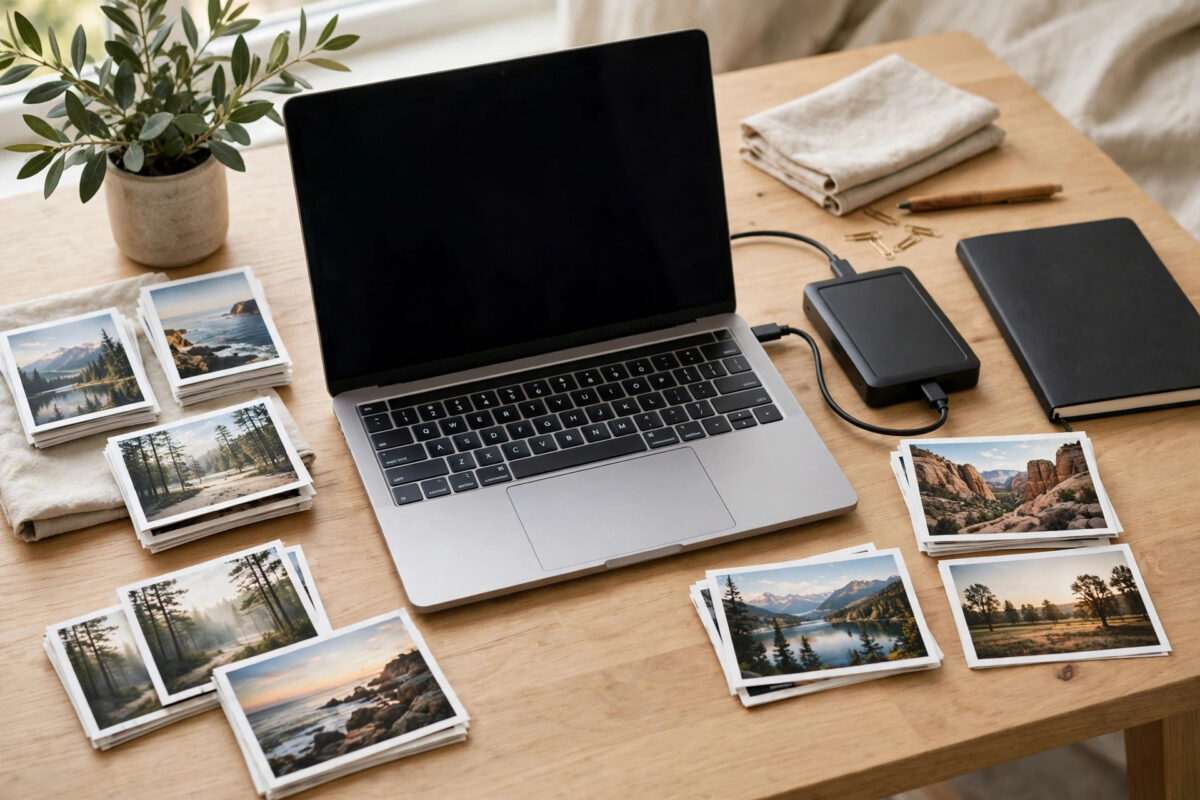
The merge worked — and now your library has two of everything. Two of every birthday, every holiday, every screenshot. Scrolling feels like déjà vu, and the library is twice the size it should be. Cleaning up thousands of duplicates by eye is not a plan; it is a punishment.
The good news: exact duplicates are the easiest kind to remove safely, because tools can identify them with mathematical certainty by comparing file hashes rather than judging by eye. The discipline that matters is process: back up first, scan second, review third, delete last.
Quick Answer
First make a complete backup of the merged library as it stands. Then run a hash-based duplicate finder — Czkawka or dupeGuru on a computer are free and reliable — pointed at your photo folders, grouping files that are bit-for-bit identical. Keep the copy in the best location (the one in your main library folder, usually the higher-quality original), delete the rest through the tool, and empty the trash only after a final check. In Google Photos or Apple Photos themselves, there is no bulk exact-duplicate remover, which is why the cleanup happens on downloaded library files.
Rule Zero: Back Up the Messy Library First
It feels backwards to back up a library you are about to shrink, but deduplication is a mass-deletion operation, and mass deletions deserve a safety net. Copy the entire merged library to an external drive before running any tool. If anything goes wrong — a misconfigured tool, a misunderstood column, a hasty click — you restore and start over. Delete this backup only after living with the cleaned library for a few weeks. For a library already sorted and verified, the checksum-manifest method in our guide to generating checksums for a folder of photos before deleting the originals gives you ongoing proof that the surviving copy is intact.
Exact Duplicates vs Look-Alikes
Be clear about what you are hunting. Exact duplicates are files with identical content — the same photo imported twice, possibly under different filenames. A hash comparison finds them with zero doubt. Similar photos — burst shots, near-identical frames, an original and its edited version — are a different problem requiring visual judgment or similarity tools, and deleting them automatically is how favourite photos die. This guide targets exact duplicates only. When in doubt about a pair that a tool flags as merely similar, keep both.
The Cleanup, Step by Step
- Work on real files. If your library lives in Google Photos or iCloud, download/export the library to a computer folder (or work within a desktop Photos library you control). Web interfaces cannot bulk-delete by hash.
- Install a reputable duplicate finder. Czkawka (free, open source, Windows/Mac/Linux) and dupeGuru (free, Mac/Windows/Linux) are the long-standing choices; PowerPhotos is the specialist for Apple Photos libraries on Mac and can merge and dedupe within the library itself.
- Scan by hash. Choose the “similar images — exact” or duplicate-files mode set to compare by content hash, not by filename. Filenames lie; hashes do not.
- Review the groups. The tool lists each set of identical files. Skim a sample of groups — open a few and confirm they really are the same image — before trusting the run.
- Choose the keeper rule. Prefer keeping the file inside your main library folder, the one with the shortest path, or the copy whose folder structure you are keeping. Most tools can auto-select by rule (keep first in folder X) across thousands of groups at once.
- Delete through the tool (which usually moves files to the recycle bin or trash rather than erasing instantly — confirm this setting).
- Verify, then empty. Browse the cleaned library, confirm counts and that favourites survived, and only then empty the trash to reclaim the space.
Working Inside Specific Ecosystems
Apple Photos on Mac: Photos has a Duplicates album (in the sidebar under Utilities) that detects duplicate items within the library and merges them with one click per group — genuinely useful, though it works item by item and cares about library items rather than stray files. PowerPhotos adds the bulk power for big merges. Google Photos: the service prevents re-uploading an exact file it already has in the same account, but duplicates created by merges and imports do slip through, and there is no built-in bulk remover — the downloadable-library-plus-tool route above is the practical path, after which you re-upload or, better, dedupe before the libraries merge next time. If the duplicates arrived during a merge, cleaning the source folders before any future merge prevents a repeat performance.
Common Mistakes to Avoid
- Deleting “similar” photos automatically. An original and its edited twin, or two frames of a burst, are not exact duplicates. Hash-identical only — everything else gets human eyes.
- Matching by filename. IMG_4021 from one library and IMG_4021 from another are usually different photos. Filename matching deletes strangers.
- No backup before a mass delete. The backup is what turns a potential catastrophe into a shrug. Make it.
- Emptying the trash immediately. Let the deleted duplicates sit in the bin while you live with the cleaned library for a few days. Space returns when you are sure, not before.
- Keeping the wrong copy. Where copies differ in location — one in your organised library, one in a stray export folder — keep the library one, so your structure survives.
Preventing the Next Duplicate Disaster
Duplicates are born from process, not bad luck, so fix the process while the cleanup is fresh in your mind. Keep exactly one master library going forward, and let every device feed into it rather than maintaining parallel collections that must later be merged. Turn on “skip duplicates” wherever an importer offers it, and import from cards and phones into the master library directly instead of staging loose export folders that later get imported wholesale, originals and all. When you do export — for sharing, printing, or a project — name the folder as an export with the date, and never import your own exports back into the library; that single habit accounts for a shocking share of duplicate mountains. Finally, schedule a light annual dedupe scan: catching fifty duplicates a year is housekeeping, while catching fifty thousand is archaeology.
Counting is your early-warning system. Note the library’s item count after this cleanup somewhere durable. If a future import claims it added 5,000 items to a library that should have gained 800, stop and investigate before the numbers get away from you.
Conclusion
Thousands of exact duplicates sound like a weekend of misery, but with a hash-based tool they are an hour of scanning, a careful review, and one confident deletion. Back up the merged mess first, delete only bit-identical files, keep the best-located copy, and let the trash wait a few days before emptying. Your library halves in size and loses nothing at all.
Frequently Asked Questions
How do duplicate finders know two photos are identical?
They compute a hash — a fingerprint — of each file’s contents. Identical files always produce identical hashes, regardless of filename or folder, so matches are certain rather than guessed.
Will Google Photos delete duplicates for me automatically?
No. It blocks uploading a file it already stores in the same account, but duplicates created through merges, imports or edits are not cleaned up automatically, and there is no built-in bulk duplicate remover.
Is Czkawka safe to use on my only library?
The tool itself is reputable and open source, but any mass deletion deserves a backup first. Run it against your library only after a full copy exists on another drive, and use its move-to-trash option rather than permanent deletion.
What about duplicates in Apple Photos?
Use the built-in Duplicates album under Utilities to merge detected pairs, or PowerPhotos for bulk work across libraries. Both operate on library items and keep the best copy by default.
How do I stop duplicates appearing in future merges?
Dedupe each source library before merging, import rather than copy where the app offers duplicate detection, and keep one master library instead of several overlapping exports.

Leave a Reply