
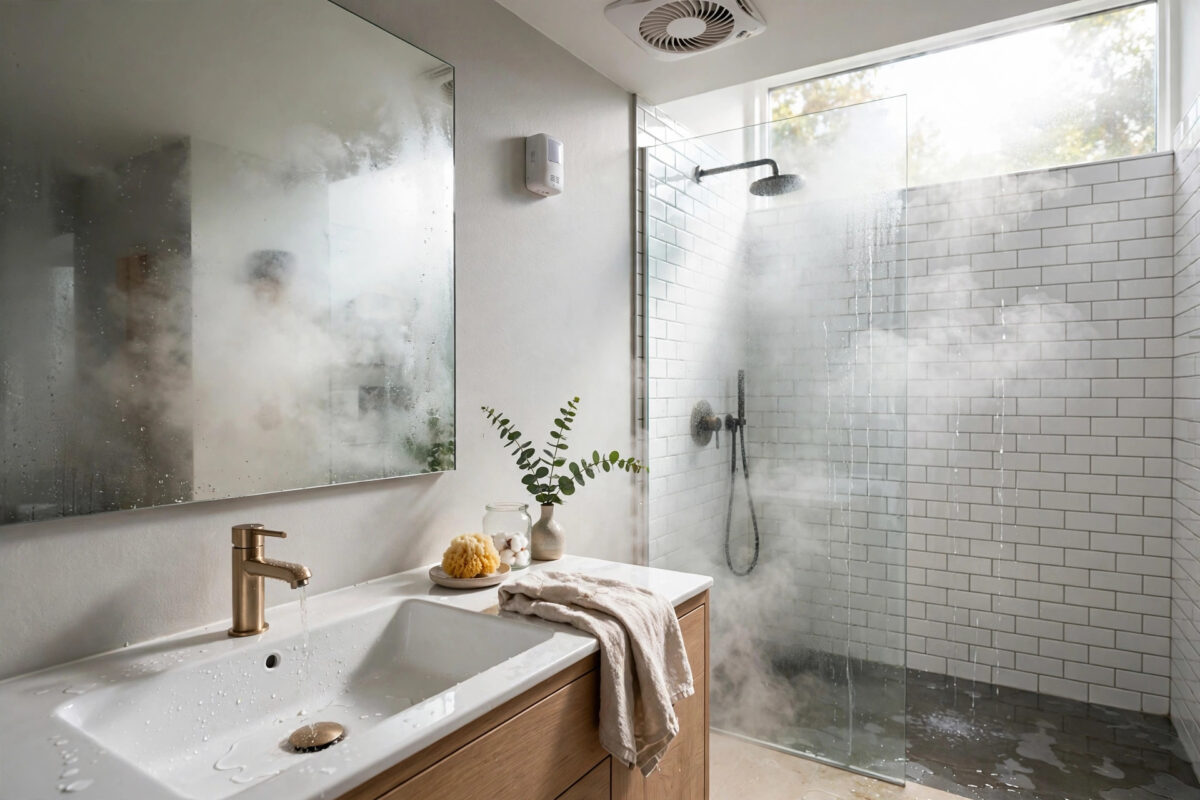
A bathroom fan that switches off too early leaves steam on the mirror, damp towels, and in time, mould on the ceiling. A fan that runs for hours wastes energy and drives everyone mad with the noise. The smart answer is simple: let humidity decide. When moisture rises after a shower, the fan runs. When the air is dry again, it stops.
You do not need a complicated setup to do this well. With a humidity sensor, a smart switch or smart fan control, and one or two automations, you can have the fan start on its own, keep running for about 20 minutes after a shower, and then turn itself off. This guide explains the setup step by step in plain language.
Quick Answer
Place a humidity sensor in the bathroom, connect your fan to a smart switch, and create an automation that turns the fan on when humidity rises above about 65 percent. Add a second rule that starts a 20-minute countdown when humidity falls back below about 55 percent, then turns the fan off. This clears leftover steam after a shower without the fan running all day.
What You Need Before You Start
Gather the parts first and the job becomes much easier. You do not need the most expensive gear, but each piece must work with the same smart home platform, such as SmartThings, Home Assistant, Alexa, or Apple Home.
- A humidity sensor: A small battery sensor that reports both humidity and temperature. Place it in the bathroom, away from direct splashes.
- A smart way to control the fan: Usually a smart switch that replaces the wall switch, or a smart relay fitted by an electrician.
- A smart home hub or app: The platform where you will build the automation and set the timers.
- A stable Wi-Fi or hub connection: The sensor and switch must stay online for the rules to run on time.
A safety note matters here. Bathroom wiring sits in a wet area and rules differ by country. If you are not fully confident changing a wall switch, hire a qualified electrician. The automation part is easy; the wiring must be safe.
Where to Place the Humidity Sensor
Sensor position decides how well the whole system works. A sensor in the wrong spot will trigger late, turn the fan off too early, or react to the wrong room entirely.
- Mount the sensor on a wall inside the bathroom, roughly at head height.
- Keep it a sensible distance from the shower so it reads room humidity, not direct steam blasts or water spray.
- Avoid placing it right above a radiator or heated towel rail, because heat skews the readings.
- Do not hide it inside a closed cabinet, where air barely moves.
- Live with it for a few days and watch the readings during a normal shower to learn your bathroom’s pattern.
Most bathrooms sit between 40 and 55 percent humidity when dry. During a hot shower, that can climb past 75 or 80 percent. Your personal numbers guide the thresholds in the next steps, so note the normal dry reading before you set anything.
Step 1: Connect the Fan and Sensor to Your Platform
- Add the humidity sensor in your smart home app and name it clearly, such as Bathroom Humidity.
- Add the fan switch and name it Bathroom Fan.
- Test the fan by turning it on and off from the app while standing in the bathroom.
- Check that the sensor updates its reading in the app within a minute or two of a change.
- Confirm both devices show as online and keep working when the bathroom door is closed.
If the sensor updates very slowly, check its reporting settings. Some sensors only report every 10 or 15 minutes to save battery, which makes the fan respond late. A reporting interval of one to five minutes is a good balance for a bathroom.
Step 2: Create the Fan-On Automation
This first rule starts the fan when the air gets damp, whether someone remembers the switch or not.
- Open the routines or automations section of your app.
- Create a new automation and set the trigger as humidity rises above your chosen level, for example 65 percent.
- Set the action to turn the Bathroom Fan on.
- If your platform allows it, add a condition that the fan is currently off, to avoid repeated triggers.
- Save the rule and test it by running a hot shower or holding the sensor near steam from a kettle, safely and briefly.
If you also want the fan to start the moment someone turns on the shower light or a smart shower switch, you can add that as an extra trigger later. Humidity alone is enough for most homes, and it also catches baths and long hot taps.
If your fan is on the same circuit planning as other rooms, our guide on setting up smart switches for bathroom lights and fans covers safe switch choices and naming tips.
Step 3: Add the 20-Minute Run-On After the Shower
This is the heart of the question. Turning the fan off the second humidity dips leaves damp air behind. A 20-minute run-on clears the last of the moisture from walls, grout, and towels.
Method A: Humidity drop plus delay
- Create a second automation triggered when humidity falls below about 55 percent.
- Add a delay action of 20 minutes before anything else happens.
- After the delay, add a check that humidity is still below the threshold.
- Set the final action to turn the Bathroom Fan off.
- Make sure a new rise in humidity cancels or overrides this rule, so the fan stays on if someone showers again.
Method B: Timer from when the shower ends
Some platforms handle this better with a virtual timer or a countdown helper. The fan-on rule starts no timer. When humidity drops, or when the shower switch turns off, the timer starts at 20 minutes. When it reaches zero, the fan turns off. This method is cleaner if your app supports cancelling a timer when humidity rises again.
Both methods reach the same result. Choose the one your platform makes easiest to cancel, because a fan that turns off mid-shower is worse than one that runs a little long. Platform-specific delay options are explained in the official SmartThings support resources if you build your routines there.
Step 4: Add a Manual Override That Still Resets
People will still flick the wall switch, and guests will not know your system. Plan for that instead of fighting it.
- Let the wall switch always turn the fan on or off instantly, so nobody feels trapped by automation.
- Add a safety rule that turns the fan off after a maximum time, such as two hours, in case it was switched on manually and forgotten.
- If someone turns the fan off manually during a steamy shower, let the humidity rule turn it back on after a short delay.
- Tell household members the fan may run for 20 minutes after a shower on purpose, so they do not keep switching it off.
Fine-Tuning the Thresholds
Expect to adjust the numbers during the first week. If the fan starts on a mild day when nobody showered, your on-threshold is too low. If mirrors stay fogged for ages, it is too high or the sensor is too far from the moisture.
Season matters too. In winter, indoor air is drier, so a lower threshold may work. In a humid summer, the whole house may sit near 60 percent, and you may need to trigger on a fast rise in humidity rather than a fixed number, if your platform supports rate-of-change triggers.
Common Mistakes to Avoid
- Setting the off rule with no delay: The fan stops as soon as humidity dips briefly, then starts again, clicking on and off.
- Placing the sensor in the hallway: It reads the house, not the bathroom, and reacts far too late.
- Forgetting a maximum run time: A faulty sensor reading can leave the fan running all day.
- Using a sensor with very slow reporting: Ten-minute gaps make a 20-minute timer almost meaningless.
- Ignoring fan power: Automation cannot fix a weak fan or a blocked vent. Clean the grille and check the duct if steam clears slowly.
Conclusion
A humidity-based bathroom fan is one of the most useful small automations in a smart home. Set the fan to start when humidity passes about 65 percent, let it run on for 20 minutes after the air dries below about 55 percent, and keep a simple manual override and a maximum run time for safety. Tune the numbers for a week, and after that the bathroom will look after itself after every shower.
Frequently Asked Questions
What humidity level should turn my bathroom fan on?
Most homes do well with an on-threshold around 60 to 70 percent. Start at 65 percent, watch how your bathroom behaves for a few days, and adjust by small steps until the fan starts soon after a shower begins.
Why run the fan for 20 minutes after a shower ends?
Steam leaves moisture on walls, ceilings, and grout even after the air feels clear. A 20-minute run-on removes that leftover damp, which helps prevent mould, peeling paint, and musty smells.
Can I do this without a smart wall switch?
You need some smart way to control power to the fan, such as a smart switch, a smart relay, or a fan with built-in smart controls. A sensor alone can only report humidity; it cannot switch the fan.
What if two people shower one after the other?
A well-built rule handles this naturally. Humidity rises again during the second shower, which cancels the off-timer. The 20-minute countdown should only begin once humidity has dropped and stayed low.
Will this automation work during a power cut or Wi-Fi outage?
Rules that run in the cloud will pause until the connection returns, while local rules on a hub may keep working. The wall switch should always remain usable by hand, whatever the network is doing.



Leave a Reply