
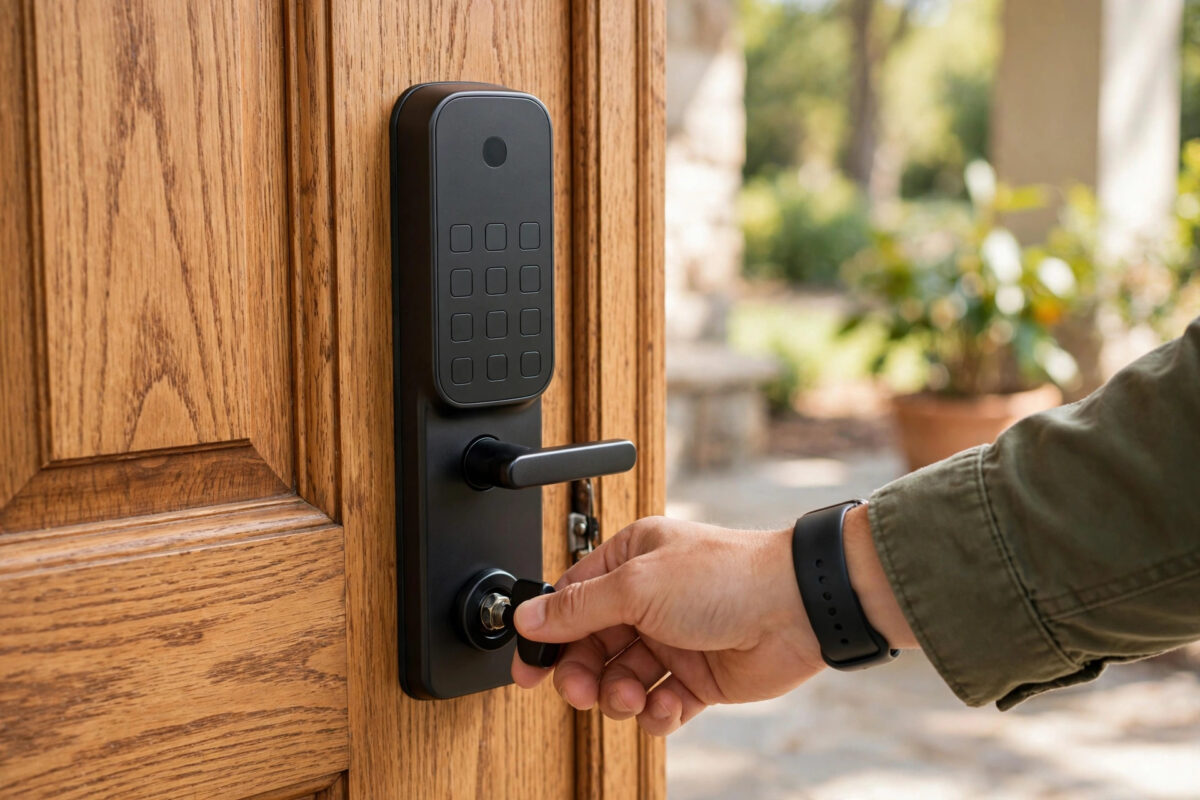
You come home, lock the door, and hear the Yale lock run. The door is shut. You pulled it tight yourself. But the app flashes a warning: jammed. You unlock, lock again, and get the same message. Sometimes it even says jammed when the bolt looks fully out.
A false jammed warning matters. You cannot trust the lock status, auto-lock may stop working, and alerts keep worrying everyone at home. The good news is that the lock is usually not broken. It is sensing resistance or it has lost track of where the bolt starts and ends.
This guide shows you how to check the door, recalibrate the lock, and clear the false alert for good.
Quick Answer
Open the door and run the lock. If it works with the door open, the bolt is hitting the strike plate or the door is out of line — adjust the plate and check the hinges. If it still reports jammed with the door open, fit fresh batteries and run the lock’s calibration or handing process again with the door in the position the manual states. Keep the door fully closed and still during calibration.
What “Jammed” Really Means on a Yale Lock
The lock does not have eyes. It turns a motor, expects the bolt to travel a set distance in a set time, and watches the power the motor needs. If travel stops early or the motor struggles, the lock decides the bolt is blocked and reports jammed.
So jammed can mean any of these:
- The bolt truly hits wood, metal, or the edge of the strike plate hole.
- The door is closed on the screen but bowed, swollen, or pulled by weather seals, so the bolt rubs hard.
- The lock’s stored open and closed positions are wrong after fitting, a battery change, or a door adjustment. This is a calibration fault.
- Batteries are weak. The motor starts strong and fades before the bolt finishes.
- The tailbar, spindle, or lock body is slightly twisted from screws tightened unevenly, adding friction inside.
That is why the first test is so useful: run the lock with the door wide open. With nothing to hit, a healthy, well-calibrated lock should lock and unlock cleanly. If you are comparing models while you fix yours, our guide to the best smart locks for home security explains which fitting styles suit different doors.
Step 1: The Open-Door Test
- Open the door fully so the bolt has clear air.
- Lock and unlock with the app or keypad three times.
- Watch the bolt each time. It should move smoothly, fully out and fully back, at the same speed.
- Listen. Grinding, slowing, or a second push at the end is a warning sign.
- Note the result. Works open but not closed means a door alignment problem. Fails open too means batteries, fitting, or calibration.
Keep fingers clear of the bolt while it moves.
Step 2: If It Only Jams When Closed — Fix the Door Fit
This is the most common outcome. Work through these checks:
Check the Bolt and Strike Plate Line-Up
- Put a small smear of lipstick, chalk, or a dry-erase marker on the end and sides of the bolt.
- Close the door gently and lock once.
- Open the door and look at the marks left inside the strike plate hole. They show exactly where the bolt touches.
- If marks sit on one side, the bolt is off centre. Loosen the strike plate screws, shift the plate a few millimetres towards the rub, and tighten again.
- If the hole is too shallow or full of paint and dust, clean it out so the bolt can travel to its full depth.
Check the Door Itself
- Hinges: A dropped door is the top cause. Lift the handle as you lock. If lifting fixes it, tighten hinge screws or fit longer screws into the frame. Worn hinges may need adjusting by a joiner.
- Weather seals: New or swollen seals can push the door out. If you must lean on the door to lock it, the motor feels that same force. Adjust the latch so the door closes without a hard push.
- Seasonal movement: Wooden doors swell in damp months. A lock fitted perfectly in summer can rub in winter. A small strike plate adjustment often cures the whole season.
- The latch vs the bolt: Make sure the normal latch holds the door in its final position before the deadbolt runs. If the bolt is also pulling the door in, it will strain every time.
After each small adjustment, test five full lock and unlock cycles with the door closed normally — no lifting, no leaning. It must work the way a guest would use it.
Step 3: If It Jams With the Door Open — Power and Calibration
Fit Fresh Batteries
Weak batteries cause more false jam reports than any other electrical fault. The lock may still light up and beep while the motor lacks strength. Fit a full new set of the type Yale recommends, all from the same pack. Do not mix old and new. Then run the open-door test again before you change anything else.
Recalibrate or Re-Hand the Lock
Many Yale models learn which side the door is hinged on and where the bolt travel ends. If that learning is wrong, the lock stops early and calls it a jam. The exact menu differs by model, so follow the manual or Yale’s official lock support centre for your lock’s steps. The general pattern is:
- Fit fresh batteries and leave the door in the position the instructions state — many models calibrate with the door open and the bolt retracted.
- Enter the master code or use the app setting to start calibration, handing, or door re-learning.
- Keep hands off the door and lock while the motor runs back and forth.
- Wait for the success beep or app message. Do not interrupt power mid-process.
- Test with the door open three times, then closed five times.
If someone fitted the lock, changed the door handing, or swapped the lock to a new door without recalibrating, this step alone often clears a jam warning that has lasted for weeks.
Check the Fitting for Twist
If calibration fails repeatedly, the lock body may be strained. With the door open, loosen the through-screws slightly, straighten the lock so it sits flat, and tighten evenly. Check the thumb turn moves freely by hand — a lock that is stiff by hand will be jammed to the motor.
Step 4: App, Auto-Lock, and Sensor Checks
- DoorSense or door position sensors: If that sensor is misaligned, the app can report odd states. Refit it as the manual shows and re-teach the closed position.
- Auto-lock timing: If auto-lock fires while the door is still swinging, the bolt can strike the frame. Set it to wait a few seconds after closing, if your model allows.
- Firmware and app: Update both and test again. Old app versions have shown stuck alerts after the lock itself recovered.
- Clear and retest: After a fix, lock and unlock several times so the history shows fresh successful events.
Mistakes to Avoid
- Forcing the thumb turn or key: Forcing a strained bolt can bend parts and turn a small alignment fix into a new lock.
- Calibrating while leaning on the door: The lock learns a position the door only reaches when pushed. It will jam in normal use.
- Changing batteries one at a time: One weak cell drags the whole set down. Replace all of them together.
- Filing the strike plate hole wildly: Make small moves and test. A hole made too large lets the door rattle and weakens security.
- Ignoring a door that needs lifting: That is not a lock setting. It is a dropped door, and it will get worse.
- Trusting the app over the bolt: Always look at the real bolt travel. The app reports what the motor senses, not what you can see.
Conclusion
A Yale lock that says jammed on a closed door is asking for a methodical check, not a replacement. Use the open-door test to split the fault in two. If it only fails when closed, line up the bolt and strike plate and correct a dropped or tight door. If it fails when open, fit fresh batteries, check the fitting for twist, and recalibrate. When it locks smoothly five times in normal use, with no lifting or leaning, the false jam is truly cleared.
Frequently Asked Questions
Why does my Yale lock say jammed only in cold or damp weather?
Wooden doors and frames swell with moisture and move with temperature. A bolt that clears the strike plate in summer can rub in winter. Check the mark test again in the season when it fails, and make a small plate adjustment for that position.
Can low batteries really cause a jammed error?
Yes. The motor needs the most power at the end of travel, exactly when weak batteries fade. The lock senses the slowdown and reports a jam. A full fresh set is the cheapest test and should be your first step for any new motor fault.
How often should I recalibrate my Yale lock?
Only when something changes: new fitting, moving the lock to another door, hinge or strike plate work, or repeated false jam reports after a battery change. There is no need to recalibrate on a schedule if the lock runs smoothly.
My lock works by hand but jams on motor. What does that mean?
Your hand can add extra force without you noticing, and can also wiggle the door into line. The motor cannot. That gap points to mild friction — bolt rub, tight seals, or a slightly twisted fitting — so return to the alignment and fitting checks.
When should I call a locksmith instead?
Call one if the bolt is bent, the door frame is cracked, the lock fails calibration with fresh batteries on an open door after refitting, or you cannot close the door normally at all. Those are mechanical faults where forcing a smart lock can leave you locked out.



Leave a Reply