
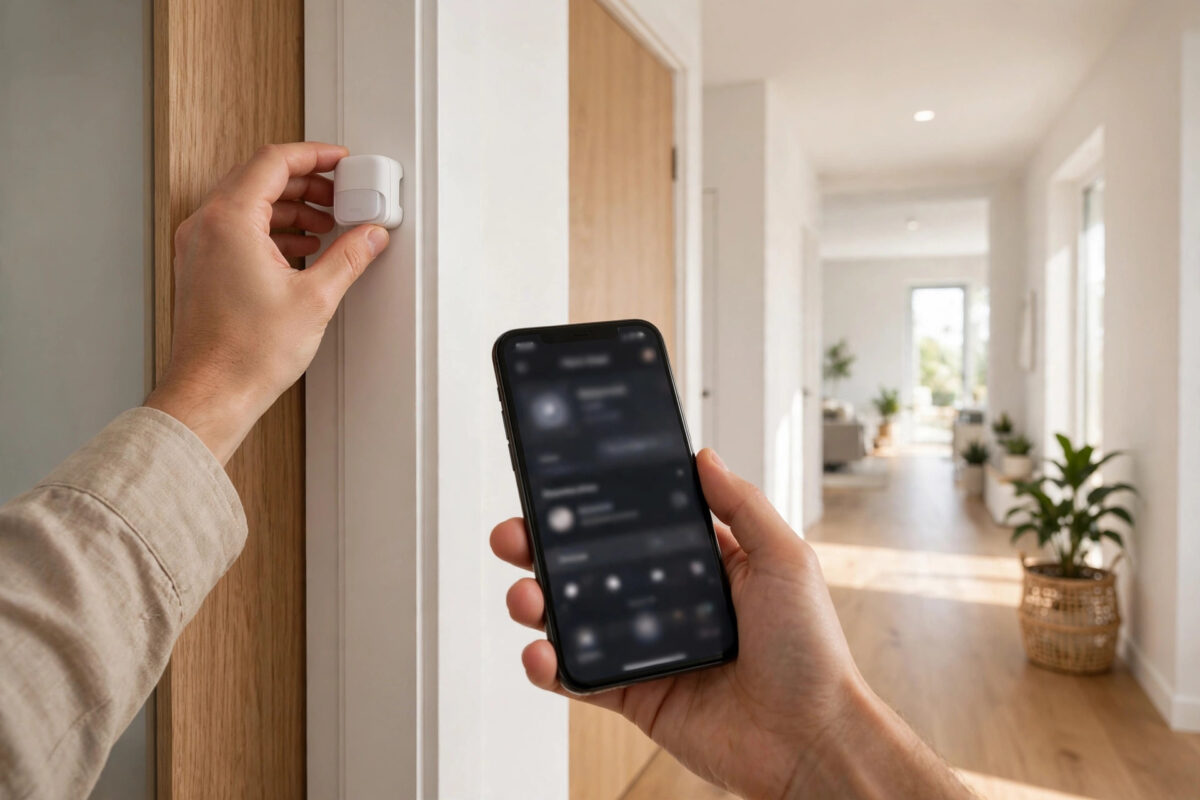
You add a new Zigbee sensor. It pairs in seconds. It works all evening. Then the next morning, the app says it is offline. You remove it, pair it again, and the same thing happens the next day.
This is one of the most common Zigbee problems. The good news is that the sensor is rarely broken. In most homes, the cause is distance, weak signal, a busy Wi-Fi channel, or low battery power. Once you fix the signal path, the same sensor often stays online for months.
This guide shows you how to pair a sensor in the right place, check the signal, and stop the daily dropouts for good.
Quick Answer
Pair the sensor in its final location, not next to the hub. Make sure a mains-powered Zigbee repeater, such as a smart plug, is within about 5 to 8 metres with a clear path. Replace the battery with a fresh, good-quality one, and keep your hub on a Zigbee channel that does not clash with your Wi-Fi. If it still drops, remove it from the app, reset it, and pair it again through the nearest repeater.
Why a Zigbee Sensor Drops Within a Day
Zigbee uses a mesh network. Battery sensors do not send a strong signal. They talk to the nearest hub or repeater. If that link is weak, the sensor may work for a few hours and then go silent when it tries to save power or check in again.
There are a few usual reasons:
- The sensor is too far from the hub or the nearest repeater.
- Walls, metal doors, fridges, or mirrors block the signal.
- The battery is low, old, or a cheap brand that drops voltage under load.
- Your Wi-Fi is on a channel that overlaps your Zigbee channel.
- The sensor paired to a weak parent device and never found a better route.
- The hub was busy, moved, or restarted during pairing.
Understanding Zigbee, Z-Wave and Wi-Fi compared for smart homes helps here. Zigbee reaches far by hopping through other devices, so that mesh must be strong.
Before You Pair Again: Quick Checks
Do not just reset and hope. Spend five minutes on these checks first. They fix most cases.
1. Check the Battery Properly
- Take the battery out and wait 30 seconds.
- Check the contacts are clean and not bent.
- Try a brand-new battery from a trusted brand, even if the old one looks fine.
- Put the battery in firmly. A loose battery can cause random dropouts.
Many sensors ship with a battery that has sat on a shelf for months. It may show 80 percent in the app and still fail when the radio sends a message. A fresh battery is the cheapest test you can do.
2. Look at Signal Strength
Most hubs show a signal value called LQI or RSSI in the device details. If the app rates it weak or poor, treat that as a warning. If your hub shows no signal, use distance: a sensor more than 8 to 10 metres from the nearest repeater, with two walls in between, is at risk.
3. Check for Interference
Zigbee and 2.4 GHz Wi-Fi share the same air. Where your hub allows it, keep Zigbee on channel 15, 20, or 25, and keep the hub at least 1 metre from the router and large metal boxes.
How to Pair It So It Stays Online
Follow these steps in order. The key change is where and how you pair.
- Place a mains-powered Zigbee device near the sensor first. A smart plug in the same room or in the hallway outside is ideal. Leave it on for 10 minutes so it joins the mesh.
- Remove the sensor from your app or hub if it is still listed. Wait until it is fully removed.
- Reset the sensor using the method in its manual. For most sensors, this means holding the reset button for 5 to 10 seconds until the light flashes.
- Bring the sensor to its final place. Fit it on the door, window, or wall where it will live. Close the door if it is a contact sensor.
- Start pairing from the app while you stand in that final place. Do not pair it next to the hub and then move it.
- Wait for pairing to finish. Then wait another 5 minutes. Do not test it many times in a row.
- Test it once or twice. Open and close the door, or trigger motion. Check the time stamp in the app is fresh.
- Leave it alone for 24 hours, then check its history. Look for gaps.
Pairing in place matters because the sensor chooses a parent when it joins. If you pair it next to the hub, it may try to cling to the hub after you move it far away, even when a closer plug would be better. Some sensors do find a new route on their own, but many cheap sensors do not do this well.
Improve the Mesh Around the Sensor
If the sensor is at the far end of the house, in a garage, or in a garden room, you may need to build a better path.
Add Repeaters in a Chain
- Place one smart plug halfway between the hub and the sensor.
- If the distance is long, use two plugs spaced evenly.
- Keep repeaters plugged in and switched on at the wall at all times.
- Do not put a repeater behind a TV, inside a metal cabinet, or low behind a sofa where the signal is blocked.
Think of it like stepping stones. Each hop should be short and clear. One long, weak hop will fail. Two short, strong hops will work.
Move the Hub to a Better Spot
A hub hidden behind a router in a corner under the stairs has to work harder. A hub in the centre of the home, up on a shelf, and away from thick walls covers the house more evenly. Even moving it 2 metres can help. If you move the hub, give the whole network a few hours to settle, then check the problem sensor again.
Check What Else Changed
Did drops start after a new mesh node, router change, or moved furniture? If drops happen at the same time each day, look for a device that turns on then. For wider background, SmartThings support guidance on Zigbee device health covers offline devices, and the Zigbee standard overview from the Connectivity Standards Alliance explains the mesh.
If It Still Drops After Re-Pairing
Try these extra steps before you replace the sensor:
- Swap the sensor with a working sensor from another room. If the new sensor also drops in that spot, the problem is location or signal, not the sensor.
- Try the problem sensor close to the hub for two days. If it stays online there, the far location needs a repeater.
- Update your hub firmware and the app, then restart the hub once.
- Check if too many devices are on one repeater. Move some devices or add another plug nearby.
- Look for a firmware update for the sensor itself in the app.
If it drops even next to the hub with a new battery, it may be faulty. Contact the seller while it is under warranty, with the drop times noted.
Mistakes to Avoid
- Pairing next to the hub, then moving it far away: This is the top cause of next-day dropouts.
- Turning off smart plugs at the wall: If the plug was the sensor’s parent, the sensor loses its path home.
- Using old or mixed batteries: Weak batteries cause strange faults that look like signal problems.
- Resetting many times without changing anything: If you pair the same way in the same weak spot, you will get the same result.
- Putting the hub and router side by side: They fight for the same air. Give them space.
- Ignoring metal and water: Fridges, boilers, fish tanks, and foil-backed insulation block Zigbee very well. Route around them, not through them.
Conclusion
A Zigbee sensor that drops within a day is almost always telling you the link is weak, not that the sensor is useless. Pair it in its final place, give it a nearby mains-powered repeater, fit a fresh battery, and keep Zigbee clear of busy Wi-Fi. Those four steps fix most cases. Build a short chain of repeaters for far rooms, test by swapping locations, and only replace the sensor after it fails even close to the hub.
Frequently Asked Questions
How long should a Zigbee sensor stay online without dropping?
A healthy sensor should stay online for weeks and months without a dropout. It may check in only when it is triggered or a few times a day to save battery, but the hub should not mark it offline. If it drops daily, the signal or battery needs attention.
Does opening and closing a door help it reconnect?
Triggering the sensor can wake it and make it talk to the hub again, so it may look fixed for a short time. That does not fix a weak route. If it keeps going offline when it sleeps, improve the repeater path instead of relying on wake-ups.
Can a smart bulb work as the repeater for my sensor?
Yes, many mains-powered bulbs repeat Zigbee, but only while they have power at the wall switch. If someone turns the bulb off at the switch, the repeater disappears. A smart plug that stays on is a safer parent for an important sensor.
Should I change my Zigbee channel?
Only if you have many dropouts across several devices and your Wi-Fi is strong on the same part of the band. Changing the channel forces every device to rejoin and can take time. Try placement and repeaters first, and follow your hub maker’s steps if you do change it.
Why does my sensor work in the day but drop at night?
At night, doors close, heating changes, and networks get busy in different ways. A sensor on the edge can fail when a door that was open all day is shut, blocking its path. Check the route with all doors in their normal night position when you pair and test.



Leave a Reply