
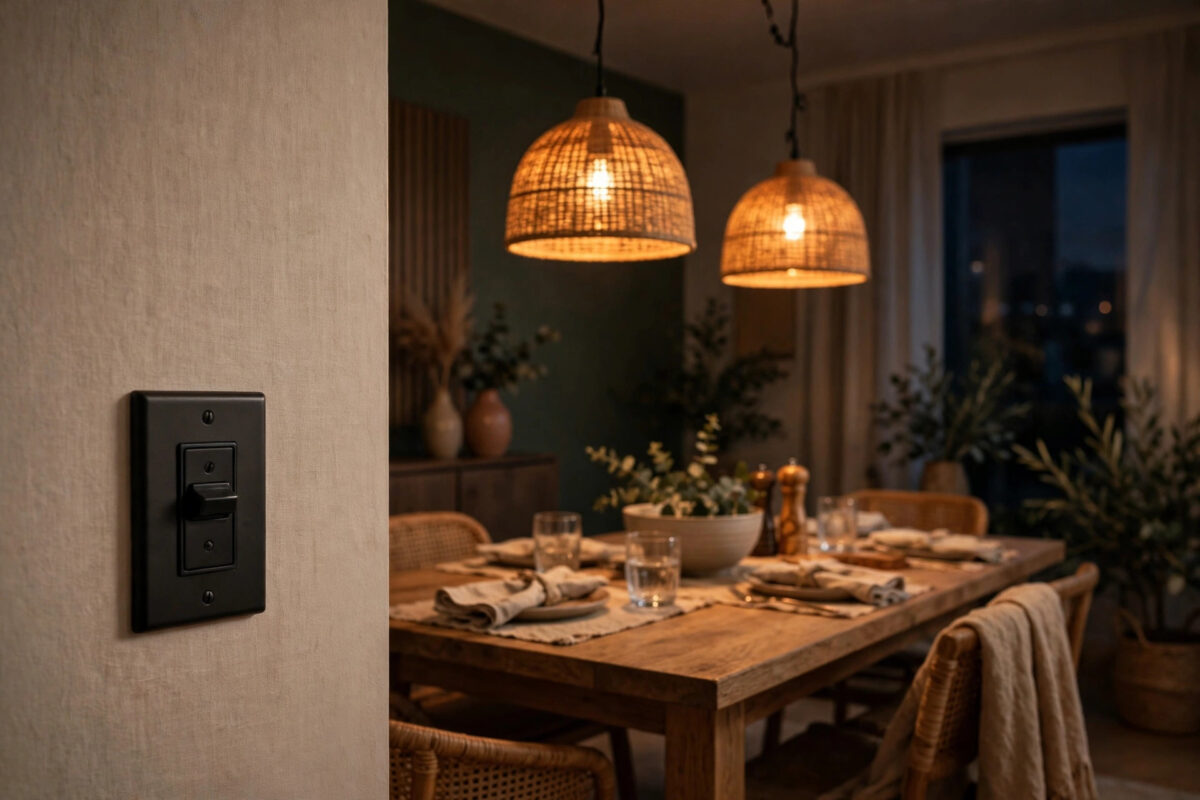
Lutron Caseta dimmers have a strong reputation for reliability, which makes it especially annoying when yours flickers. The lights look perfect at full brightness. You slide the dimmer down for a relaxed evening, and suddenly the room is buzzing, shimmering, or blinking like a faulty sign. The problem almost always appears below about 25 percent brightness, and it almost always has a fixable cause.
Flicker at low dim levels is rarely a sign that the dimmer is broken. It is usually a mismatch between the dimmer, the bulbs, and the settings. This guide explains each cause in plain language and gives you an order to fix them in, from the two-minute settings change to the bulb swap that solves it for good.
Quick Answer
Caseta flicker at low dim levels is usually caused by the dimmer’s low-end trim being set below what your bulbs can handle, or by LED bulbs that are not truly compatible with the dimmer. Raise the low-end trim in the Lutron app until the flicker stops, and make sure every bulb on the circuit is a dimmable LED from Lutron’s tested compatibility list. Keep the total load within the dimmer’s minimum and maximum limits, and do not mix bulb types on the same switch.
Why Flicker Only Happens at Low Brightness
A dimmer does not lower voltage smoothly like a tap. It cuts the power waveform many times per second, and your bulb turns that chopped power into light. At high brightness, most of the waveform survives, and even a fussy bulb can cope. At low brightness, only a small slice of power reaches the bulb.
Cheap or incompatible LED drivers struggle with that small slice. They switch on and off unevenly, and you see that struggle as flicker, shimmer, or a slow pulsing. Different bulbs on the same circuit struggle at slightly different points, which is why one lamp can look steady while another dances.
Safety Warning Before Any Wiring Work
Warning: most fixes in this guide are settings and bulb changes that need no wiring. If you do reach the stage of checking or changing the dimmer wiring, turn off the power at the breaker first, confirm the lights no longer turn on, and test with a voltage tester before touching any wire. Mains electricity can kill. If you are unsure at any point, stop and call a licensed electrician.
Fix 1: Adjust the Low-End Trim (Do This First)
Low-end trim tells the dimmer the lowest level it is allowed to send to the bulbs. If that floor is below what your bulbs can handle, flicker is guaranteed. Raising the floor is the official and most effective first fix.
Adjusting Trim in the Lutron App
- Open the Lutron app and select the room, then tap the dimmer that flickers.
- Open the device settings and look for the trim or fade and trim adjustment option for your model.
- Slowly lower the lights to the point where flicker normally starts.
- Raise the low-end trim level step by step. After each small step, pause and watch the bulbs for at least ten seconds.
- Stop as soon as the light is steady. That level becomes the new minimum — the dimmer will simply not go below it.
- Test the full range: raise to full, dim back down, and turn the lights off and on from the new minimum to confirm they start cleanly every time.
Adjusting Trim on the Dimmer Itself
Some Caseta models allow trim adjustment from buttons on the dimmer. The exact button sequence differs by model, so check your model’s guide on the Lutron support site with model-specific instructions before trying. The app method above is easier and shows you the level as a number you can note down.
Be honest about the trade-off here. Raising the trim means your lowest setting will be a little brighter than before. A steady, slightly brighter minimum is far better than a useless flickering one.
Fix 2: Check Your Bulbs Against the Compatibility List
If trim adjustment helps but does not fully cure the flicker, the bulbs are the problem. Work through this checklist:
- Every bulb must say “dimmable” on its packaging. A non-dimmable LED on a dimmer will flicker, buzz, or fail early. There is no setting that fixes this.
- Use bulbs Lutron has tested. Lutron publishes a compatibility tool listing exact bulb models proven to work with Caseta. A bulb can be dimmable and still perform badly if its driver was never tested with this dimmer family.
- Do not mix bulb brands or types on one circuit. Four bulbs that look identical can have three different drivers inside. Replace the set together so they behave together.
- Avoid mixing LED with halogen or incandescent on the same dimmer. The different loads fight each other at low levels.
Fix 3: Check the Total Load on the Dimmer
Caseta dimmers have both a maximum wattage and a practical minimum load. Problems appear at both ends.
Too Little Load
A single tiny LED bulb — say 5 watts — on a dimmer designed for much larger loads can flicker because the dimmer cannot regulate such a small draw cleanly. If your circuit has only one or two very low-wattage bulbs, this may be your whole problem. Adding load, using slightly higher-wattage compatible bulbs, or fitting a load-support device recommended by Lutron for your model can stabilise it.
Too Much Load
Count the wattage of every bulb on the circuit and compare it with the dimmer’s LED rating, which is lower than its incandescent rating. An overloaded dimmer may flicker, run hot, or shut down. Reduce the number or wattage of bulbs if you are over the limit.
Fix 4: Rule Out Wiring and Neutral Issues
Most Caseta in-wall dimmers do not need a neutral wire, which is one reason they suit older homes. That design works well, but it makes them more sensitive to very small loads, which loops back to the load advice above. With the breaker off and the safety steps followed, check that wire connectors are tight and no wire is nicked or loose. A poor connection can add its own flicker on top of a bulb problem. If your model is a plug-in lamp dimmer instead, simply check the lamp plug is fully seated and test the lamp in a plain socket to confirm the lamp itself is healthy.
If your flickering circuit is controlled from two locations, also review how the second switch is set up — our guide on installing a smart switch in a 3-way circuit with one smart switch explains the wiring patterns that commonly cause dimming oddities.
Fix 5: Test Bulb by Bulb to Find a Hidden Bad One
Sometimes four good bulbs hide one failing one, and the failing driver upsets the whole circuit.
- Turn the lights off.
- Remove all bulbs except one and test the full dimming range.
- Add bulbs back one at a time, testing after each.
- When flicker returns, the bulb you just added — or its fitting — is the culprit. Swap it for a known good bulb and retest before blaming it completely.
This ten-minute test has solved many “haunted dimmer” cases that were really one dying bulb.
Common Mistakes and Helpful Tips
- Judging the flicker too quickly. Some bulbs flicker only after warming up for several minutes. Test at your chosen low level for a full five minutes.
- Setting trim in bright daylight. Flicker is easiest to see, and judge, in a dark room. Do your final trim check in the evening.
- Replacing the dimmer first. A new dimmer with the same incompatible bulbs will flicker in exactly the same way. Bulbs and trim come first.
- Ignoring buzz. A faint buzz with visible flicker points strongly at the bulb driver. A loud buzz from the wall itself is a reason to cut power and get professional advice.
- Forgetting smart bulb conflicts. Never put a smart bulb on a Caseta dimmer. Two controllers fighting over the same light will always flicker or behave strangely. Choose one control method per light.
Conclusion
Caseta flicker at low dim levels is a settings and compatibility problem far more often than a broken dimmer. Raise the low-end trim until the light is steady, confirm every bulb is a dimmable model Lutron has tested, keep the whole set identical, and check the total load sits comfortably within limits. Work through bulb-by-bulb testing if the problem survives those steps. In the great majority of homes, the trim adjustment plus one matched set of bulbs ends the flicker permanently.
Frequently Asked Questions
Why do my lights flicker only when dimmed below a certain point?
Because at low levels the dimmer sends only a small slice of power, and incompatible bulb drivers cannot turn that slice into steady light. Above that point there is enough power for the driver to behave. Raising the low-end trim keeps the dimmer out of the problem zone.
Will raising the low-end trim damage my bulbs?
No. Trim adjustment is a normal, manufacturer-supported setting. It simply sets a higher minimum brightness. Your bulbs are safer with a steady trim level than they were flickering below it.
Can one bad bulb make all the others flicker?
Yes. All bulbs on the circuit share the same chopped power. A failing driver can behave unpredictably and make the whole group look unstable. Testing bulbs one at a time, as described above, finds the bad one quickly.
Do I need a neutral wire for a Caseta dimmer?
Most Caseta in-wall dimmers are designed to work without a neutral, which suits older wiring. A small number of models and special load types differ, so always confirm against your exact model’s instructions on the Lutron support site.
When should I replace the dimmer itself?
Only after trim, bulbs, and load have all been checked — ideally by testing the dimmer with a set of bulbs known to be compatible. If it still flickers with proven bulbs at sensible trim, or if it runs hot, crackles, or cuts out, replace it or call an electrician.



Leave a Reply