
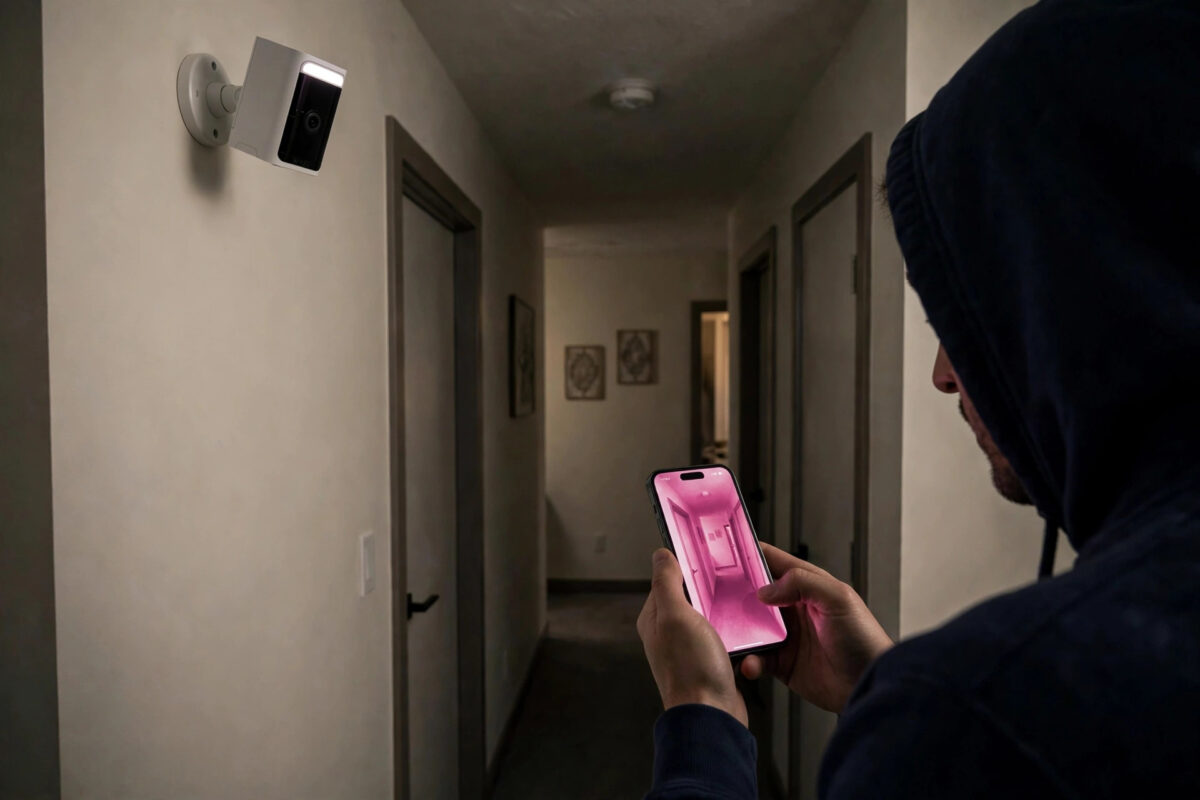
You check your Wyze Cam at night and instead of a clear black and white night view, the whole image is pink, purple, or magenta. During the day the picture may look fine, or it may have a strange pink tint in the corners too.
This odd colour problem looks alarming, but it is one of the easiest Wyze issues to understand. It is almost never a software colour setting. It is usually the camera’s infrared filter getting stuck in the wrong position.
In this guide you will learn why the image turns pink, how to free a stuck filter with simple steps, and when the camera actually needs replacing.
Quick Answer
A pink or purple night vision image on a Wyze Cam is usually caused by the infrared cut filter getting stuck. Turn night vision off and on several times in the app to hear it click, power cycle the camera, and gently tap the side of the camera to free the filter. If the pink tint never clears after resets and taps, the filter mechanism has failed and the camera needs repair or replacement.
Why Night Vision Turns Pink or Purple
Inside every Wyze Cam is a small physical filter that moves in front of the lens. During the day, the IR cut filter sits over the sensor to block infrared light and keep colours accurate. At night, the filter moves away so the camera can see using its infrared LEDs.
What Happens When the Filter Gets Stuck
If that tiny filter gets stuck halfway, infrared light leaks onto the sensor during the day and whites and greens take on a pink or purple cast. At night the image can look washed out, pink, or strangely bright in the centre with dark edges.
The filter is moved by a small mechanism that can stick because of age, heat, a knock, a power surge, or simply a manufacturing weakness. That is why the problem often appears suddenly after moving the camera, after a storm, or after months of working perfectly.
Other Possible Causes to Rule Out
- Strong coloured light nearby: A purple grow light, neon sign, or coloured smart bulb can tint the image, but this disappears when the light is off.
- Dirty or damaged lens cover: A scratched or cloudy cover can cause glare, though it rarely causes a full pink image.
- Failing image sensor: If the pink colour comes with lines, flicker, or dead areas, the sensor itself may be failing.
Step 1: Toggle Night Vision Off and On
The first fix is to force the filter to move back and forth. Each toggle should produce a faint click from the camera.
- Open the camera live view in the Wyze app.
- Tap the night vision setting and change it from Auto to Off. Wait five seconds and listen for a click.
- Change it from Off to On. Wait again and listen for another click.
- Repeat this off and on cycle five to six times while watching the image.
- Set it back to Auto when the colour returns to normal.
If you never hear a click, the filter is not moving at all. Keep going with the power cycle and tapping steps below. If you hear clicks and the pink clears partway through, the filter was simply stuck and may now work normally.
Step 2: Power Cycle the Camera Completely
A full power cut resets the filter mechanism in a way that app toggles sometimes cannot.
- Unplug the camera from power completely. Do not just turn it off in the app.
- Wait a full 30 seconds. This short wait matters for the mechanism to relax.
- Plug it back in and let it boot fully for two minutes.
- Test the image in a bright room first, then cover the lens or turn the lights off to trigger night vision and test again.
Test in both modes. Some stuck cameras look normal in night mode but stay pink in daylight, or the opposite. You need both views clean before you call it fixed.
Step 3: Gently Tap or Shake the Camera
This sounds crude, but a gentle physical tap is a well-known fix for a stuck IR filter because it frees the tiny moving part without opening the camera.
- Hold the camera firmly in one hand with the lens facing away from you.
- With your other hand, tap the side of the camera body gently but firmly a few times.
- Alternatively, give the camera a short, gentle shake.
- Plug it back in, toggle night vision off and on again, and check the image.
- Repeat once or twice if the colour improves a little each time.
Be firm enough to move the mechanism but never hit the camera against a table or drop it. You are freeing a small filter, not forcing anything. If tapping changes the colour even briefly, it confirms the filter is the problem.
Step 4: Check Settings, Firmware, and Placement
While the filter is the main suspect, a few checks prevent the problem coming back and rule out look-alike issues.
- Update the firmware: Open the camera settings, go to Device Info, and install any firmware update. Restart after updating.
- Remove lens accessories: Take off any third-party lens cover, mount, or skin that could press on the camera body near the lens.
- Avoid extreme heat: A camera baking in direct sun through a window can expand parts and stick the filter. Shade it or move it slightly.
- Check at different times: View the camera at noon and at midnight. Note exactly when the pink appears to confirm the pattern.
If you control the camera with voice or routines alongside other devices, make sure no routine is forcing odd modes repeatedly. A stable setup like the one described in this guide to setting up a smart speaker with Alexa or Google Home keeps your cameras and speakers on predictable settings instead of conflicting automations toggling night mode.
Step 5: Factory Reset Only If Needed
A factory reset will not fix a physically stuck filter by itself, but it rules out corrupted settings if the camera behaves strangely in other ways too.
- Remove any microSD card first so you do not lose recordings you need.
- Press and hold the setup button until the camera announces it is ready to connect.
- Set the camera up again in the app on your 2.4 GHz network.
- Test day and night images before remounting it in its final spot.
If the image is still pink immediately after a fresh setup, with clicks missing and tapping doing nothing, the fault is hardware. At that point check the guidance on the official Wyze support site for camera image problems and check your warranty. A camera under warranty with a failed filter should be replaced rather than opened, as opening it voids coverage.
Common Mistakes to Avoid
- Adjusting colour settings endlessly: There is no app colour slider that fixes a stuck filter. Save time and test the mechanism.
- Hitting the camera hard: Hard knocks can crack the lens or break the mount. Gentle taps only.
- Testing only at night: Always check both day and night views. A filter stuck in night position ruins daytime colour most clearly.
- Opening the camera yourself: The filter is tiny and delicate. Opening the body usually causes more damage and voids the warranty.
- Ignoring a pattern: If the pink returns every hot afternoon, heat is a trigger. Move the camera instead of resetting it daily.
Conclusion
A pink or purple image from your Wyze Cam is almost always a stuck infrared cut filter, not a setting you changed. Toggle night vision off and on to work the filter, power cycle fully, and use gentle taps to free it.
Check the image in both daylight and darkness before remounting the camera. If there is never a click, no change after tapping, and a reset does not help, the mechanism has failed and replacement under warranty is the right next step.
Frequently Asked Questions
Why is my Wyze Cam pink during the day but normal at night?
That pattern means the filter is stuck in the night position, letting infrared light hit the sensor in daylight. Toggle night vision several times, power cycle, and tap the camera gently. Daytime colour should return once the filter moves back.
What is the clicking sound when night vision turns on?
The click is the physical IR cut filter moving in front of or away from the lens. Hearing it is a good sign. If the image is pink and there is no click at all, the filter is likely stuck or its motor has failed.
Can a firmware update fix a pink image?
An update can fix software bugs around night mode, but it cannot free a physically stuck filter. Update anyway to rule out software, then use the toggle, power cycle, and tap steps. If those fail, it is hardware.
Will the pink image damage my recordings?
The recordings will keep the pink tint, so faces and colours are less reliable for identification while the fault lasts. Local and cloud clips recorded during this time will not correct themselves later, so fix the filter as soon as you notice it.
How can I stop the filter sticking again?
Keep the camera out of extreme heat, avoid knocking or dropping it, and use stable power from the original adapter. Toggling night vision occasionally also keeps the mechanism moving. If it sticks repeatedly within weeks, request a replacement.



Leave a Reply