
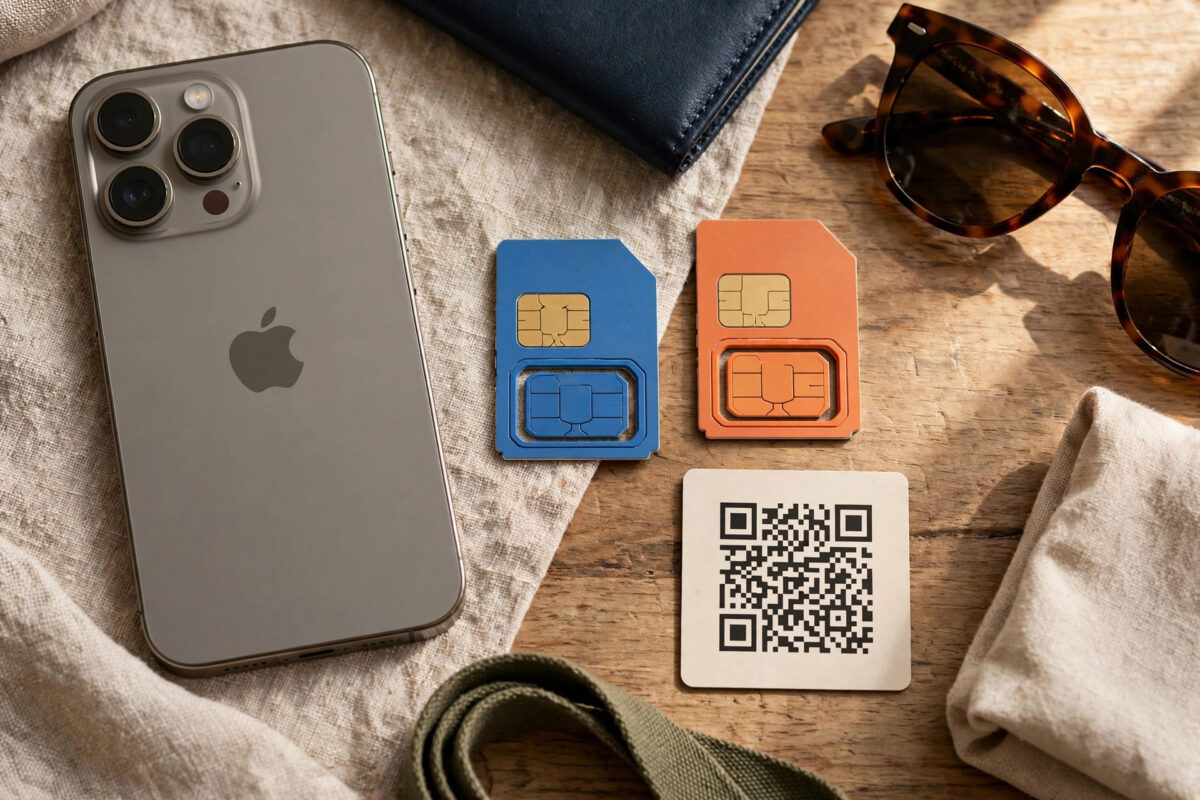
An iPhone that is locked to one carrier will only work with that network’s SIM cards. If you try to use another network, travel with a local SIM abroad, or sell the phone, that lock suddenly matters a great deal.
The good news is that Apple built the answer into the phone itself. In about ten seconds you can see the official carrier lock status without websites, fees, or guesswork.
This guide shows the Settings check, the practical SIM test that confirms it, and what to do if the phone turns out to be locked, including how legitimate unlocking works.
Quick Answer
To check if your iPhone is unlocked, go to Settings, General, About and look for Carrier Lock. If it says ‘No SIM restrictions’, the iPhone is unlocked and works with any carrier. If it names a carrier or says SIM locked, the phone is tied to that network until that carrier unlocks it. You can confirm with a different carrier’s SIM: if it gets signal, the phone is unlocked.
The Settings Check (10 Seconds)
This is the definitive check, straight from the phone itself. It works on every iPhone running modern iOS, including eSIM-only models like recent US iPhones.
- Open Settings and tap General.
- Tap About at the top.
- Scroll to Carrier Lock (on some versions it appears as Network Provider Lock).
- ‘No SIM restrictions’ means the phone is fully unlocked.
- A carrier name or ‘SIM locked’ message means it is locked to that network.
While you are on the About screen, you will also see the model, serial number and IMEI, which are handy if you need to speak to a carrier about the phone.
The SIM Test (The Practical Proof)
Settings tells you the status, but a real SIM test proves it in the real world, which is worth doing before you travel or sell.
- Borrow a SIM or eSIM from a different carrier than your own.
- Insert the physical SIM, or add the eSIM via Settings, Mobile Service, Add eSIM.
- Wait a minute and watch for signal bars and the new carrier name.
- If the phone connects and can make a call or load a web page, it is unlocked.
- If it shows ‘SIM not supported’ or an activation warning about the SIM, it is locked.
Do not panic if a foreign SIM shows no service at first in another country. Roaming settings and network selection can take a few minutes, and Data Roaming must be on for data to flow.
Why an iPhone Might Be Locked
Understanding the lock helps you choose the right remedy, especially with second-hand phones.
- The phone was bought on a carrier contract or monthly plan and the carrier locks it until terms are met.
- Some carriers unlock automatically after the contract ends or after a set period; others require a request.
- A phone reported lost or stolen can be blocked on all networks, which is different from a carrier lock and cannot be fixed by unlocking.
- Second-hand phones are sometimes sold as unlocked when they are not. Always run the Settings check before paying.
Checking before you buy is essential. Our guide on finding your iPhone’s IMEI number shows how to locate the identifier carriers and checking services ask for during any unlock or purchase check.
How to Get a Locked iPhone Unlocked (Legitimately)
Only the carrier that locked the phone can unlock it. The process is free in many countries once you qualify, and it is permanent.
- Identify the locking carrier from the About screen or the original seller.
- Contact that carrier and request an unlock. You usually need the account holder’s details and the IMEI.
- Meet their conditions: contract finished, device paid off, account in good standing.
- Once approved, the unlock is applied to Apple’s servers. Connect to Wi-Fi, insert the new SIM, and the phone activates on the new network.
Avoid websites selling instant unlock codes or software for iPhones. Carrier unlocking happens on Apple’s activation servers, not through codes, and paid third-party ‘unlock’ services are unreliable at best and scams at worst.
Locked vs Blacklisted vs Activation Locked: Do Not Confuse Them
Three different ‘locks’ affect used iPhones, and sellers and buyers constantly confuse them. A carrier lock (the subject of this guide) ties the phone to one network until that network releases it. It is legitimate, temporary, and fixable for free in most cases.
A blacklist block is entirely different: a phone reported lost or stolen is blocked by its IMEI on carrier networks, so it gets no service anywhere in the country (and often beyond). No unlock service can fix a blacklisted phone, and buying one is money lost. This is why checking the IMEI status before buying a used iPhone matters as much as checking the carrier lock.
Activation Lock is the third: the phone is signed into someone’s Apple ID and cannot be set up by anyone else. A carrier-unlocked phone can still be Activation Locked, and vice versa. Before paying for any used iPhone, run all three checks: carrier lock in Settings, IMEI status through a reputable checker, and a full setup in front of the seller to prove Activation Lock is off. Ten minutes of checking is the difference between a bargain and a paperweight.
Common Mistakes and Helpful Tips
- An unlocked phone is worth more when you sell it. If you qualify for a free carrier unlock, claim it before selling.
- ‘No SIM restrictions’ is the only wording that guarantees freedom. Anything else means locked.
- Dual SIM phones can be locked too. Both the physical SIM and eSIM side obey the same carrier lock.
- If you bought from Apple directly, the phone is almost always unlocked from day one. Carrier-store purchases are the locked ones.
Apple explains carrier locking and the unlock request process in its support pages. Read the official Apple guide to unlocking an iPhone for another carrier before contacting your network.
Conclusion
Checking takes ten seconds: Settings, General, About, Carrier Lock. ‘No SIM restrictions’ means your iPhone will accept any carrier’s SIM or eSIM, anywhere. A named lock means only that carrier can free the phone, usually free once your contract terms are met. Run the check before travelling, switching networks, or buying or selling a used iPhone, and back it up with a real SIM test when it matters.
Frequently Asked Questions
Does resetting or restoring an iPhone remove the carrier lock?
No. The carrier lock is recorded on Apple’s activation servers and reapplies itself at every activation. Restoring, updating or jailbreaking does not remove it. Only the locking carrier can release it, after which it stays unlocked forever.
Can I check the lock status without a SIM card?
Yes. The Settings check under General, About, Carrier Lock works with no SIM inserted and no signal, because the status is stored on the device. The SIM test is only an extra confirmation.
My iPhone says unlocked but a new SIM shows ‘not supported’. Why?
That message can also appear if the SIM is faulty, inserted incorrectly, or from an unsupported region for that model. Try another SIM from the same new carrier first. If several SIMs fail while Settings claims restrictions exist under a different wording, contact Apple with your IMEI.
Are eSIM-only iPhones locked the same way?
Yes. US models without a SIM tray are locked or unlocked exactly the same, and the same About screen line tells you. An unlocked eSIM model can add plans from other carriers freely; a locked one cannot until the carrier releases it.
How long does a carrier unlock take?
Once approved, usually minutes to a few days. The carrier submits the change to Apple’s servers, and you complete it by connecting to Wi-Fi and inserting the new SIM or restarting. Delays usually mean the carrier has not finished processing, so chase them, not Apple.



Leave a Reply