
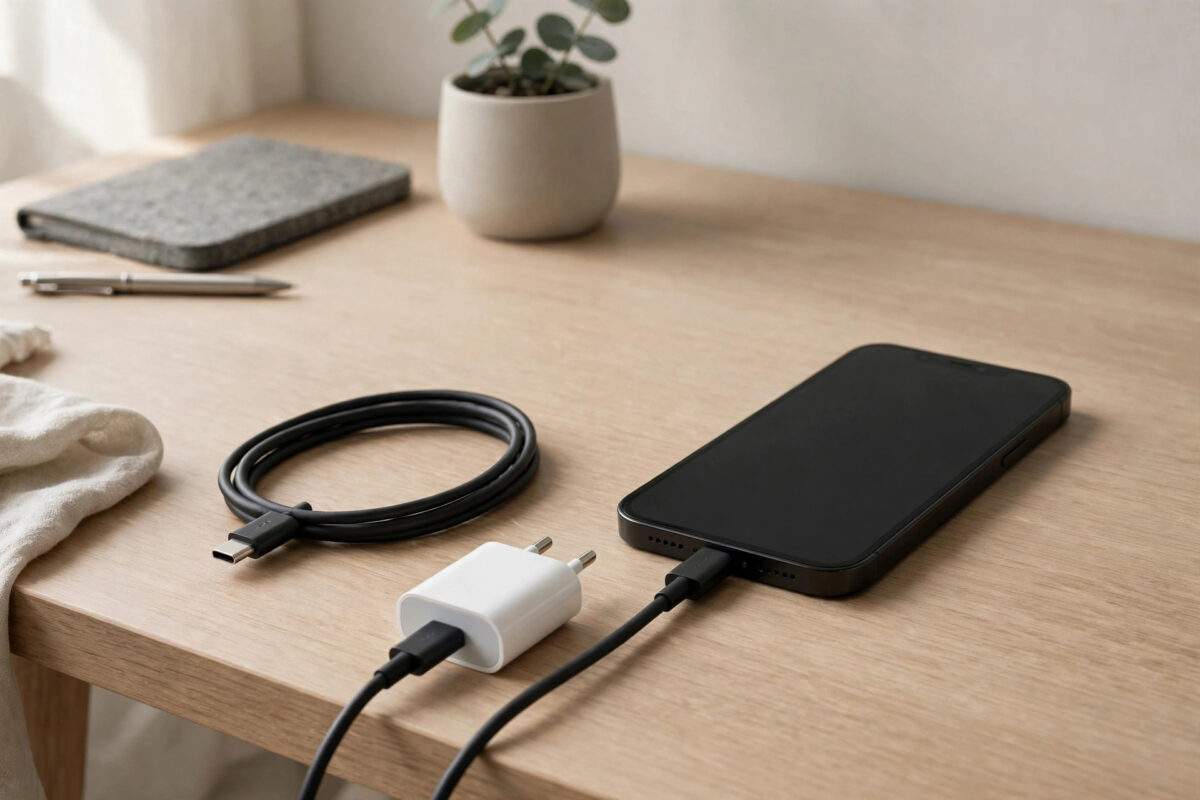
You bought a fast charger, plugged in your iPhone, and expected the battery bar to race upwards. Instead it crawls, sometimes no faster than the old charger you replaced. This is a frustrating and very common problem. The truth is that “fast charging” only works when the phone, the adapter, the cable and even your settings all agree to work together. If any one link in that chain is weak, the whole charge slows down.
Quick Answer
An iPhone usually charges slowly with a fast charger because of a non-certified or low-power cable, a dirty or damaged charging port, a software limit like the 80% charge cap or optimised charging, or the phone slowing charging to control heat. Use a USB-C Power Delivery adapter of at least 20W with a quality cable, clean the port gently, and check Settings > Battery > Battery Health & Charging for limits.
How iPhone Fast Charging Actually Works
Apple’s fast charging can take a modern iPhone from empty to roughly 50% in about 30 minutes, but only with the right equipment. You need a USB-C adapter that supports USB Power Delivery and delivers at least 20 watts, plus a proper USB-C cable. The bigger Pro Max models can draw even more power at their peak. An old 5W adapter, a laptop USB port, or a cheap multi-port charger that shares its power between sockets will never reach those speeds no matter what the box promised.
It also helps to understand that fast charging is not fast all the way. Every iPhone charges quickly at first, then deliberately slows as the battery fills, especially past 80%. That tailing-off protects the battery and is completely normal.
Step-by-Step: Find the Slow Link
- Check the adapter’s wattage. Look at the small print on the charger. You want 20W or more from a single port.
- Swap the cable. Cables fail more often than adapters. Try the cable that came with your phone or another certified one.
- Inspect and clean the port. Shine a light inside. Pocket lint compacted at the bottom stops the plug seating fully. Power the phone off and tease lint out gently with a wooden toothpick orSIM ejector tool wrapped in care; never use anything metal or sharp.
- Remove the case if the phone gets warm, because heat makes iOS slow the charge.
- Check your charging settings. In Settings > Battery > Battery Health & Charging, make sure an 80% limit or optimised charging is not what you are actually seeing.
- Restart the phone to rule out a temporary software glitch.
Software Limits That Look Like Slow Charging
Several iOS features deliberately limit charging, and they often confuse owners into thinking the charger is broken. If you chose the 80% limit in the charging optimisation settings, the phone will simply stop at 80% forever until you change it. Optimised charging holds the battery around 80% overnight and finishes near your alarm time. Temperature protection also pauses charging when the phone is hot. Before blaming hardware, read your current health and charging settings; our guide on turning on optimised battery charging explains exactly what each option does.
Wireless Charging Is Slower by Design
If your “fast charger” is a wireless pad, manage your expectations. Standard Qi charging is limited to 7.5W on iPhone, and even MagSafe tops out well below what a good cable delivers, while wasting more energy as heat. Poor alignment between the phone and pad slows things further. Wireless is for convenience on a desk or nightstand, not for speed.
When the Battery Itself Is the Problem
An old, degraded battery charges strangely: the percentage may jump in steps, crawl in the middle range, or the phone may get hot while charging. If your maximum capacity is under 80%, slow and odd charging behaviour is often just the worn battery showing its age. A battery replacement restores normal behaviour in most cases.
Apple’s own explanation of charging behaviour and battery ageing on its page about lithium-ion battery technology is worth reading if you want to understand why speeds taper as the battery fills.
Mistakes to Avoid
Do not jam metal objects like paper clips or needles into the charging port to clean it; you can short or bend the contacts and turn a free fix into a repair bill. Avoid buying chargers purely on a huge printed wattage number from unknown brands, since the figure is often shared across all ports or simply exaggerated. And do not leave the phone charging on a hot car dashboard and then wonder why it barely charged; iOS will throttle charging aggressively in that heat.
How to Tell What Speed You Are Actually Getting
Frustratingly, iOS does not show a live charging wattage on screen, but you can still measure progress sensibly. Note the battery percentage, plug in with the phone left alone, and check again after exactly 30 minutes. A healthy fast-charge setup typically adds around 40 to 50 percentage points in that half hour from a low starting level. If you gained only 10 to 15 points, something in the chain is definitely limiting you, and the swap tests in this guide will find it.
Swap one thing at a time so you know which item was guilty: first the cable, then the adapter, then the socket or port you are plugged into. Multi-port chargers deserve special suspicion, because many divide their rated power between sockets, so a “65W” charger with two devices plugged in may be feeding your phone a fraction of that. Also remember that charging from a computer’s USB port is convenience charging only, often around 5W or less; it was never designed to be fast, and no setting on the phone can change that.
Conclusion
Slow charging with a fast charger is almost always a chain problem: the wrong adapter, a tired cable, a lint-filled port, a hot phone, or a software limit doing its job. Work through the checks in order, use a 20W or better USB-C Power Delivery adapter with a quality cable, and keep the port clean. In most cases your fast charging will be back within ten minutes.
A Note on Battery Health and Charging Speed
Charging speed and battery health influence each other in both directions. A worn battery accepts charge erratically, so slow and uneven charging can be an early symptom of a battery nearing the end of its life. In the other direction, constantly fast charging in hot conditions accelerates the wear that leads to that state. This does not mean you should fear your fast charger; used at a desk in a cool room, it is perfectly kind to the battery. It means speed problems are worth investigating rather than tolerating, because they are often the first visible sign of something, a cable, a port, a setting or the battery itself, that deserves attention before it gets worse.
Frequently Asked Questions
What wattage charger do I need for iPhone fast charging?
A USB-C Power Delivery adapter of at least 20W unlocks fast charging on modern iPhones. Larger models can briefly draw more, so a 30W adapter gives a little extra headroom, but 20W is the key threshold.
Why does my iPhone charge fast to 50% then slow down?
That is by design. Lithium-ion batteries accept charge quickly when empty and must slow down as they fill to avoid damage and excess heat. Every iPhone tapers its charging speed in the second half of the charge.
Can a damaged cable cause slow charging?
Yes, and it is one of the most common causes. Internal breaks in the cable increase resistance, so the phone negotiates a lower power level. If one cable charges slowly and another works fine, retire the slow one.
Why does charging pause at 80% sometimes?
Usually because of the 80% limit setting, optimised charging holding the battery overnight, or temperature protection. Check Settings > Battery > Battery Health & Charging to see which one is active on your phone.
Is it safe to use an iPad or Mac charger with my iPhone?
Yes. The iPhone only draws the power it can safely use, so a higher-wattage Apple USB-C charger will not harm it. It is one of the easiest ways to guarantee you have enough wattage for fast charging.



Leave a Reply