
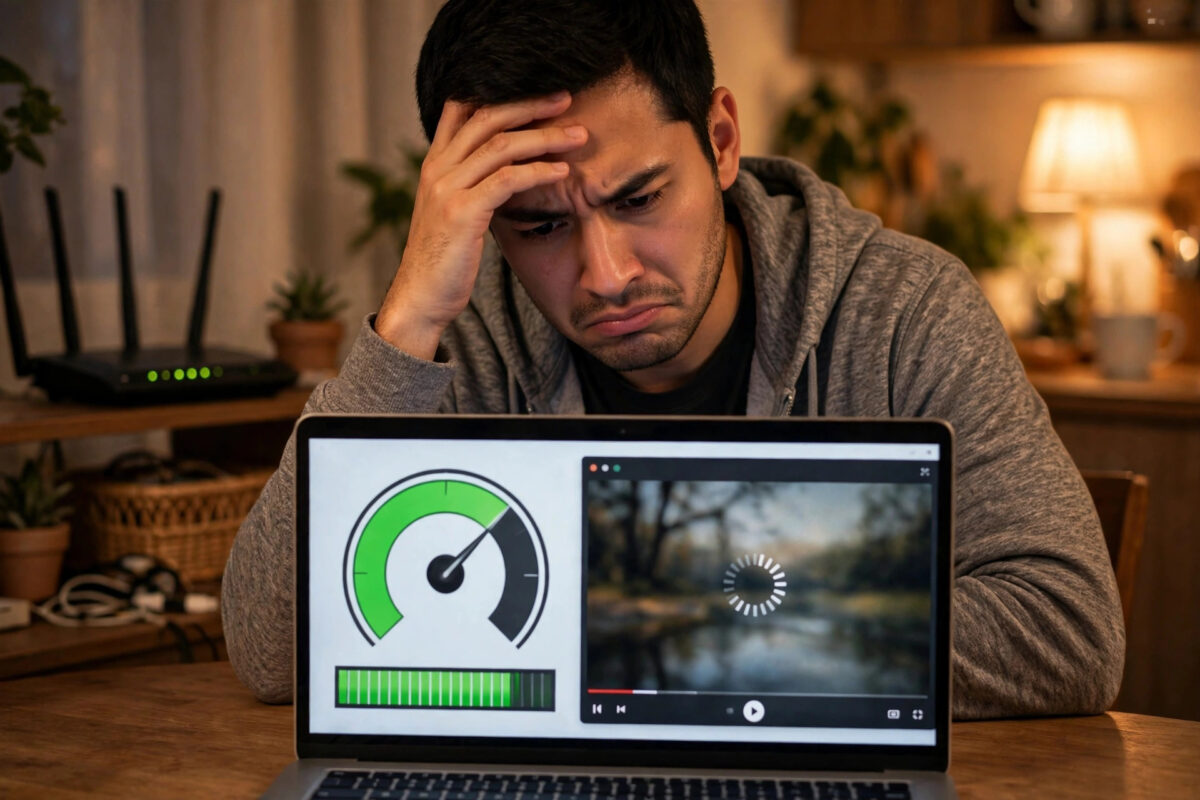
It is one of the most frustrating faults in home networking. The speed test proudly shows 400 Mbps, yet web pages crawl, calls break up, and videos sit buffering as if you were back on dial-up.
Both things can be true at once. A speed test measures one narrow thing very well. Your real experience depends on several other things it barely touches, and any one of them can make a fast line feel slow.
Quick Answer
A fast speed test with slow real use usually means high latency, weak Wi-Fi, an overloaded router, or a slow service at the other end. The test uses a nearby server and multiple connections. Real apps often use distant servers and single connections, so they expose problems the test hides.
What a Speed Test Does Not Show You
Speed tests are designed to show maximum throughput. They open several connections at once, use a nearby server, and transfer data for a few seconds in ideal conditions.
Real life is messier. A web page may need dozens of small requests to different servers. A video call needs a steady, low-delay stream, not a short burst of raw speed.
Throughput Is Not Responsiveness
Think of throughput as the width of a motorway and responsiveness as how quickly a car can join it. A wide motorway with a ten-minute queue at the slip road still feels slow.
That queueing delay is called latency, and the technical explanation of latency in engineering shows why distance and waiting time affect every request. High latency makes everything feel hesitant, however wide the connection is.
Cause One: High Ping and Jitter
Check the ping on your test result, not just the big number. A ping over 100ms, or one that jumps around wildly, will make browsing and calls feel broken.
Every click involves round trips. Loading one modern page can mean 50 or more small exchanges, and at 200ms each, those delays stack up into obvious waiting.
How to Check Latency Properly
- Run a speed test and record ping, jitter, and loaded latency if the tool shows them.
- Repeat the test while someone streams or downloads, to see if latency rises under load.
- On a computer, ping your router at 192.168.1.1 or 192.168.0.1 and note the times.
- Then ping 1.1.1.1. If the router replies in 1 to 3ms but 1.1.1.1 takes 150ms, the delay is beyond your home.
- Compare a wired device with a Wi-Fi device. A big gap points to your wireless, not the line.
A router ping above 10ms on a wired connection is unusual and worth investigating. On Wi-Fi, brief spikes are common, but regular spikes over 50ms are not.
Cause Two: Bufferbloat
Bufferbloat happens when a router holds too much data in queues. Your download speed looks excellent, but while a big transfer runs, everything else waits behind it and feels frozen.
The classic symptom is specific: calls and gaming are fine until someone starts a large download or cloud backup. Then voices robot, games lag, and pages stall until the transfer finishes.
Simple Ways to Reduce It
- Turn on SQM or QoS if your router offers it, and set limits slightly below your real line speed.
- Schedule big uploads such as photo backups for overnight, not during work calls.
- Wire the worst offenders. A wired games console or PC cannot destabilise Wi-Fi for everyone else.
- Replace very old routers. Budget routers from a decade ago struggle badly under modern loads.
Cause Three: Weak Wi-Fi, Not Weak Broadband
Speed tests are often run near the router. Real use happens in bedrooms, garden offices, and kitchens, through brick walls and floors that eat wireless signal.
A weak signal does not just lower speed. It causes retransmissions, where data is sent again and again, which feels far worse than a simple slower connection.
If distant rooms are the problem, our walkthrough on setting up a Wi-Fi extender step by step explains correct placement. An extender put in a dead spot only repeats a bad signal, so position matters more than price.
Signs Wi-Fi Is the Culprit
- Everything works well in the router room and badly everywhere else.
- Speed improves dramatically when you move closer, even by one room.
- Problems are worse in the evening, when neighbours’ networks compete for airtime.
- One device is fine while another in the same spot struggles, suggesting an old adapter.
Cause Four: Something Is Using Your Bandwidth Quietly
A speed test can still look fast between bursts of other activity. Meanwhile a cloud backup, a console update, or a teenager’s game download can seize most of your upload or download in waves.
Upload saturation is especially sneaky. Fill a modest 30 Mbps upload completely, and acknowledgements for downloads get delayed too, so the whole connection feels sluggish.
It is also worth ruling out unknown devices. Open your router’s connected devices list and account for every entry. Anything you cannot identify should be removed, and the Wi-Fi password changed, before you investigate further.
Cause Five: The Problem Is the Other End
Sometimes your connection is innocent. A small business website on an overloaded server, a distant game server, or a struggling streaming service will be slow for everyone, on any connection.
Test the theory simply. If ten websites fly and one crawls, blame that one website. If one app struggles on every device, blame the app or its servers before blaming your broadband.
DNS Can Make Everything Feel Slow
Before any page loads, your device must look up its address using DNS. A slow DNS server adds a pause before every new site, which feels like slow internet even when transfers are fast.
- Try changing DNS on one device to 1.1.1.1 and 8.8.8.8 as a controlled experiment.
- Use that device normally for an hour and compare how quickly new sites start loading.
- If it feels clearly snappier, apply the same DNS settings in your router for the whole house.
- If nothing changes, revert the settings and look elsewhere. DNS is a cause, not a cure-all.
Cause Six: An Overworked Router or Device
Routers are small computers. Old firmware, months without a restart, overheating in a cupboard, or too many features switched on can slow them down while the line itself stays fast.
Devices suffer too. A browser with 60 tabs, a failing hard drive, aggressive antivirus scanning, or malware can make one machine feel as if the internet itself is broken.
Restart the router properly, update its firmware, give it air, and test with a second device. Cross-device comparison is the fastest way to separate a home problem from a single-machine problem.
Tips That Actually Help
- Test wired and wireless separately every time, so you always know which half of the system is failing.
- Watch upload, not just download. A saturated upload is the hidden cause behind many ‘slow internet’ complaints.
- Keep a simple diary of when slowness happens. Patterns by time of day reveal congestion and scheduled backups quickly.
- Update one thing at a time. Change DNS, position, or settings singly, test, and note the result like an engineer.
- Check the service status of the app or site before spending an evening changing your own equipment.
Conclusion
A fast speed test proves your line can move data quickly to a nearby server. It does not prove low latency, strong Wi-Fi in every room, a healthy router, or a fast service at the other end.
Work through the causes in order — latency, load, Wi-Fi, hidden usage, DNS, and the other end — and test after each change. You will usually find one clear culprit, and it is rarely the headline speed itself.
Frequently Asked Questions
Why do pages load slowly if I have 500 Mbps?
Pages are built from many small requests, so latency and DNS delay matter more than raw throughput. High ping adds a wait to every request, and those waits add up fast.
Why is my connection fine in the morning but slow at night?
Evening is peak time for your provider, your neighbours’ Wi-Fi, and streaming services. Congestion and wireless interference both rise, so latency and retransmissions rise with them.
Can a VPN make the internet feel slow?
Yes. A VPN adds distance, encryption overhead, and another server in the path. Speed tests run without it can look great while everything through the VPN crawls. Test both ways.
Why does one device feel slow while others are fine?
That pattern points at the device itself: old Wi-Fi hardware, software updates running, browser overload, or malware. Test the same sites on another device in the same spot to confirm.
What ping should I expect on a good connection?
Typically 10 to 30ms to a nearby server on fibre, with low jitter. Brief spikes happen, but sustained ping over 100ms will make calls, gaming, and browsing feel noticeably sluggish.



Leave a Reply