
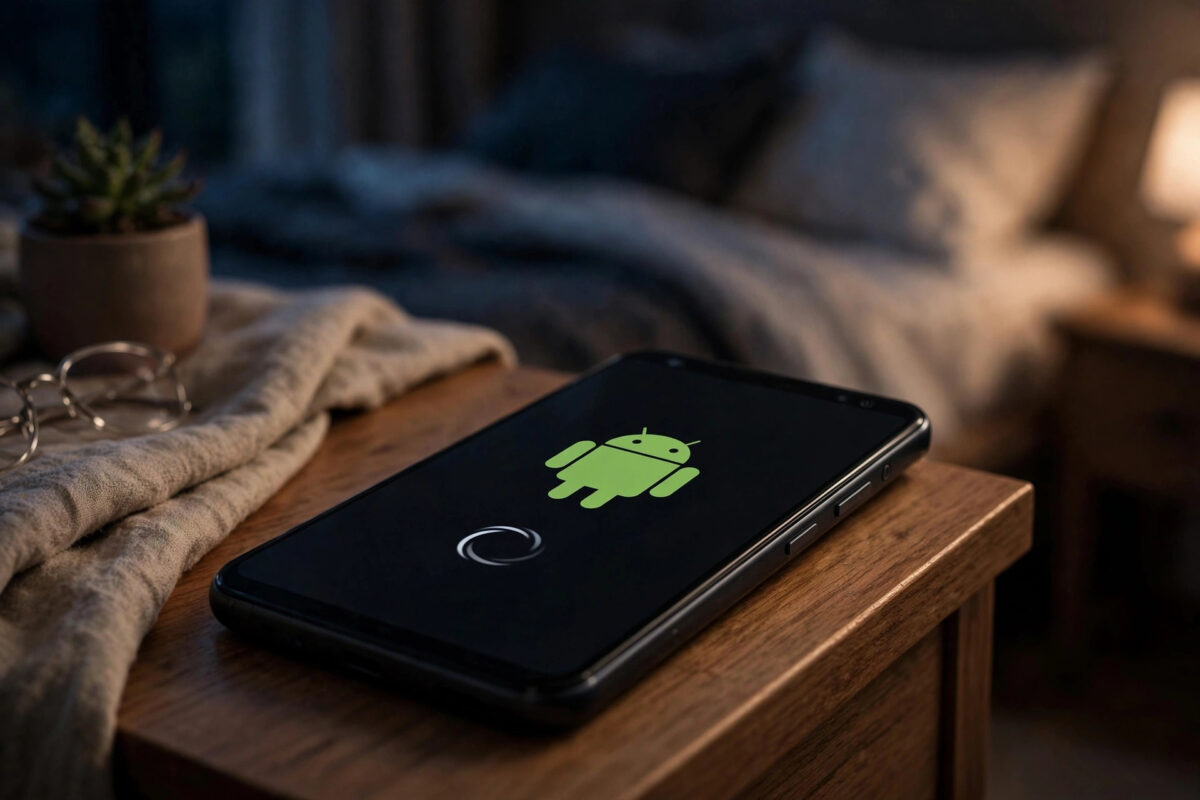
You charge your phone overnight and wake up to a PIN prompt instead of fingerprint unlock. Your alarm may have failed, and sleep tracking often stops halfway.
That pattern usually means the phone restarted while you slept. It is common on Android, and it is rarely a sign of a completely broken phone.
Night restarts follow clear patterns. Once you match the timing to a cause, you can usually stop them in under twenty minutes.
Quick Answer
Most night restarts are caused by a scheduled auto-restart feature, an overnight system update, a worn battery, a crashing app, or overheating on the charger.
Check your uptime first, turn off scheduled restarts, test in safe mode, and try a different charger before you consider a factory reset.
First, Confirm the Phone Is Actually Restarting
Some phones only look restarted. Android sometimes asks for a PIN after 72 hours without unlocking, even when the phone never rebooted.
A true restart is easy to prove with the uptime clock. That number tells you exactly when the phone last booted.
Check the uptime clock
- Open Settings > About phone > Status. On Samsung, use Settings > About phone > Status information.
- Find Up time and note how long the phone has been running.
- Work backwards from the current time to find the restart time.
- Repeat for two or three nights and write down each time.
- Same time every night usually means a schedule or update. Random times point to battery, heat, or an app.
Check the SIM PIN clue
If the phone asks for a SIM PIN as well as your screen PIN, it almost certainly powered off fully. SIM PINs are only requested after a complete restart.
If uptime shows no reboot and only the screen lock asks for a PIN, that is normal Android security. You do not have a restart fault in that case.
Cause 1: A Scheduled Auto-Restart Is Turned On
This is the most common cause, and it is a feature, not a bug. Manufacturers add auto-restart to keep phones fresh by rebooting when idle and locked.
Those conditions describe your phone at night perfectly. The screen is off, the phone is unused, and it is often charging above 30 percent.
On Samsung Galaxy phones
- Open Settings > Battery and device care > Auto optimisation.
- On newer One UI versions, look under Settings > Device care > Auto optimisation instead.
- Open Auto restart at set times or Restart when needed.
- Turn the option off completely.
- Monitor the phone for two nights on your normal charger.
On Pixel and other Android phones
- Open Settings > System > System update and check if an update installed at night.
- Search Settings for the word “restart” using the search bar at the top.
- On Xiaomi and OnePlus, also check Settings > Battery for scheduled power on/off.
- Disable any scheduled power feature you find while testing.
Cause 2: System and App Updates Installing Overnight
Android tries to be polite about updates. It downloads them in the background and applies disruptive parts when you are not using the phone.
Google Play also updates many apps overnight. A faulty update to WebView, Play Services, or a carrier app can trigger restarts until a fix arrives.
- Open the Play Store and tap your profile picture.
- Go to Manage apps and device > Updates available.
- Compare recent update dates with the date your restarts began.
- Install all pending updates manually during the day.
- Restart the phone once yourself after updating everything.
Google covers the same update and crash behaviour in its official Android guide to fixing a phone that restarts or crashes. That guide is a useful cross-check for the safe mode steps below.
Cause 3: A Failing or Swollen Battery
Batteries are the most common hardware cause of random restarts. Night charging exposes a weak battery under hours of steady load.
As a battery ages, its voltage can sag during backups, photo sync, or updates. The power controller then reboots the phone to protect itself.
Signs the battery is the problem
- Restarts happen at roughly the same battery percentage.
- The percentage jumps after restarting, such as 42 percent before and 18 percent after.
- The last 20 percent drains unusually fast.
- The back panel feels slightly lifted or the case no longer fits flat.
- Restarts happen mainly while charging.
Check battery health
- On Samsung, open Settings > Battery and device care > Diagnostics > Battery status.
- On newer Pixel phones, open Settings > Battery > Battery health.
- Note any warning about reduced capacity or service.
- If the battery is two to three years old and signs match, plan a replacement.
A replacement battery is usually inexpensive. It often fixes night restarts completely when software checks have found nothing.
Cause 4: A Rogue App Crashing the System
Apps with deep system access can crash important processes. Launchers, battery savers, antivirus tools, VPNs, and automation apps are frequent offenders.
The main clue is timing. If restarts began shortly after installing or updating one app, start your investigation there.
Use safe mode to prove it
- Press and hold the power button.
- Press and hold Power off on screen until Safe mode appears.
- Tap OK and wait for the phone to restart in safe mode.
- Leave the phone in safe mode overnight on its normal charger.
- If it does not restart, a third-party app is the cause.
- Restart normally and uninstall recent system-level apps one or two at a time.
Safe mode disables all third-party apps at once. That makes it the fastest way to separate app problems from system or hardware problems.
For other overnight device problems, browse the practical guides on Network Ustad’s Android tips and home tech guides. Similar step-by-step fixes there can help you rule out charger and router issues too.
Cause 5: Heat, Chargers, and Storage Problems
Overheating on the charger
A phone under a pillow, in a thick case, or on a cheap wireless charger can overheat. Thermal protection may then shut it down or restart it.
- Charge with the original cable and charger for three nights.
- Remove the case while charging.
- Place the phone on a hard, flat surface with air around it.
- If restarts stop, replace the suspect charger or cable.
Nearly full storage
When free storage drops below about 500 MB, Android struggles to write caches and update files. Restarts become more likely in that state.
- Open Settings > Storage and check free space.
- Free space until at least 10 percent is available.
- Clear large app caches and delete downloaded videos.
- Empty the bin in your gallery app as well.
Corrupted cache partition
- Power the phone off completely.
- Hold Volume Up and Power until the recovery menu appears.
- Select Wipe cache partition with the volume keys and confirm.
- Reboot the phone normally. No personal data is deleted.
Pixel phones do not offer this cache option. Their A/B partition system handles temporary files differently, so skip this step on Pixel models.
Common Mistakes and Useful Tips
Do not factory reset on the first night. A reset destroys the evidence you need, and it changes nothing if the battery is failing.
Do not install a “restart fixer” or battery-saver app. Those apps often cause the very crashes they claim to prevent.
Keep a simple three-night log instead. Note the restart time, charger used, and battery percentage each morning.
Update everything once, manually, during the day. That way nothing needs to install while you sleep.
If the phone restarts only when charging, try a slow standard charger for two nights. That separates fast-charging heat from other causes.
Only reset as a last resort, after backing up. Use Settings > General management > Reset on Samsung or Settings > System > Reset options on Pixel.
If restarts continue after a reset, the problem is almost certainly hardware. Ask a repair shop for a battery test next.
Conclusion
A phone that restarts at night is usually following a rule you can find. Check uptime, note the timing, and disable scheduled restarts first.
Then test in safe mode, test with a known-good charger, and check battery health. Work in that order and most people fix the problem for free.
If the battery signs are clear, a straightforward replacement ends the 3 a.m. reboots for good. Do the simple tests before you spend money or reset anything.
Frequently Asked Questions
Is it normal for my phone to restart at night sometimes?
An occasional restart after a major system update is normal. Restarting several nights a week is not, and it points to a schedule, battery, app, or charger problem.
Why does my phone ask for a PIN every morning?
After any full restart, Android requires your PIN once before biometrics work. Some phones also require it after 72 hours without unlocking, even without a restart.
Can a virus make my phone restart at night?
It is possible but uncommon for phones that only use Google Play. Run a scan in Play Store > Profile > Play Protect > Scan to check for harmful apps.
Will a factory reset definitely fix night restarts?
No. A reset fixes software causes, but it cannot fix a worn battery, faulty charger, or overheating hardware. Test those first so you do not lose your setup for nothing.
Should I leave my phone charging all night?
Modern phones manage overnight charging safely. Features like Samsung Protect Battery and Pixel Adaptive Charging reduce wear, so the charger quality and heat matter more than charging duration.

Leave a Reply