
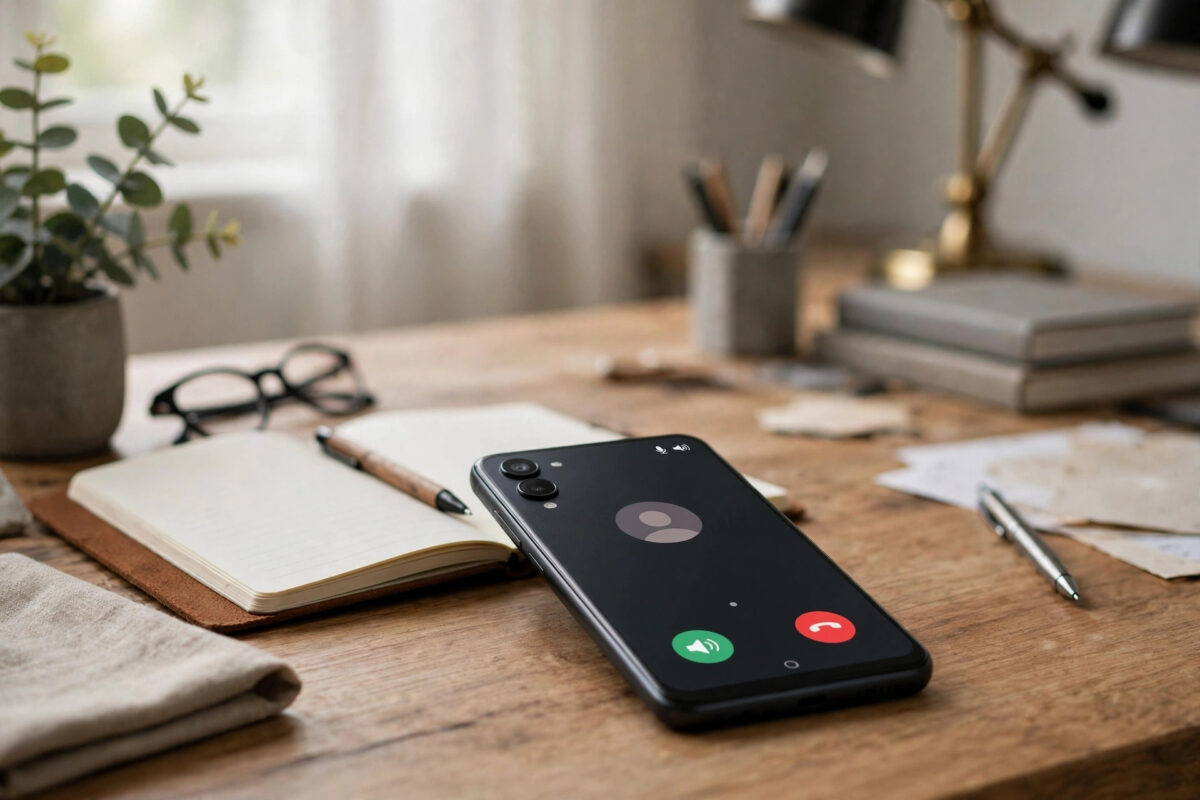
Recording a phone call can be genuinely useful. It protects you in a dispute, preserves an important interview, and saves you scribbling notes during a business call.
It can also get you into legal trouble if you record carelessly. Rules differ sharply between countries, and even between US states, so legality comes before technique in this guide.
Quick Answer
Recording is legal in many places with one person’s consent, which can be your own, but some places require everyone’s consent.
In the US it varies by state, in the UK personal recording is broadly allowed but sharing is restricted, and in much of the EU all parties should consent. Always check your local law and tell the other person.
The Legal Basics, in Plain English
This section gives general information, not legal advice. Laws change, and your exact situation matters, so treat it as a starting point for your own check.
Most call recording law turns on one idea: consent. The question is whose consent is required before a recording may lawfully begin.
Under one-party consent, only one person in the conversation must agree. If you are part of the call, your own consent is enough.
Under two-party or all-party consent, everyone on the call must agree. Recording secretly in such a place can be a criminal offence or lead to a civil claim.
A second question is what you do with the recording. Rules on sharing, publishing, or using a recording in court are often stricter than rules on making it.
When in doubt, ask openly at the start of the call. Consent given on the recording itself is the safest evidence you can have. You can browse more practical explainers in our Android tips and guides at Network Ustad.
How the Rules Differ: US, UK, and EU
The United States
Federal law in the US generally follows one-party consent. Many states match that approach, so a participant may record with their own consent.
A significant minority of states require all parties to consent. California, Florida, and Pennsylvania are commonly cited examples of stricter states.
Calls crossing state lines create a trap. If you are in a one-party state calling someone in an all-party state, the stricter law may apply.
The United Kingdom
In the UK, recording a call for your own personal use is generally not prohibited by the main interception law, providing you are a party to the call.
Sharing or publishing that recording is a different matter. Business recording is regulated, and data protection law applies when recordings identify people.
In practice, UK businesses must tell people calls are recorded. As an individual, telling the other person remains the safe and courteous default.
The European Union
Across the EU, privacy and data protection law, including the GDPR, makes consent the standard approach. Several member states require all parties to agree.
Countries such as Germany are notably strict about secret recordings. A recording made without consent may be unusable and may itself breach the law.
The overview of telephone recording laws by country on Wikipedia is a useful starting map, but always confirm with an official or legal source for your country.
Before You Record: A Simple Legal Checklist
- Confirm whether you are in a one-party or all-party consent place.
- Check the other person’s location too, especially for US state-to-state calls.
- Plan to announce the recording at the start of the call.
- Decide why you are recording and how long you will keep the file.
- Never record calls you are not part of; that is interception, not recording.
- If the call involves work, check your employer’s policy as well.
- Store recordings securely and avoid sharing them casually.
This checklist takes two minutes. It prevents almost every common legal mistake people make with call recording.
How to Record Calls Using the Google Phone App
Google’s Phone app includes built-in recording on supported devices and in supported regions. Availability varies by country and carrier, because Google restricts it where laws are stricter.
- Open the Phone app during or before a call.
- Look for the Record button on the call screen.
- Tap Record to start.
- Listen for the automatic announcement to both parties.
- Tap Stop recording when finished.
- Find the file later in Recents, under the contact’s call history.
The announcement is the key detail. When you start recording, the app plays a spoken disclosure telling everyone on the call that it is being recorded.
You cannot turn that announcement off. Google designed it that way deliberately, so the feature cannot be used for secret recording.
Google explains availability and behaviour in its help page on recording calls with the Phone app. Check it, because supported regions change over time.
How to Record Calls on Samsung and Xiaomi Phones
Samsung and Xiaomi both build recording into their dialler apps in many regions. In markets with stricter laws, the feature may be hidden or removed entirely.
Samsung Galaxy
- Open the Phone app and tap the three-dot menu.
- Tap Settings.
- Tap Record calls, if shown.
- Enable Auto record calls, or record manually from the call screen.
- Choose which calls to record: all, unknown numbers, or selected contacts.
- Find recordings in Settings > Record calls > Recorded calls.
Samsung’s dialler also announces recording in many regions. If your model shows no Record calls menu, your region or carrier has disabled it.
Xiaomi and Redmi
- Open the Phone app and tap the settings gear.
- Tap Call recording, if present.
- Turn on Call recording notification.
- Choose Record automatically for all calls or selected numbers.
- During a call, use the Record button if manual control is offered.
Xiaomi phones using Google’s Phone app follow the Google method instead. In that case, the announcement behaviour described above applies to you too.
Third-Party Recording Apps and Their Limits
Older readers may remember popular recording apps from years ago. Modern Android versions restrict call audio access, so many of those apps no longer work properly.
Since Android 10, Google has blocked the audio routes most recorders used. Apps promising silent, hidden recording should be treated with real suspicion.
Some accessibility-based workarounds exist, but they are unreliable and often breach app store policies. A recording that stops halfway helps nobody.
The most dependable alternative is also the simplest. Put the call on speakerphone and record with a second device or a voice recorder app in the same room.
Quality will be lower, but it works on every phone. Announce what you are doing, as the law and basic courtesy both expect.
Common Mistakes and Tips to Avoid Them
Assuming your local rule applies everywhere. Your call partner’s location can bring stricter law into play. Check both ends of the call, especially across US states.
Recording first and asking later. Consent obtained after recording starts may not protect you. Ask first, then press record.
Trying to silence the announcement. The Google Phone app disclosure cannot be disabled, and defeating it defeats the feature’s legal safety. Let it play.
Sharing recordings freely. Sending a private recording to group chats or social media creates separate legal risks. Keep recordings private and purpose-limited.
Keeping recordings forever on an unsecured phone. Recordings can contain sensitive personal data. Move important ones to secure storage and delete the rest.
Tip: state consent on the recording. Begin with “I’m recording this call, is that okay?” and wait for a clear yes. That opening line is your best evidence.
Conclusion
Recording calls on Android is technically easy where the feature is offered. The legal side deserves the real attention, because consent rules vary so widely.
Learn whether your location needs one-party or all-party consent, announce the recording, and let the built-in announcement play. Those habits keep you safe in most situations.
Above all, check your local law before recording anything important. A two-minute check costs nothing, and it protects both you and the person on the other end.
Frequently Asked Questions
Is it legal to record a phone call without telling the other person?
In one-party consent places, a participant may legally record without telling others. In all-party consent places, secret recording can be an offence. Always check your local law first.
Why does the Google Phone app announce the recording?
Google built the announcement in deliberately so everyone on the call knows. It cannot be switched off, and it helps keep the feature within consent laws in supported regions.
Why does my phone have no call recording option?
Manufacturers and Google disable the feature in regions with stricter laws, and some carriers remove it too. Speakerphone plus a second recorder is the universal fallback method.
Can I use a call recording in court?
Not automatically. Courts apply their own rules on consent, relevance, and how evidence was obtained, and illegally made recordings may be excluded. Ask a lawyer about your specific case.
Is it legal to record calls at work?
Business recording has extra rules about disclosure, purpose, and data protection in the UK, EU, and many US states. Follow your employer’s policy and tell callers when calls are recorded.
Leave a Reply