
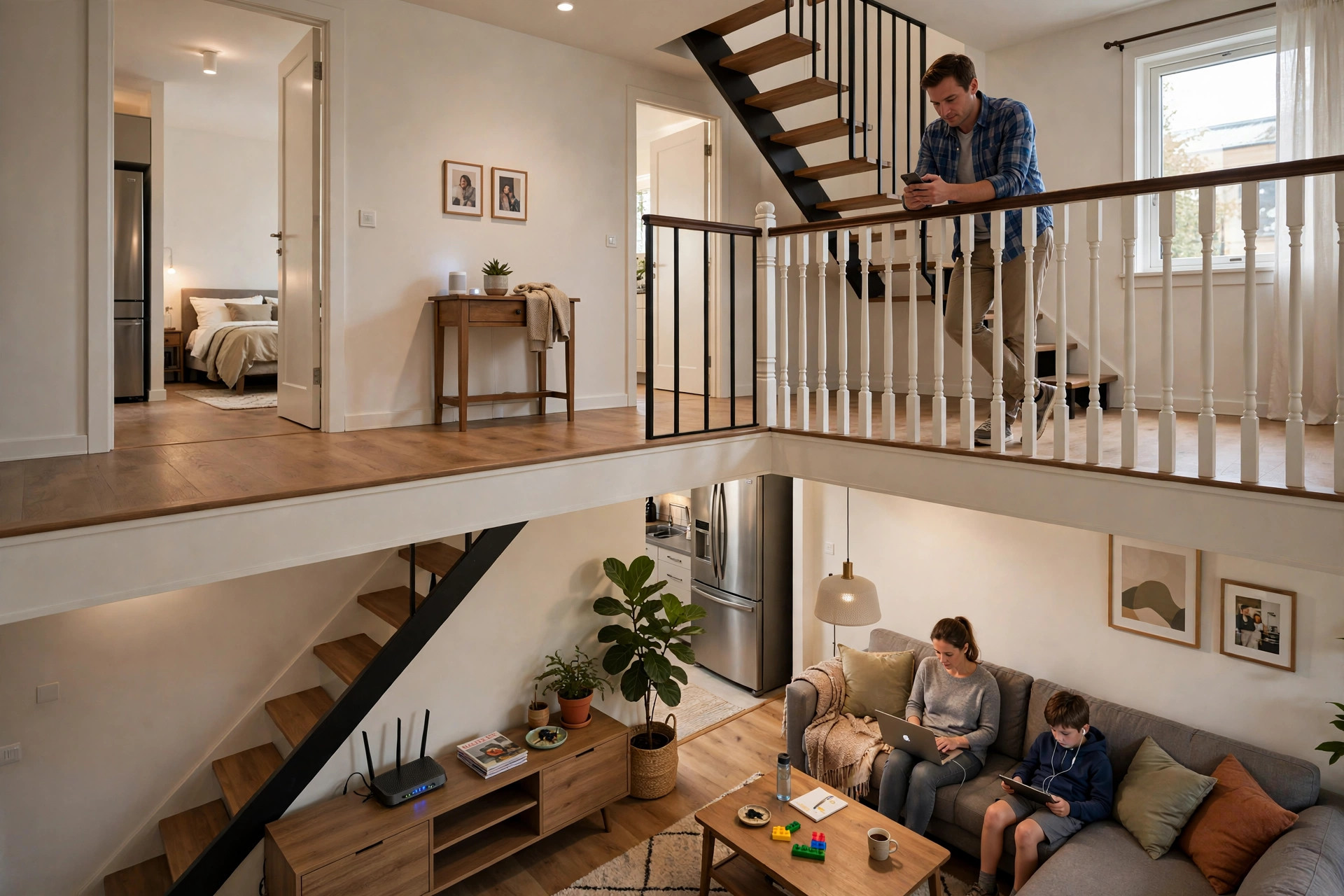
A two-story house is where Wi-Fi goes to be humbled. The router sits downstairs doing its best, while upstairs bedrooms get one bar, buffering videos, and video calls that freeze the moment someone closes a door. Floors are even harder on Wi-Fi than walls — they are thick, packed with pipes, wiring, and sometimes metal reinforcement, and your signal has to punch through them at an angle that makes them effectively thicker still.
The encouraging part: dead zones in a two-story home are a solved problem. This guide walks through the fixes in order — from free placement and settings tweaks to the mesh systems and wired access points that eliminate dead zones for good — so you can spend money only if the free steps fail.
Start by Mapping the Problem
Before buying anything, walk the house with a free Wi-Fi analyser app on your phone and note the signal strength (shown as a negative number in dBm) in each upstairs room. Between -30 and -60 dBm is strong; -60 to -70 is workable; below -70 dBm is dead-zone territory. Sketch where it collapses — usually the upstairs corners diagonally opposite the router. This map tells you whether you need a nudge or a new system, and where extra hardware should go.
Fix 1: Move the Router to the Middle of the House — Vertically Too
Most routers live wherever the internet line enters, typically a downstairs front corner — the worst possible spot for upstairs coverage. If you can, move the router toward the centre of the ground floor, elevated on a shelf rather than the floor, away from thick chimney breasts, metal cabinets, and the kitchen’s appliances. In many two-story homes, simply relocating the router to a central hallway transforms upstairs coverage because the signal now travels through one floor at a short, steep path instead of diagonally through the whole house. If the line socket chains you to the corner, a long, flat Ethernet cable run along skirting boards can still free the router.
Fix 2: Tune the Bands and Channels
Upstairs, the 2.4GHz band is your friend: it penetrates floors far better than 5GHz. Make sure distant upstairs devices are actually using it — a phone clinging to a whisper of 5GHz will behave worse than on strong 2.4GHz. Enable band steering (Smart Connect) if your router handles it well, or give the bands separate names so you can choose deliberately. Also scan for the least congested 2.4GHz channel (choose from 1, 6, or 11) in your router’s wireless settings; in dense neighbourhoods, a cleaner channel recovers surprising range. For a deeper primer on making bands cooperate, see Network Ustad’s Wi-Fi optimisation guides.
Fix 3: Add a Mesh Wi-Fi System (The Popular Answer)
Mesh systems replace your single router with two or three cooperating nodes that blanket both floors under one network name. Place the main node where the internet enters, and the second node upstairs — ideally roughly above the main node and near the centre of the floor, where it still receives a strong signal to relay. Modern mesh kits use dedicated backhaul radios or share intelligently, so upstairs devices get far more speed than an old-fashioned repeater delivers. Mesh is the right spend for most families: easy setup via an app, seamless roaming as you carry your phone between floors, and coverage you can extend by adding another node.
Fix 4: Use a Wired Access Point (The Best Answer, If You Can Cable)
If you can run one Ethernet cable upstairs — through a cupboard, along a stairwell, or during any renovation — a wired access point (or an old router configured as one) beats everything wireless. The upstairs unit gets full-speed internet through the cable and broadcasts fresh, strong Wi-Fi locally. Where a cable run is impossible, powerline adapters that send networking over your home’s electrical wiring can feed the upstairs access point instead; performance depends on your wiring but is often excellent between floors of the same house. The basic principle mirrors how professionals design networks, as described in the reference overview of wireless access points and their role in networks.
Fix 5: The Budget Stopgap — A Well-Placed Repeater
If budgets are tight, a dual-band repeater placed on the landing or at the top of the stairs — where the downstairs signal is still decent — can carry usable Wi-Fi into upstairs rooms. Expect roughly half speed through it: plenty for browsing, messaging, and smart devices, marginal for gaming and 4K streaming. Place it badly (inside the dead zone itself) and it repeats a garbage signal — the single most common repeater failure.
Understanding dBm: The Only Number You Need
Signal readings confuse people because they run backwards: the closer the number is to zero, the stronger the signal. A reading of -35 dBm means you are practically hugging the router; -55 dBm is a comfortable working signal for any task including 4K streaming; -65 dBm handles calls and browsing reliably; -75 dBm is the wobble zone where speeds crater and connections drop; and below -85 dBm there is effectively nothing. When you add hardware, judge success by these numbers rather than by the bars on your phone — moving an upstairs bedroom from -78 to -58 dBm is a twenty-fold increase in actual signal power, and you will feel it in every app. Write the before-and-after numbers room by room; if one room refuses to improve, it usually contains a specific obstacle — a metal-lined chimney breast, an aquarium, a mirrored wardrobe — and shifting the access point a couple of metres sideways often dodges it entirely.
Common Mistakes and Tips
Mistake one: putting the upstairs mesh node or repeater in the dead zone you are trying to fix — relay hardware must sit where the signal is still good. Mistake two: expecting one router, however expensive, to defeat the physics of floors; two modest nodes beat one premium router in a two-story house almost every time. Mistake three: forgetting that stairwells are signal highways — an upstairs node near the stair opening often covers both floors’ awkward corners better than one centred in a walled room. Tip: run your dBm walk-through again after every change and compare numbers rather than impressions.
Conclusion
Dead zones in a two-story house come down to one fact: floors are brutal on Wi-Fi, especially 5GHz. Map your weak spots, move the router central and high, lean on 2.4GHz for distance, and then — if needed — add a mesh node or, better still, a wired access point upstairs. Follow that ladder and the buffering bedroom becomes as connected as the sofa downstairs.
Frequently Asked Questions
Where is the best place for a router in a two-story house?
Centrally on the ground floor (or even on a tall ground-floor shelf), away from walls and metal. If your devices mostly live upstairs, some families do better with the router upstairs instead — centre of the house is the rule, not a specific floor.
Is mesh Wi-Fi worth it for two floors?
For most homes, yes. A two-node mesh kit covers both floors under one name with seamless roaming, and it consistently outperforms a single powerful router or a cheap repeater.
Should upstairs devices use 2.4GHz or 5GHz?
Whichever is stronger in that room. Through a floor, 2.4GHz usually wins on stability; with a mesh node or access point upstairs, local 5GHz becomes excellent because the distance is short.
Can I use powerline adapters instead of running a cable upstairs?
Often, yes. Powerline adapters use your electrical wiring and can feed an upstairs access point. Speeds vary with wiring quality, but on the same electrical circuit group they are usually very serviceable.
Why is the room directly above my router still a dead zone?
Many routers radiate more sideways than straight up — the antenna pattern has a weak spot directly above and below. Shifting the router a metre or two, or angling one antenna horizontally, often fixes the room above.



Leave a Reply