
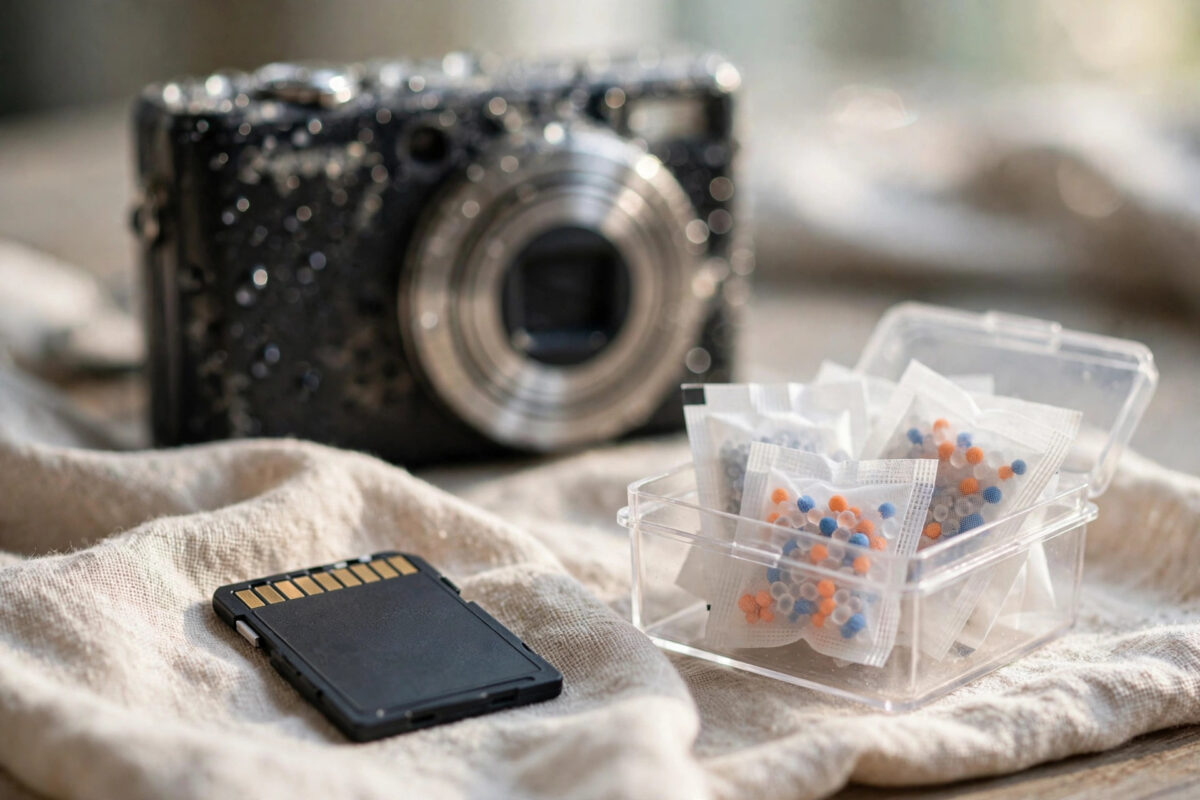
A water-damaged camera is bad news, but the SD card inside it is often the toughest part of the whole kit. Cameras die from water because of batteries, screens, and exposed boards. SD cards are sealed units with no moving parts, so the photos inside stand a real chance, provided you dry and handle the card the right way.
This guide explains the full safe process: rescue, rinsing when needed, slow drying, a careful first read, and how to copy the photos off without risking the card.
Quick Answer
Remove the SD card from the camera without switching the camera on. If it fell in salt or dirty water, rinse the card briefly in clean fresh water, pat it dry, and seal it in a container with silica gel or rice for 24 to 48 hours until it is completely dry. Then read it in a computer card reader, copy the photos off immediately, and only run recovery software on a disk image if files are missing. Never insert a damp card into any powered device.
Why Patience Matters More Than Speed
Water itself rarely erases flash memory. The damage comes from two things: corrosion, which grows while the card stays wet, and short circuits, which happen when a wet card meets power. Both are under your control. Dry the card fully and corrosion stops. Keep it away from power until it is dry and no short circuit can happen.
This is why the worst move is the most tempting one: putting the card straight into a reader “just to check.” A card that would have survived can die in that one moment.
Step 1: Remove the Card Safely
- Do not switch the camera on, and do not press buttons to see if it still works. If it is on, switch it off immediately.
- Open the card slot and remove the SD card. Handle it by the edges and avoid touching the gold contacts.
- Remove the camera battery too, if it comes out easily. This protects the camera, though your priority is the card.
- Look the card over. Cracks, swelling, or a bent shell mean physical damage. A physically damaged card should go straight to a professional rather than a card reader.
- Note what kind of water was involved. Clean rain or tap water is the easiest case. Sea water, flood water, and drinks are worse because of salt, minerals, and sugar, and they need the rinse in the next step.
Step 2: Rinse Only When the Water Was Dirty
Rinsing a memory card in water sounds wrong, but for salt and dirt it is the correct move, because dried salt keeps corroding the contacts for weeks.
- Hold the card under a gentle stream of clean, room-temperature tap water for a few seconds.
- For sea water, a short soak of a minute or two in a bowl of clean fresh water helps dissolve salt from around the contacts.
- Do not use soap, detergents, or brushes. Do not scrub the contacts.
- If the card fell only in clean fresh water, skip rinsing entirely and go straight to drying.
- Shake off loose water gently and pat the card dry with a soft, lint-free cloth.
Step 3: Dry the Card Slowly and Completely
- Place the card in a small sealed container or zip bag with silica gel packets. Uncooked rice works as a backup, though it is slower and can leave dust.
- Leave the container at normal room temperature, away from radiators and direct sun.
- Wait at least 24 hours after a brief splash or clean-water dip, and a full 48 hours after sea water, dirty water, or a long immersion.
- Do not use a hairdryer, oven, microwave, or airing cupboard heat. Heat can warp the plastic shell and damage the chip inside.
- After the waiting period, check the contacts. White or green crust means corrosion started. Clean it very gently with a cotton bud just dampened with isopropyl alcohol, then give the card a few more hours of drying time.
The SD Association website publishes care and handling guidance for SD cards, including advice on keeping contacts clean and avoiding static and moisture damage.
Step 4: The First Read — Copy, Do Not Browse
When the card is fully dry, the first read should be a rescue operation, not a casual browse. Your goal is to get the data off the card and onto solid ground as quickly and gently as possible.
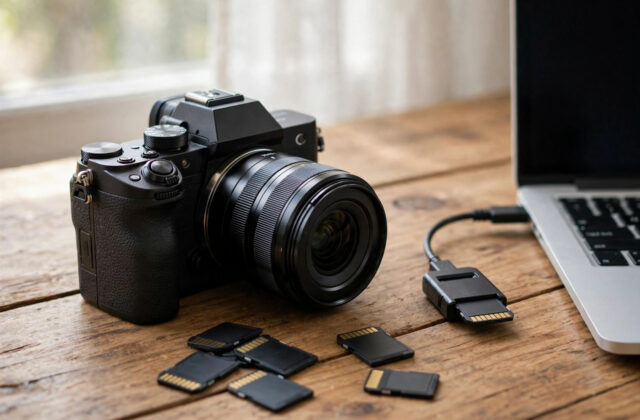
- Use a reliable USB card reader plugged into a computer, not the damaged camera. The camera may be faulty and could harm a good card.
- Insert the card once, firmly. If the computer does not see it, remove it and try a different reader before assuming the card is dead.
- If Windows or macOS offers to format or repair the card, decline. Choose Cancel or Eject-style options only. Formatting destroys the file system you need.
- If the card opens normally, copy the entire DCIM folder to your computer first. Do not open, edit, rotate, or delete photos on the card itself.
- Only after the copy finishes should you open and enjoy the photos, from the computer copies.
If Files Are Missing or the Card Will Not Open
A card that mounts but shows an empty folder, or refuses to open, usually has file system damage rather than erased photos. In that case, make a sector-by-sector image of the card with a tool such as ddrescue, then run recovery software on the image. The official PhotoRec documentation on the CGSecurity wiki explains how PhotoRec finds photos by their signatures even when the file system is broken. Our detailed guide to fixing an SD card that is not detected by a computer also covers reader and driver checks worth doing before you conclude the card has failed.
Safety Rules for the Whole Process
- Never power a wet card. No exceptions, not even for a quick test.
- Never write to the card. Do not save, edit, or delete anything on it, and do not let repair tools run on it directly.
- Never format when prompted. That prompt is a symptom of damage, not a solution.
- Work from an image when things look bad. Imaging the card once and scanning the image protects a fragile card from repeated reads.
- Save recovered files to a different drive. Recovering onto the same card can overwrite the photos you have not rescued yet.
Should You Trust the Card Afterwards?
Even if every photo comes back, treat a water-exposed card as retired. Corrosion can continue slowly inside, and a card that fails mid-shoot next month will cost you new photos instead of old ones. Copy everything off, keep two backups of anything important, and replace the card. Cards are cheap; memories are not. The same applies to the camera: let it dry for several days before testing it, ideally checked by a repair shop, and never test it with your only copy of important photos inside.
Conclusion
Drying and reading an SD card from a water-damaged camera is mostly about restraint. Remove the card without powering anything, rinse only if the water was salty or dirty, dry it slowly for one to two days, then copy everything off in one careful read. Follow that order and most cards give their photos back without a fight.
Frequently Asked Questions
Can I speed up drying with a hairdryer or radiator?
No. Heat warps the plastic shell and can damage the memory chip, turning a recoverable card into a dead one. Room-temperature drying with silica gel is slower but safe, and 24 to 48 hours is enough in almost every case.
The card works but some photos are grey or half missing. Why?
Those files were partly overwritten or sat in damaged areas of the card. Copy everything readable first, then run recovery software on a disk image of the card, because recovery tools sometimes extract cleaner versions of damaged photos than a normal copy does.
Is rice really a good way to dry a memory card?
Rice helps a little by absorbing moisture from the air in a sealed container, but silica gel packets work better and leave no dust. Either is fine as long as the container is sealed and you give the card enough time.
My reader does not recognise the card at all. Is it dead?
Not necessarily. Try a second reader and a second computer, and clean the contacts gently. If nothing recognises the card after full drying, the electronics may have failed, and a professional recovery service that reads the memory chip directly is the last option.
Should I put the card back in the camera to check the photos?
No. A water-damaged camera can short out and damage a healthy card. Always read the card in a computer card reader, and only test the camera later, after days of drying, with a spare card you do not care about.
Leave a Reply