
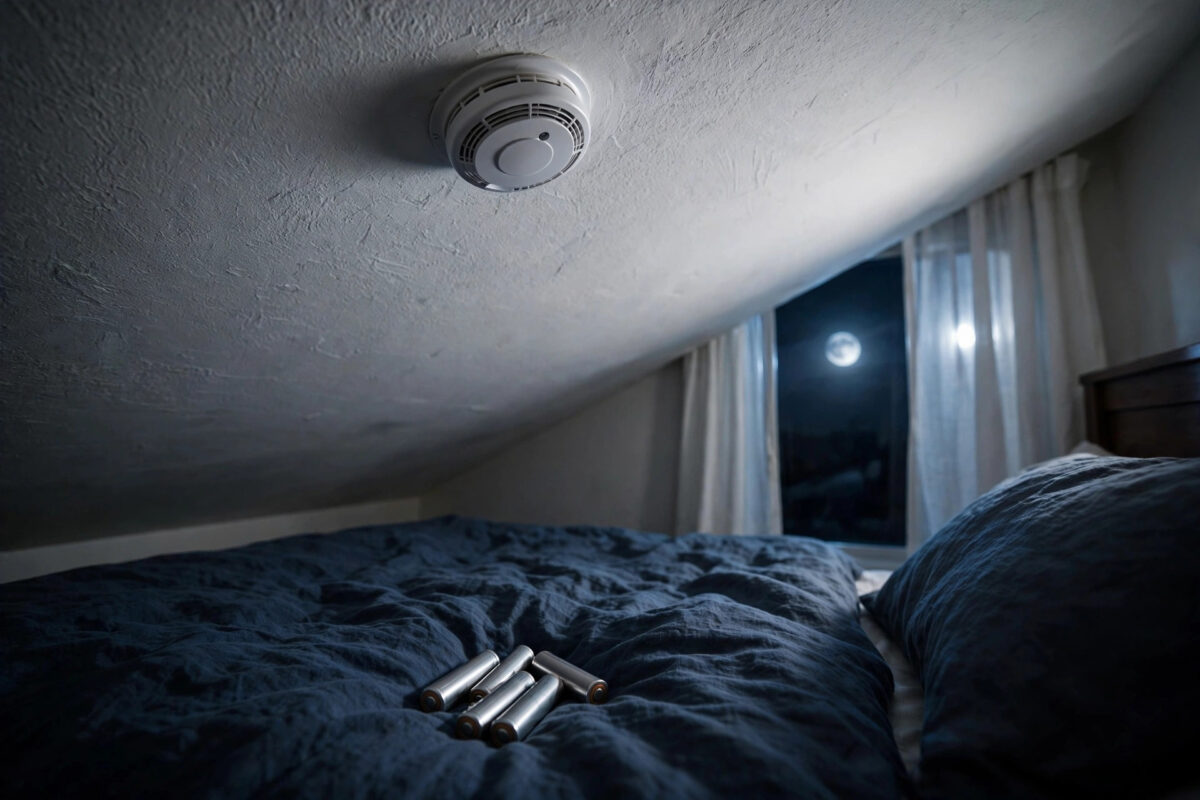
It always happens at 3 a.m. A soft chirp from the ceiling, a calm voice saying the battery is low, and you lying awake wondering why, because you changed those batteries only yesterday. The Nest Protect is supposed to give you peace of mind, not keep you up all night arguing with it.
If your Nest Protect still chirps about low batteries right after a replacement, there is almost always a clear reason. The wrong battery type, one weak cell in the set, a battery sitting slightly loose, or a reading that has not refreshed can all cause it. This guide walks through the fix in the right order, so you can stop the night chirps and trust the alarm again.
Quick Answer
Remove the batteries and check you used the exact type Nest Protect requires: Energizer Ultimate Lithium AA L91 cells, all fresh and from the same pack. Refit them firmly in the correct direction, clean the contacts if needed, then run a Safety Checkup from the Nest app so the device refreshes its battery reading. If it still reports low battery with correct, new lithium cells, try another full fresh set, because a single faulty cell can drag the whole reading down.
Why the Battery Type Matters So Much
Nest Protect is stricter about batteries than almost any other device in your home, and this is where most people go wrong. Battery-powered Nest Protect models are designed for AA Energizer Ultimate Lithium L91 batteries only. Standard alkaline AA batteries may fit perfectly and even power the device for a short time, but their voltage behaviour is different, and the Protect reads them as low or unsuitable very quickly.
Check the printing on the cells you fitted, not just the size. If they do not say lithium and L91, that is very likely your whole problem. Also check the expiry date printed on each cell. Lithium batteries have a long shelf life, but a very old pack stored in a hot drawer can still be weak.
The full battery guidance for each Protect generation is listed on Google Nest’s official support pages, and it is worth confirming your model there before you buy another set.
Step-by-Step Fix for the Low Battery Chirp
Work through these steps in order during the day, not at midnight, so you can confirm the chirp has really stopped before bedtime.
- Take the Nest Protect down safely using a steady step stool, and place it on a table.
- Open the battery compartment and remove every battery. Never mix old and new, and never change only one or two cells.
- Check each contact in the compartment. If you see white or green corrosion or dull metal, wipe the contacts gently with a dry cloth. Do not use water or spray cleaner inside the compartment.
- Fit a full set of fresh Energizer Ultimate Lithium AA L91 batteries, all from the same new pack, checking the plus and minus direction for each one against the diagram.
- Push each cell in firmly until it sits flat and does not rock. A slightly raised cell can make poor contact when the alarm warms up or cools down at night.
- Close the compartment, remount the Protect, and reconnect it if needed.
- Press the centre button and run a Safety Checkup from the device or the Nest app, and wait for it to complete.
- Open the app and confirm the battery status now shows as good or OK, not low.
That Safety Checkup step is the one people skip. The Protect may hold its old low reading until it runs a check and measures the new cells under load. Simply swapping batteries and remounting the alarm can leave the warning in place for hours, even with perfect batteries fitted.
If You Have a Wired Nest Protect
Wired models use batteries as backup power. They still need the correct lithium cells, and they still chirp if the backup set is wrong, weak, or loose. Also check that the mains power is actually reaching the unit. If the wiring connector is loose or the circuit is off, the alarm runs on battery alone, drains it fast, and reports low battery again very soon after a swap.
Other Causes of Night-Time Chirping
If the batteries are correct, fresh, and firmly fitted, and a Safety Checkup has run, look at these other causes before you assume the device is broken.
One Faulty Cell in a Good Pack
It is rare but real. One weak cell in a set of six can pull the combined voltage down enough to trigger a low warning. If you have a battery tester, test each cell. If not, fit a second brand new pack. If the warning clears with the second pack, the first pack had a dud, however new it looked.
The Alarm Is Near the End of Its Life
Smoke and CO alarms expire. A Nest Protect lasts about ten years, and near the end of its life it will warn you that it has expired and needs replacing. That warning can sound alongside, or be confused with, battery chirps. Check the expiry date printed on the back of the unit and the device status in the app. No battery swap can fix an expired sensor.
Temperature and Placement
Very cold rooms, such as an unheated hallway in winter, reduce battery performance overnight, which is exactly when chirps are noticed. If the Protect is in a cold spot, the reading may dip at 3 a.m. and recover by morning. The long-term answer is still correct lithium cells, which cope with cold far better than alkaline, but note the pattern if chirps only happen on the coldest nights.
For a wider look at alarm placement, battery types, and expiry across brands, see our guide to the best smart smoke and CO detectors.
How to Stop Chirps Tonight While You Sort the Fix
If it is already night and you do not have the correct batteries in the house, you need a safe short-term plan. Use the Nightly Promise and silence features properly.
In the Nest app, you can silence a low battery alert for a period from the device screen, which should get you through the night. When you go to bed, check Nightly Promise: a green ring means the Protect has checked itself and should not disturb you. A yellow ring means there is an issue it will tell you about when you press the button, so deal with it before bed rather than at 3 a.m.
Never remove the batteries overnight to stop chirping, and never take the alarm down and put it in a cupboard. A silenced warning for one night while you buy correct batteries is reasonable. A disabled smoke and CO alarm is not, because fire and carbon monoxide do not wait for a convenient day.
Mistakes to Avoid
- Using alkaline or rechargeable AA batteries: They fit, but Nest Protect is designed for lithium L91 cells only. Wrong chemistry is the most common cause of instant low battery warnings.
- Mixing old and new cells: Always replace the full set at once, from the same pack, so every cell has the same strength.
- Skipping the Safety Checkup: Without a checkup, the old low reading may stay in the app and the device may keep warning you.
- Fitting one battery the wrong way round: Check every plus and minus against the diagram. One reversed cell can stop the whole set working properly.
- Ignoring the expiry date: An expired Protect will keep warning you no matter what batteries you fit. Check the date on the back of the unit.
- Disabling the alarm at night: Silence the alert in the app for one night if you must, but never remove batteries or take the alarm out of service.
Conclusion
A Nest Protect that chirps about low batteries after a replacement is almost never a mystery. In most homes the cause is alkaline batteries instead of the required Energizer Ultimate Lithium L91 cells, a mixed or loose set, or a battery reading that never refreshed because no Safety Checkup was run. Fit a full fresh set of the correct cells, seat them firmly, run the checkup, and confirm the status in the app. If a second fresh lithium set still reads low, check the expiry date and wired power, then seek support. Fix it during the day, and your nights will be quiet again.
Frequently Asked Questions
Can I use any brand of lithium AA battery in a Nest Protect?
Google specifies Energizer Ultimate Lithium AA L91 batteries for Nest Protect. Other lithium cells may have slightly different characteristics, and using them can lead to low battery warnings or shorter life. For a safety device, use the exact specified cells.
Why does the chirp only happen at night?
The house is quieter, so you notice it, and cooler night temperatures can lower battery voltage slightly. Nest Protect also runs its self-checks overnight, which is when it reports problems, supported by the Nightly Promise feature that warns you at bedtime instead.
How long should Nest Protect batteries last?
With the correct lithium cells, a battery-powered Protect should run for years under normal conditions, and wired models should get very long life from their backup set. If new lithium batteries read low within weeks, something else is wrong, such as a power issue or a faulty unit.
How do I check the battery status in the app?
Open the Nest app, select the Protect, and look at the device status and settings screens, which show battery level as good or low. After fitting new batteries, run a Safety Checkup and then check the status again so you are reading the refreshed result.
When should I replace the whole Nest Protect?
Replace it when it reaches the expiry date printed on the back, about ten years after manufacture, when the sensor fails a Safety Checkup repeatedly, or when correct fresh lithium batteries still report low after all the checks in this guide. An expired CO sensor cannot be fixed with new batteries.



Leave a Reply