
Streaming costs add up fast, so families naturally want to share. A parent pays for a service, an adult child at university uses a profile, and grandparents in another house watch on weekends. Sharing can work well, but doing it carelessly can lock you out, expose your password to strangers, or break the service’s rules and lose the account. This guide explains how to share safely, legally, and without the usual family password headaches.
Quick Answer
Share streaming accounts safely by first checking each service’s household and sharing rules, using separate profiles for each person, and never sharing your main email password. Use a password manager to share access without revealing the actual password where possible, turn on two-factor authentication, and only share with close family you trust. If a service requires everyone to live in one household, use its official paid sharing or extra member option instead of breaking the rules.
First, Understand the Rules Have Changed
A few years ago, most services ignored sharing between houses. That has changed. Netflix now defines an account around one household and offers paid extra member slots in many countries. Disney+, Prime Video, YouTube Premium, and others each have their own household, profile, and simultaneous stream limits. The exact rules differ by service and by country, and they change over time.
This matters for a simple reason. Sharing in a way the service forbids can lead to blocked devices, forced verification codes sent to the account owner, or in the worst case a cancelled account with all watchlists and history lost. Before sharing anything, read the current terms on the service’s help pages. The Netflix help page explaining households and sharing your account is a good example of how one major service now handles this, and other services publish similar pages.
Share Profiles, Not Chaos
Even when sharing is allowed, one shared profile for everyone is a mess. Recommendations become useless, watch history mixes together, and half-watched series get marked as finished by someone else.
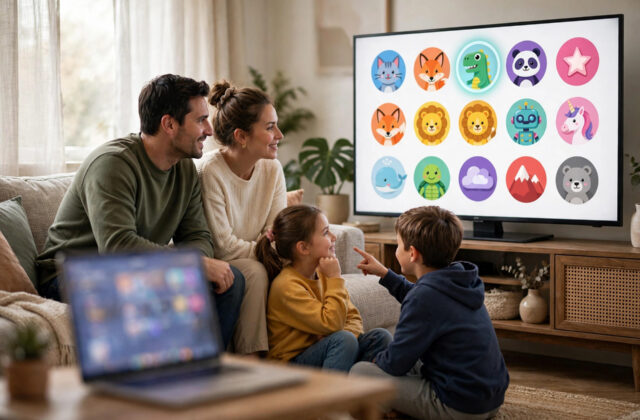
- Create a separate profile for each person, with their own name and picture.
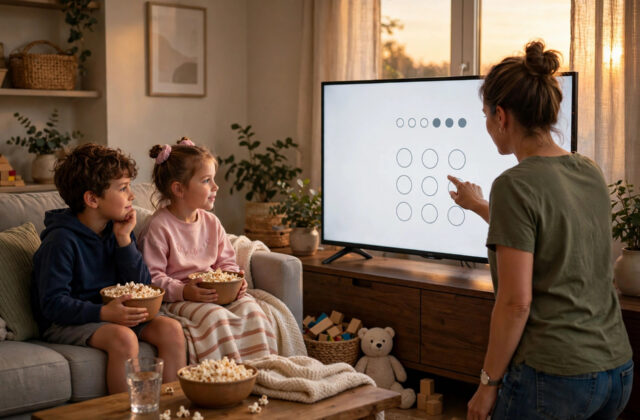
- Set age limits and PIN protection on adult profiles, and proper kids profiles for children.
- Agree that nobody changes another person’s profile settings or watchlist.
- Check the simultaneous stream limit on your plan, and agree on fair use at peak times like Friday evenings.
Separate profiles also protect privacy inside the family. What a teenager watches does not need to fill a parent’s home screen, and personal watchlists stay personal.
Never Share Passwords in an Unsafe Way
The biggest risk in family sharing is not the streaming service. It is how passwords travel. A password sent in a plain text message, written in a family group chat, or reused from your email account can spread far beyond the people you intended.
Safer Ways to Share Access
- Use a password manager family plan: Managers like Bitwarden or 1Password let you share a login with specific family members without them seeing or copying the password easily, and you can remove access later.
- Type it in yourself where possible: If you visit family, sign in on their TV yourself instead of sending the password.
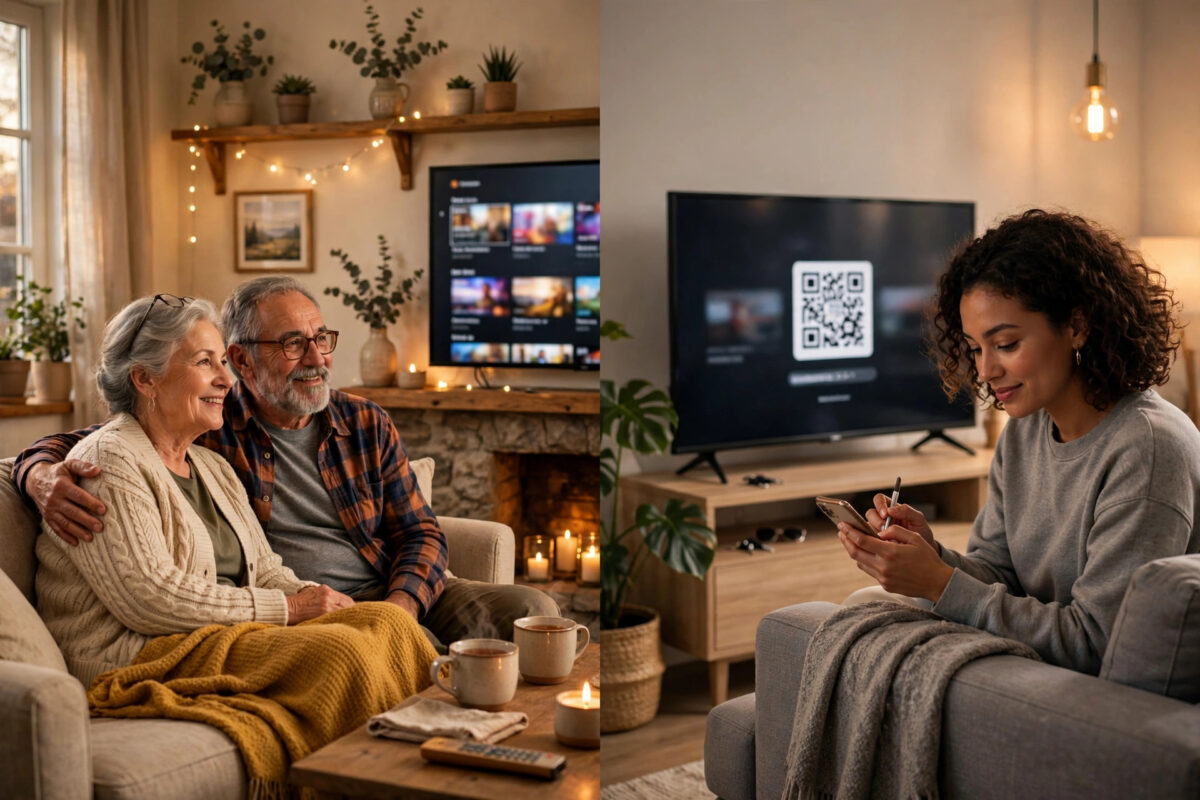
- Use device sign-in codes: Many TV apps show a code you enter on your phone while signed in, so the password never leaves your hands.
- Never reuse your email password: Your streaming password must be unique. If it leaks, your email and banking must not fall with it.
Our beginner-friendly guide on using a password manager to share family accounts safely explains the setup in simple steps if this is new to you.
Turn On Security Settings on the Main Account
- Set a strong, unique password of at least 14 characters for each streaming account.
- Turn on two-factor authentication or sign-in verification wherever the service offers it.
- Add a recovery email and phone number that belong to the account owner only.
- Every few months, open the account’s device or session list and sign out any device you do not recognise.
- Turn on email alerts for new sign-ins if available.
- Keep payment details under the owner’s control only. Nobody else needs access to billing settings.
Two-factor codes will sometimes be sent to the owner when a relative in another house signs in on a new device. Agree in advance how you will handle this. The owner can pass the code promptly, but codes should never be shared in advance or posted in group chats. The Google guide to turning on two-step verification shows how this protection works on Google accounts, and the same principle applies anywhere it is offered.
Use Official Sharing Options When They Exist
Where a service offers an extra member, family plan, or paid sharing add-on, that is almost always the safest route. Everyone gets their own login, rules are clearly followed, and nobody risks a sudden lockout before a big match or film night.
- Extra member slots: The owner invites one person outside the household for a smaller monthly fee than a full new account.
- Family plans: Music and some video services offer family tiers covering several people, sometimes at different addresses for children studying away.
- Profiles within one household: If family members regularly stay at the home, normal profiles may be all you need.
Compare the cost honestly. In many families, an official extra member plus peace of mind costs less than the arguments and lockouts caused by unofficial sharing.
Agree Family Rules Before You Share
Most sharing problems are people problems, not technical ones. A short, friendly agreement prevents nearly all of them.
- Who pays, how much each person contributes, and on what date.
- Who is allowed to share further. The answer should be nobody without the owner’s clear permission.
- What happens if someone wants to leave the arrangement or the owner cancels.
- A rule that nobody changes the account email, password, or payment method except the owner.
- Respect for stream limits, so one person binge-watching does not block the whole family on a Saturday night.
Common Mistakes to Avoid
- Sharing with friends of friends: Every extra person multiplies the risk of leaks and rule problems. Keep sharing to close, trusted family.
- Using the same password everywhere: One leak then threatens your email, shopping, and banking accounts.
- Sending passwords in group chats: Chats get forwarded, phones get lost, and old messages stay searchable for years.
- Ignoring household rules: Hoping a service will not notice can end with blocked access at the worst moment.
- Letting everyone access account settings: Only the owner should control billing, email, and password changes.
- Never reviewing signed-in devices: Old phones, ex-partners’ TVs, and forgotten logins stay active until you remove them.
Conclusion
Sharing streaming with family in another house can still be safe and sensible, as long as you respect each service’s current household rules, use official extra member or family options where they exist, and protect the account like the valuable login it is. Separate profiles keep everyone happy, a password manager keeps the password itself out of circulation, and two-factor authentication plus regular device checks keep strangers out. Share carefully, agree the ground rules once, and your family movie nights will stay drama-free.
Frequently Asked Questions
Is it legal to share my Netflix account with family in another house?
It depends on your plan and country. Netflix generally ties an account to one household and offers paid extra member options for people elsewhere. Check the current terms for your plan to stay within the rules.
What is the safest way to give my parents access?
Sign them in yourself using a TV code, or share through a password manager family vault. Set up their own profile, and keep account settings and payment details under your control only.
Can sharing get my account hacked?
Sharing itself is not hacking, but unsafe password sharing can lead to a takeover. Unique passwords, two-factor authentication, and reviewing signed-in devices greatly reduce the risk.
What should I do if I see a device I do not recognise?
Sign it out from your account’s device list immediately, then change your password and check your account email and payment details for changes you did not make.
Should we just buy separate accounts instead?
If your family watches a lot at the same time, lives in different homes permanently, and the service has no sharing option, separate accounts or an official family plan is simpler, safer, and often better value than expected.

Leave a Reply