
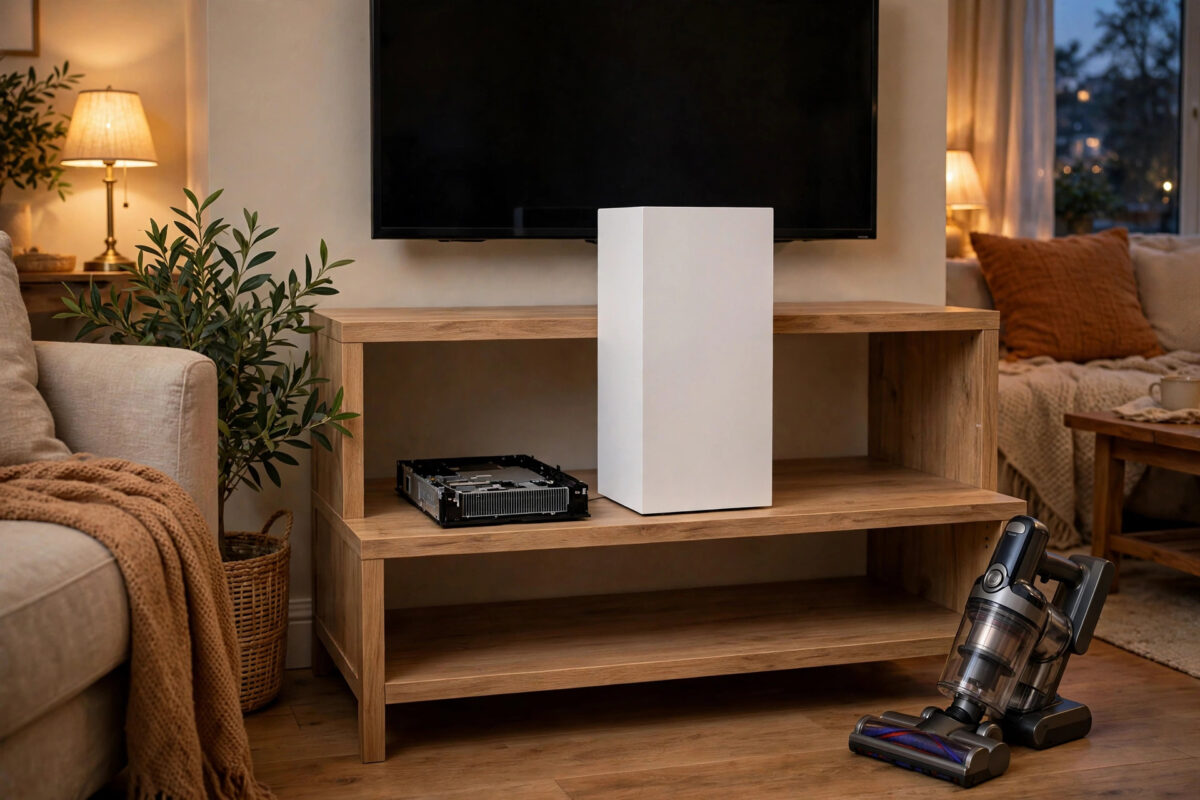
You are in the middle of a tense match or a quiet story scene, and then it starts. The fan in your PS5 rises until it sounds like a small aircraft preparing for takeoff. A loud fan does not always mean your console is broken, but it does mean the console is working hard to get rid of heat.
The good news is that most loud PS5 fans can be made much quieter with placement, cleaning, and a few settings. This guide walks through every safe fix, in the order you should try them, without opening parts that should stay sealed.
Quick Answer
Give your PS5 open space on all sides, move it out of closed cabinets, and clean dust from the vents and the built-in dust catchers under the removable covers. Keep the console fully updated and avoid stacking anything on it. These steps fix most jet-engine fan noise, because the fan is usually loud simply because hot air cannot escape.
Why the PS5 Fan Gets So Loud
The fan has one job: move hot air out of the console. When the air inside gets hotter, the fan spins faster. When the fan spins faster, it makes more noise. So loud noise is really a heat problem wearing a disguise.
Heat builds up for a few common reasons. The vents may be partly blocked by dust or by the wall of a TV unit. The room itself may be warm. A demanding game may push the console harder than a light one, which is normal. Or a background task, such as a large download installing at the same time, may add extra work while you play.
It also helps to know the difference between fan noise and other sounds. A steady whoosh that rises and falls with gameplay is the fan. A regular clicking, grinding, or rattling is different and more worrying, because it can point to a damaged fan or something touching the blades. That kind of sound needs professional help, not home fixes.
Which Games Make It Loudest?
Big, detailed games that run at high frame rates or high resolution push the console hardest. Menus in some games are a famous trigger too, because a few titles run menus without a frame rate limit, making the console work needlessly hard just to draw a simple screen. If the noise fades in normal gameplay, that pattern is annoying but common.
Fix 1: Give the Console Room to Breathe
This is the single most effective fix, and it costs nothing.
- Leave at least 10 centimetres, about 4 inches, of clear space around every side of the console, especially the vents.
- Never run the PS5 inside a closed cabinet or a tight TV unit with a door. If it must live in an open unit, pull it forward so air can flow behind it.
- Keep it away from radiators, direct sunlight, and other hot devices such as amplifiers stacked underneath.
- Do not stack games, controllers, or cloth on top of the console.
- Try standing it upright if it currently lies flat in a cramped spot, or the other way around, to see which position gives its vents clearer air in your setup.
Sony itself stresses clear space around the console in its placement guidance, because blocked airflow is the top cause of overheating and loud operation. If you improve nothing else, improve this.
Fix 2: Clean the Dust Out Properly
Dust collects inside the intake areas and quietly chokes airflow over months. The PS5 was designed with this in mind, which makes cleaning easier than on older consoles.
- Save your game, turn the console fully off, and unplug the power cable.
- Move the console to a clean, open table.
- Grip a side cover as Sony instructs, lift and slide it off. Repeat with the other cover. The covers come off by hand with no tools.
- You will see two dust catcher holes. Use a low-power handheld vacuum directly on those holes to pull out trapped dust. This is exactly what the holes were designed for.
- Use short bursts of compressed air across the vent areas and the visible fan opening to move remaining dust out. Keep the can upright and do not blast at very close range.
- Wipe the covers with a dry microfibre cloth, then click them back into place.
- Clean the shelf or unit where the console lives before putting it back.
Sony explains the covers and dust catchers step by step in its official PlayStation support guide to removing and replacing PS5 covers, and gives wider care advice on its official PlayStation safety and console care guidance pages. Follow those pages for your exact model, since the slim version differs slightly from the original.
For a fuller routine that also covers your PC, see our guide on improving airflow around your whole setup in how to improve PS5 cooling and ventilation at home, which looks at room layout as well as the console itself.
Fix 3: Check Settings and Background Work
Sometimes the fan is loud because the console is doing two heavy jobs at once.
- Pause big downloads while playing demanding games. Installing a large update in the background adds heat during gameplay.
- Keep system software updated. Updates sometimes include fan and performance improvements. Check under Settings, then System, then System Software.
- Choose performance or resolution mode thoughtfully. In games that offer both, performance mode at a lower resolution often produces less heat and noise than full resolution mode.
- Check rest mode behaviour. If the fan runs in rest mode, the console may be downloading or charging devices. Adjust rest mode features under Settings, then System, then Power Saving.
- Give it a full restart now and then. A console left in rest mode for weeks can benefit from a proper shutdown and a minute unplugged.
Fix 4: Look at the Room, Not Just the Console
A console in a hot room starts every session at a disadvantage. If your gaming room gets warm, a small desk fan moving air around the room, not aimed directly into the vents, can lower the ambient temperature enough to calm the console fan. Opening a door or window during long sessions helps more than most people expect.
Also check what sits near the console. A router, external drive, or another console in the same tight unit all add heat to the same pocket of air. Spreading devices out often quiets everything at once.
Common Mistakes to Avoid
- Buying add-on fan attachments that clip over the vents. Cheap external fan units often restrict airflow or blow against the console’s own airflow. Sony does not recommend them, and they rarely help.
- Opening the console beyond the removable covers. Going deeper can void your warranty and risks damaging delicate parts. The covers and dust catchers are the user-serviceable limit.
- Using a powerful vacuum inside the vents. Only the dust catcher holes are designed for gentle suction. Strong vacuums near openings can harm components.
- Playing with the covers left off. The covers are part of the airflow path. Running without them can make cooling worse, not better.
- Ignoring new grinding or clicking sounds. A whoosh is airflow. Mechanical noises suggest a failing fan that home cleaning will not fix.
- Blocking vents to muffle the sound. Covering the console with a blanket or box traps heat and can cause a shutdown. Never do this.
When the Noise Means Something Is Wrong
After good placement and a proper clean, a healthy PS5 should be clearly audible in demanding games but not distracting across the room. Contact PlayStation support if the fan is at full blast in light games or on the home screen, if the console shows overheating warnings, if it shuts down during play, or if you hear grinding, clicking, or rattling. Note when the noise happens and what you were playing, because that detail helps support staff a great deal.
Do not keep pushing a console that warns about heat. Repeated overheating shortens the life of internal parts. A warranty repair is far cheaper than replacing a console that cooked itself slowly over a summer.
Conclusion
A PS5 that sounds like a jet engine is usually just a hot console asking for air. Open space around the vents, a proper dust clean using the built-in dust catchers, sensible settings, and a cooler room solve the problem for most owners. Work through those steps in order, and only treat the noise as a fault if it survives all of them or comes with warnings and shutdowns.
Frequently Asked Questions
Is it normal for the PS5 fan to be loud in some games?
Yes. Demanding games, high resolution modes, and unlimited frame rate menus can all make the fan work hard for short periods. Noise that rises in heavy scenes and settles in quiet ones is normal behaviour for a healthy console.
How often should I clean my PS5?
Check the vents every month or two and clean the dust catchers every three to six months. Homes with pets or carpets usually need cleaning at the shorter end of that range, because dust builds up much faster.
Does standing the PS5 upright make it quieter?
Position alone rarely changes noise much. What matters is clear space around the vents in whichever position you choose. Use the stand provided, keep the console stable, and pick the position that fits your furniture with the best airflow.
Can I replace the PS5 fan myself?
The fan sits deeper inside the console than the user-serviceable covers, so replacement is not a simple home job for most owners and can affect your warranty. If cleaning and placement do not help and the noise sounds mechanical, contact PlayStation support instead.
Why is my PS5 loud even in rest mode?
In rest mode the console may be downloading games, installing updates, or charging controllers, all of which create some heat and fan activity. Check the downloads queue, and review which features stay active in rest mode under the power saving settings.

[…] heat is only part of the problem, our guide on how to quiet a loud console fan without opening it first covers the simpler checks worth trying before any […]