
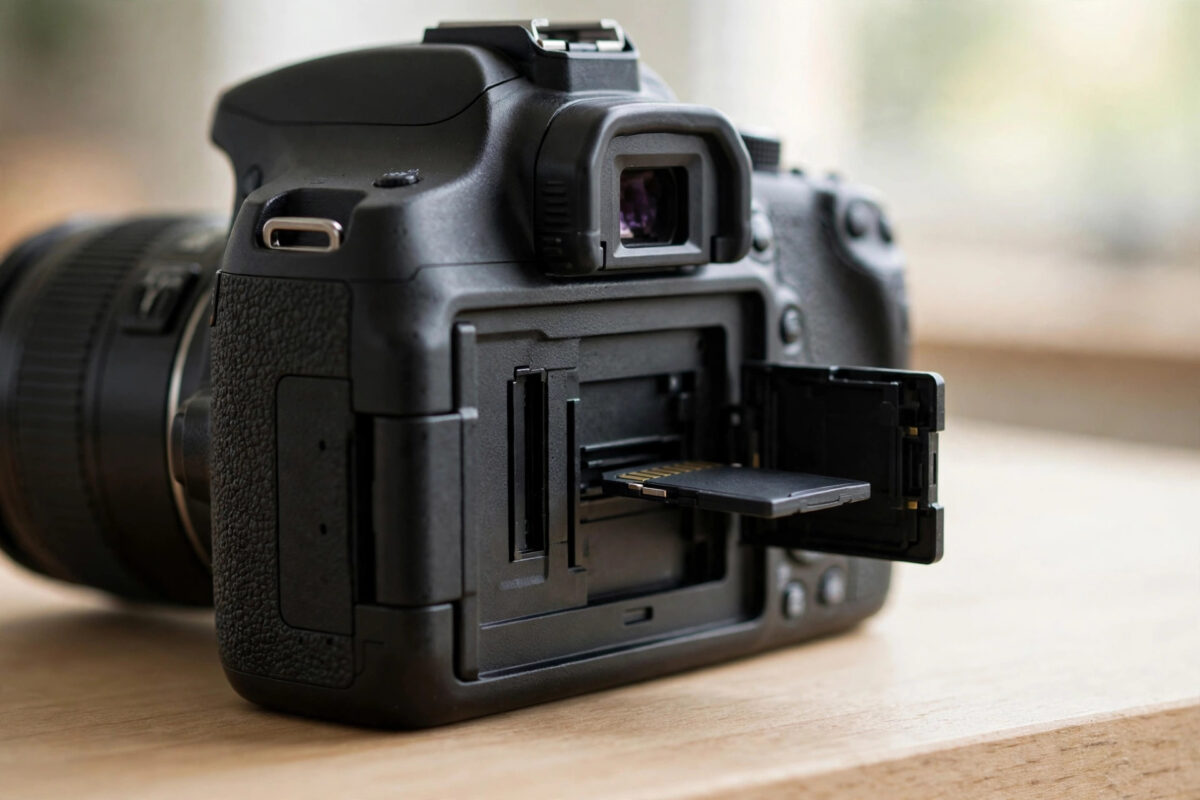
Few messages stop a shoot faster than a Canon camera flashing “Err 02: cannot access memory card”. Your photos may still be on that card, and the camera is refusing to touch it. The important thing is not to panic, not to format, and not to keep switching the camera on and off hoping the message will clear itself.
Err 02 is Canon’s way of saying the camera and card cannot communicate properly. The cause ranges from a bent contact or a dirty slot to a damaged file system or a card that is simply failing. This guide takes you through the safe order of checks, from cleaning and reseating to recovering photos on a computer before any repair.
Quick Answer
Turn the Canon camera off, remove the card, and inspect and clean the card contacts and the slot. Reinsert the card firmly and restart. If Err 02 returns, test a different known-good card in the camera, and test your card in a computer reader, copying all photos off before running any repair. Never format the card until your images are safely recovered.
What Err 02 Means on a Canon Camera
Canon error codes are deliberately general. Err 02 means the camera cannot access the memory card, which covers both SD and CompactFlash cards depending on your model. The camera tried to read the card, write to it, or check its structure, and something in that exchange failed.
There are three broad groups of causes. The first is physical: dirty or damaged contacts, a card that is not seated fully, a cracked card shell, or, on older CompactFlash models, a bent pin inside the slot. The second is logical: a corrupted file system, often after the battery died mid-write or the card was removed too early. The third is the card itself reaching the end of its life, where its controller can no longer manage stored data reliably.
Canon explains its error code system in the official Canon support pages for camera error messages, and its general advice matches this guide: check the card, check the contacts, and try another card to isolate the fault.
Protect Your Photos Before Troubleshooting
- Stop shooting on this card immediately. Do not try to “push through” the error.
- Do not format the card in the camera or accept a format prompt on a computer.
- Do not delete anything from the card, even files that look corrupt.
- If the photos are irreplaceable, your first goal is a copy or recovery on a computer, not a repair in the camera.
A card with a damaged index can still hold every photo in perfect condition. Writes and repairs are what put those photos at risk, so keep the card read-only until they are safe.
Step 1: Power Down Properly and Reseat the Card
- Switch the camera off using the power switch.
- Remove the battery and wait at least 30 seconds. This clears the camera’s temporary error state.
- Open the card slot and remove the card.
- Reinsert the card firmly until it sits correctly, close the slot cover, refit the battery, and switch on.
- If Err 02 is gone, connect the camera or card to a computer and copy your photos off before shooting again.
Many Err 02 cases are one-off failures after a battery swap or hurried card change, and this restart is enough.
Step 2: Inspect and Clean the Card and Slot
- Look at the card’s gold contacts under good light. Fingerprints, dust, and light corrosion are common.
- Wipe the contacts gently with a dry, lint-free microfiber cloth. For SD cards, a clean, dry cotton bud works in the recess. Never use liquids or abrasive erasers on a card you still need data from.
- Check the card shell for cracks, a split seam, or a loose write-protect switch on full-size SD cards. Make sure that small switch is not stuck halfway.
- Look inside the camera slot with a torch. Remove loose dust with a hand air blower.
- On CompactFlash models, look carefully for bent pins at the back of the slot. Do not try to straighten a bent pin yourself with metal tools; that is a repair-shop job because a snapped pin is far worse.
Step 3: Isolate the Fault With a Second Card
Cross-testing tells you where the problem lives.
- Insert a different card that you know works, ideally one already used in a Canon camera.
- If the camera works normally with the second card, the camera is healthy and your original card is at fault.
- If the camera shows Err 02 with the second card too, the slot or camera electronics are suspect, and the camera may need professional service.
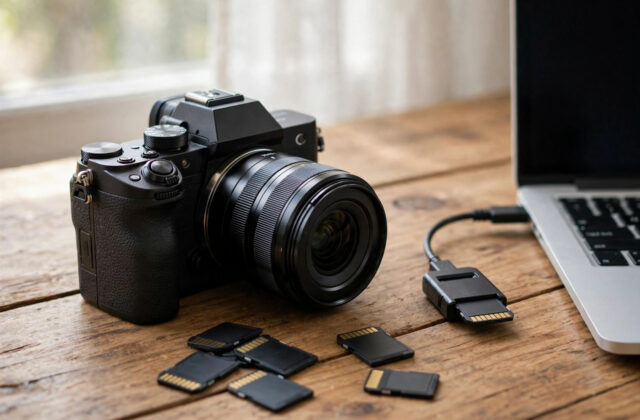
- At the same time, put the original card into a computer card reader and see whether the computer can open it.
This two-way test prevents wasted effort. There is no point running software repairs on a good card if the camera slot is damaged, and no point sending a camera for repair if only one old card fails in it.
Step 4: Copy or Recover Photos on a Computer
If the computer reads the card, copy everything before anything else.
- Cancel any format prompt without hesitation.
- Copy the DCIM folder, which contains Canon’s numbered subfolders and your JPEG and CR2 or CR3 raw files, to your computer.
- Open a sample of images, including the newest ones, to confirm they display fully.
- If the card will not open but appears in disk management, run recovery software and do a deep scan, saving recovered images to the computer, never to the same card.
- If the card does not appear in any reader or computer, software cannot help, and only a recovery lab could attempt hardware-level work.
Our detailed walkthrough on recovering photos from a corrupted memory card explains scanning, previewing, and saving files step by step if you need more help at this stage.
Step 5: Repair the File System Only After Backup
With your photos safe, you can try to make the card usable again.
- On Windows, right-click the card in File Explorer, open Properties, then Tools, and run the error check.
- On macOS, open Disk Utility, select the card, and run First Aid.
- After a successful repair, put the card back in the Canon and test it with a few throwaway shots.
- If the camera accepts the card and saves test shots correctly, the earlier problem was file system damage.
- If Err 02 returns during testing, retire the card. A card that corrupts twice will do it a third time during a shoot that matters.
Formatting: When It Helps and When It Destroys
Formatting in the camera is a legitimate maintenance step, but only at the right time. After your photos are backed up and you have decided to reuse a card, a format in the Canon camera itself gives the card exactly the structure the camera expects and clears lingering index problems. Canon’s own manuals recommend formatting new cards in the camera for this reason.
Formatting before recovery is the opposite: it wipes the index that recovery software uses to find your photos quickly, and while some data may still be carved out afterwards, results are slower and less complete. Timing is everything.
Common Mistakes With Err 02
- Repeatedly restarting the camera: If a card is failing, every write attempt adds risk. Test methodically instead.
- Formatting to “clear” the error: This clears your photos along with the error if you have not copied them first.
- Using metal tools in the slot: Bent or broken slot pins turn a card problem into an expensive camera repair.
- Trusting a repaired card for a wedding or paid job: Retire suspect cards to casual use or replace them.
- Mixing one card between many devices without formatting it in the camera: Different devices can leave the file system in a state the Canon dislikes.
When to Seek Professional Help
If every card triggers Err 02, if you can see bent CompactFlash pins, or if the slot smells of burning or shows scorch marks, stop testing and take the camera to an authorised service centre. Continued power-on attempts can worsen electrical faults. Equally, if the card alone is faulty but holds unrecoverable, essential images, a data recovery lab is the last resort, with cost and success both uncertain.
Conclusion
Err 02 means your Canon cannot access its card, not that your photos are gone. Restart cleanly, clean and reseat the card, cross-test with a second card and a computer reader, and copy or recover your images before any repair or format. Fix the file system only after a backup, retire cards that fail twice, and leave bent pins and electrical faults to professionals. That order protects your photos first and your equipment second.
Frequently Asked Questions
Does Err 02 mean my photos are deleted?
No. Err 02 is an access error, not a deletion. In most cases the photos are still stored on the card and can be copied off with a computer reader or found with recovery software, provided the card is not formatted or overwritten.
Can a low battery cause Err 02?
Yes, indirectly. If the battery dies while the camera is writing an image, the file and the card index can be left incomplete. The camera may then report Err 02 on the next start until the card is repaired or formatted after backup.
Should I format the card in the camera or the computer?
After backup, format in the camera. The camera creates the exact folder structure and file system layout it expects, which reduces future access errors compared with a computer format.
Why does Err 02 happen with one card but not another?
That pattern points to the card itself: damaged contacts, file system corruption, or wear. The camera is working correctly with a healthy card, so the failing card should be repaired once, tested, and replaced if the error returns.
My CompactFlash slot has a bent pin. Can I fix it myself?
It is not recommended. Pins are fragile, and a snapped pin requires a costly slot replacement. A service centre can assess it safely. Stop inserting cards, because each insertion can bend the pin further.


Leave a Reply