
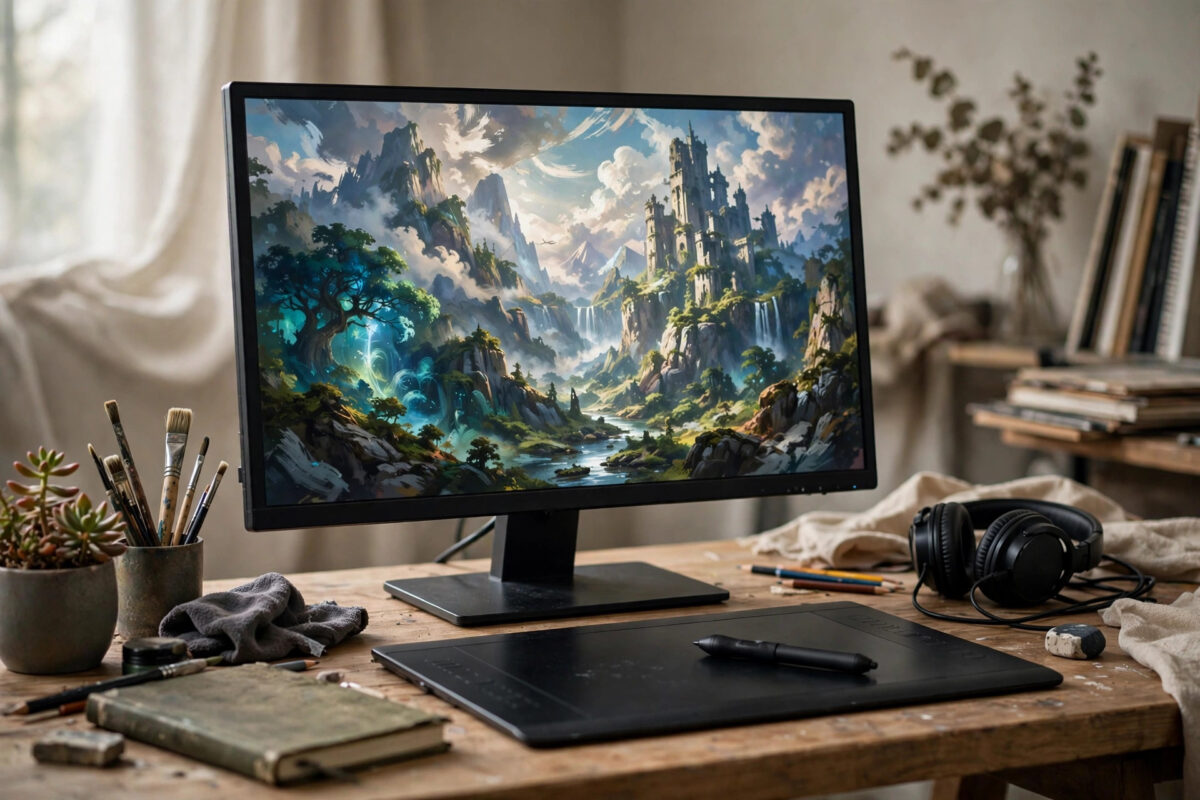
Most AI image generators treat free users as a temporary audience to convert. Leonardo AI is different: its free plan renews every day, handing you a fresh allowance of generation tokens each morning. Used casually, that allowance disappears in ten minutes of random experimenting. Used deliberately, it is enough to illustrate a blog, stock a small shop with product visuals, or build a consistent social media feed without paying anything at all.
This guide explains how Leonardo’s daily token system actually works, the settings that make each generation count, and a realistic daily routine that stretches your free allowance as far as it will go. It also covers the limits honestly — resolution, licensing, and queues — so you know exactly when free is enough and when it stops being enough.
How Leonardo AI’s Free Daily Tokens Work
Leonardo runs on a token system. Every image you generate costs tokens, and the cost rises with larger dimensions, extra features such as enhanced detail passes, and generating multiple images at once. On the free plan, your token balance refills on a daily cycle rather than monthly, which is the feature that makes a daily creative habit possible. The balance does not roll over in a meaningful way, so unused tokens are effectively wasted — another reason a routine beats occasional binge sessions.
Two consequences follow. First, small test generations are cheap insurance: a low-cost draft tells you whether a prompt works before you spend tokens on a large final version. Second, premium features should be switched on only for final images. Generating four large, enhanced images from an untested prompt is the fastest way to empty your balance on pictures you will delete. You can confirm the current free plan details on the official Leonardo AI website, since allowances and features are adjusted from time to time.
Setting Up Your Free Account Well
Sign up, then spend two minutes on setup before generating anything. Complete your profile basics, browse the community feed to see real prompts attached to images you admire — Leonardo shows the prompts behind many community creations, which is a free education in what works — and save a few favourites for reference. This small investment saves far more tokens than it costs in time, because every prompt you borrow and adapt is a failed generation you never pay for.
Step-by-Step: A Token-Smart Generation Workflow
Step 1: Plan the Day’s Images Before You Generate
Write down exactly what you need: for a blog post, perhaps one featured image and two section images; for social media, three posts in one style. Planning first stops the drift into “just one more idea” that silently consumes the day’s balance. Keep a running list in a notes app so tomorrow’s session starts with a brief, not a blank page.
Step 2: Draft Cheap, Then Generate Once at Quality
Start each image with the smallest sensible settings: one image per generation, modest dimensions, and enhancement features off. Judge the composition from that draft. If the subject, layout, and mood are right, regenerate the same prompt at your final size with your chosen model settings. If they are wrong, you have spent a fraction of the cost to learn it.
Step 3: Choose the Right Model and Style Preset
Leonardo offers several in-house models and style presets covering photography, illustration, anime, and more. Photographic presets reward detailed lighting and lens language in the prompt; illustration presets respond better to medium and palette descriptions. Sticking to one model while you learn makes results predictable, and predictability is what conserves tokens across a whole month of daily images.
Step 4: Use Prompt Magic and Negative Prompts Sparingly
Leonardo’s prompt enhancement features can rescue a weak prompt by expanding it behind the scenes, but they also make results less repeatable. Use them when exploring, and switch them off once you have a prompt formula that works. Negative prompts — telling the model what to exclude, such as distorted hands, text, or watermarks — are cheap and genuinely useful, especially for people and product-style shots.
Step 5: Download, Name, and Log Everything
Download finals the same day, name files by topic and date, and keep a simple log of the prompt, model, and settings behind every image you liked. That log becomes your personal template library. Within a few weeks you will start most sessions from a proven prompt, which is the real secret behind creators who seem to get great images from a free plan every single day. For more routines like this, our collection of free AI tool tutorials and daily workflow guides covers similar token and credit systems across other platforms.
Getting Consistent Images for a Blog or Brand
A single good image is luck; a recognisable style is a system. On Leonardo, consistency comes from reusing three things: the same model, the same style preset, and a fixed block of prompt language describing palette, lighting, and medium that you paste into every prompt. Free users can also experiment with generating variations from a successful image to keep its character while changing the scene.
For a blog, define two image families — featured images in one treatment, in-article images in a lighter one — and never mix them randomly. Readers may never consciously notice, but the site will feel designed rather than assembled, and your daily token spend becomes predictable because each family has a known cost per image.
What the Free Plan Cannot Do: Honest Limits
Free images come with practical constraints. Maximum dimensions are lower than on paid plans, so very large prints and detailed hero banners may disappoint. Generation can be slower at busy times, since paying users take priority. Your creations on a free account are generally public to the community, so do not generate anything confidential or client-sensitive. Commercial use of free-plan images is permitted within Leonardo’s terms, but the terms treat free and paid outputs differently in places, so read them before building a product line on free generations — a caveat Leonardo shares with most platforms in this space, as general background on these tools in resources like the overview of text-to-image models on Wikipedia makes clear about how fast the technology and its terms evolve.
Common Mistakes That Waste Your Daily Tokens
Generating at Maximum Settings Every Time
Large dimensions and enhancement passes multiply token cost. Draft small, finish big — this single habit can double or triple the number of finished images your free allowance produces.
Changing Everything at Once
If an image is nearly right and you rewrite the whole prompt, you learn nothing and usually lose what worked. Change one element — the lighting, the angle, the background — per generation, and your log will show you exactly what fixed it.
Letting Days Go Unused, Then Bingeing
Because free tokens reset daily, five calm minutes each morning beats one frantic weekend session. Queue your ideas during the week and let the daily rhythm compound into a real image library over a month.
Conclusion
Leonardo AI’s daily-refilling free plan is one of the most generous arrangements in AI image generation, but generosity only turns into finished work with a system behind it. Plan each day’s images, draft at cheap settings before spending on finals, keep one model and a fixed style formula per project, and log every prompt that succeeds. Respect the free plan’s limits on size, speed, and privacy, and it will comfortably illustrate a blog or social feed indefinitely. Follow that routine and “free images every day” stops being a marketing line and becomes, quite literally, your publishing schedule.
Frequently Asked Questions
How can I use Leonardo AI to generate free images every day?
Create a free account and use the daily token allowance that refreshes each day. Plan your images in advance, draft at small settings to test prompts cheaply, then spend tokens on final versions only when the composition is right.
Do unused free tokens roll over to the next day?
No, the free allowance is designed as a daily refresh rather than a savings account. That is why a short daily routine produces far more finished images over a month than occasional long sessions.
Can I use free Leonardo images commercially?
Leonardo’s terms generally allow commercial use of images you create, including on a free plan, but details differ between plan types and change over time. Check the current terms before using free images in products you sell.
Are images I make on the free plan private?
Generally no — free-plan creations are typically visible to the Leonardo community. Avoid prompting with private, client, or sensitive material on a free account, and consider a paid plan if privacy matters for your work.
What is the biggest token-saving tip for beginners?
Draft cheap and finish once. Generate a single small image to test a prompt, fix problems at that size, and only then produce the final large version. Most wasted tokens come from generating full-quality batches of untested prompts.



Leave a Reply